

The Problem
That sinking feeling. You're out for dinner, enjoying a rare moment away from your desk, when your phone buzzes. It's a customer with an urgent issue. Now you're mentally tethered to your laptop, calculating how soon you can get back to it. For too long, running a successful Shopify store has meant being physically (and mentally) chained to a desktop. The constant need to check orders, update inventory, and handle customer service is a relentless grind that kills spontaneity. But what if you could manage all of it from the one app you already have open? What if you could run your empire from a chat window?
"Is there ANY way to get Shopify order pings on Telegram that aren't just a dumb notification? I want to actually *do* stuff with them. Feels like a huge missed opportunity."— @ecom_hustler (r/shopify)
"I swear my back is permanently shaped like my office chair. The dream is to run my store from a beach, but the reality is I can't even leave my desk for lunch without getting anxiety about an order issue."— @CreatorLife on X
This is where 'OpenClaw' comes in. It's not a specific app, but a concept: a powerful, custom AI assistant you build to 'claw back' your freedom by connecting your Shopify store directly to Telegram. If you're new to Telegram bots, our step-by-step Telegram bot guide covers the fundamentals. Here's how building your own compares to other methods:
| Method | Setup Time | Tech Skill | Avg. Monthly Cost |
|---|---|---|---|
| Manual (Shopify App) | Ongoing | Low | Free (Cost is your time) |
| Zapier / Make | 2-4 hours | Medium | $50 - $200 |
| Custom Development | Weeks - Months | High | $5,000+ (one-time) |
| Weavin Agent ✦ | 5-10 Minutes | None | $59.90 |
What You’ll Achieve
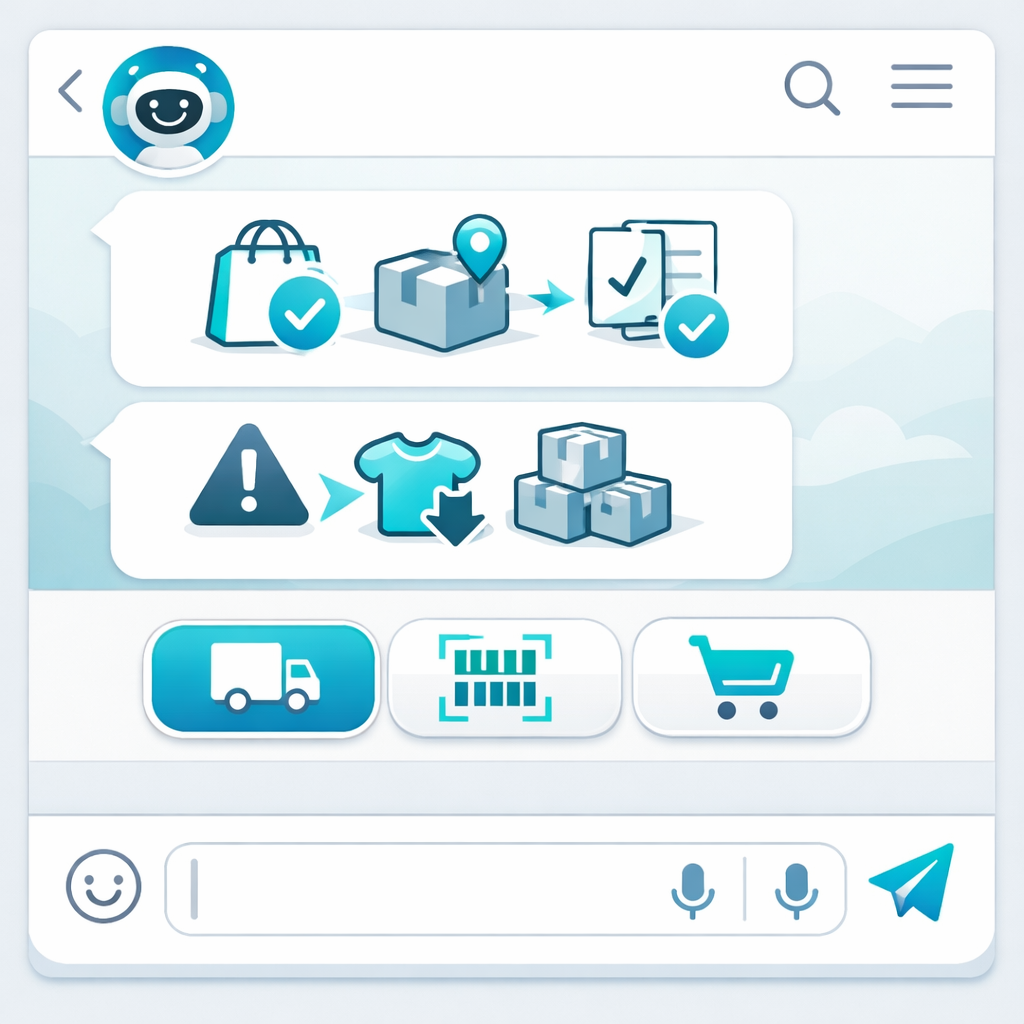
- Receive and act on new order notifications instantly.
- Check product inventory and stock levels from anywhere.
- Process refunds and cancellations without a laptop.
- View key sales and traffic analytics on demand.
Deploy This Agent in 5 Minutes with Weavin
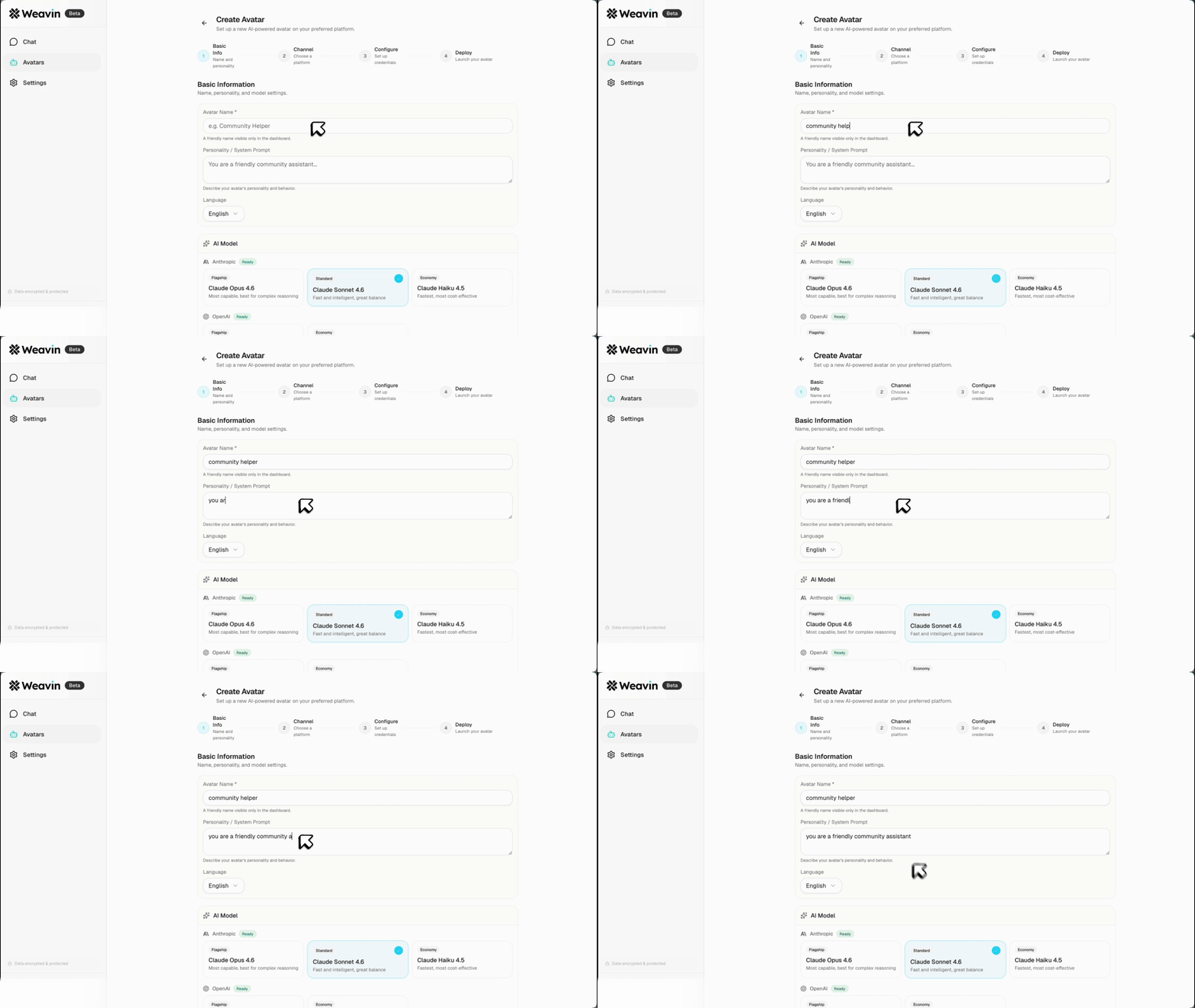
The steps above might seem technical, but platforms like Weavin turn them into a simple, 5-minute, no-code process. Weavin is an AI Avatar platform that lets you build and deploy intelligent chat assistants without writing a single line of code. Connect your Shopify API keys in our secure vault, use our visual builder to create your commands (like /orders or /refund), and deploy to Telegram, Discord, Slack, WhatsApp, and 7+ other platforms with one click. Set up your own API key for maximum control, or give your bot a consistent brand voice. It’s the fastest way to build your ‘OpenClaw’ agent and reclaim your freedom.
Step-by-Step Setup
Step 1: Define Your Store Commands ~2 min
Before building anything, decide what you want your AI assistant to do. Think in terms of simple commands. This blueprint will guide your entire setup.
- List Core Functions: What are your most frequent tasks? Start with the basics. Examples:
/new_orders,/sales_today,/inventory [product_sku],/refund [order_id]. - Consider Arguments: Think about what information a command needs. For example, checking inventory requires a product SKU or name. Refunding an order needs the Order ID and maybe an amount.
- Plan the Responses: How should the bot reply? For
/sales_today, you might want a simple message: "Today's Sales: $1,234.56 from 45 orders." For/new_orders, you'll want a formatted list with order details.
Step 2: Securely Connect Your Shopify Data ~3 min
Your AI assistant needs a secure way to talk to your Shopify store. This is done using Shopify's Admin API keys. Platforms like Weavin make this step incredibly simple and secure.
- Create a Custom App in Shopify: In your Shopify Admin, go to Apps and sales channels > Develop apps > Create an app. Give it a name like "Telegram Bot".
- Configure Admin API Scopes: This is crucial. You're giving your bot permissions. Select the scopes it needs, such as
read_products,read_orders,write_orders(for refunds/tags), andread_analytics. Only grant the permissions you planned for in Step 1. - Install and Get API Credentials: Install the app to your store to reveal your API secret key and access token. Copy these securely. You'll add them to your AI agent builder in the next step.
Step 3: Build Your Agent's Logic (The No-Code Way) ~5 min
This is where the magic happens. You'll translate the commands you defined in Step 1 into actions using a no-code interface. This is what separates a simple notification bot from a true AI assistant.
- Set Up a Trigger: The trigger is the command itself. In a tool like Weavin, you'd define a trigger for when a user's message starts with "/refund".
- Connect the Action: Link the trigger to an action. The action is an API call to Shopify. You'd configure it to use the "Refund Order" endpoint from the Shopify Admin API.
- Map the Data: Use the no-code interface to tell the agent where to find the data. For the
/refund [order_id]command, you'll map the `[order_id]` from the user's message to the `order_id` field required by the Shopify API. - Format the Response: Configure a success message, like "✅ Success! Order #[order_id] has been refunded.", and an error message if something goes wrong.
/refund command could first process the refund via the API, and then send a pre-written, polite confirmation email to the customer using another integration. Give your bot a consistent brand voice so every response feels on-brand.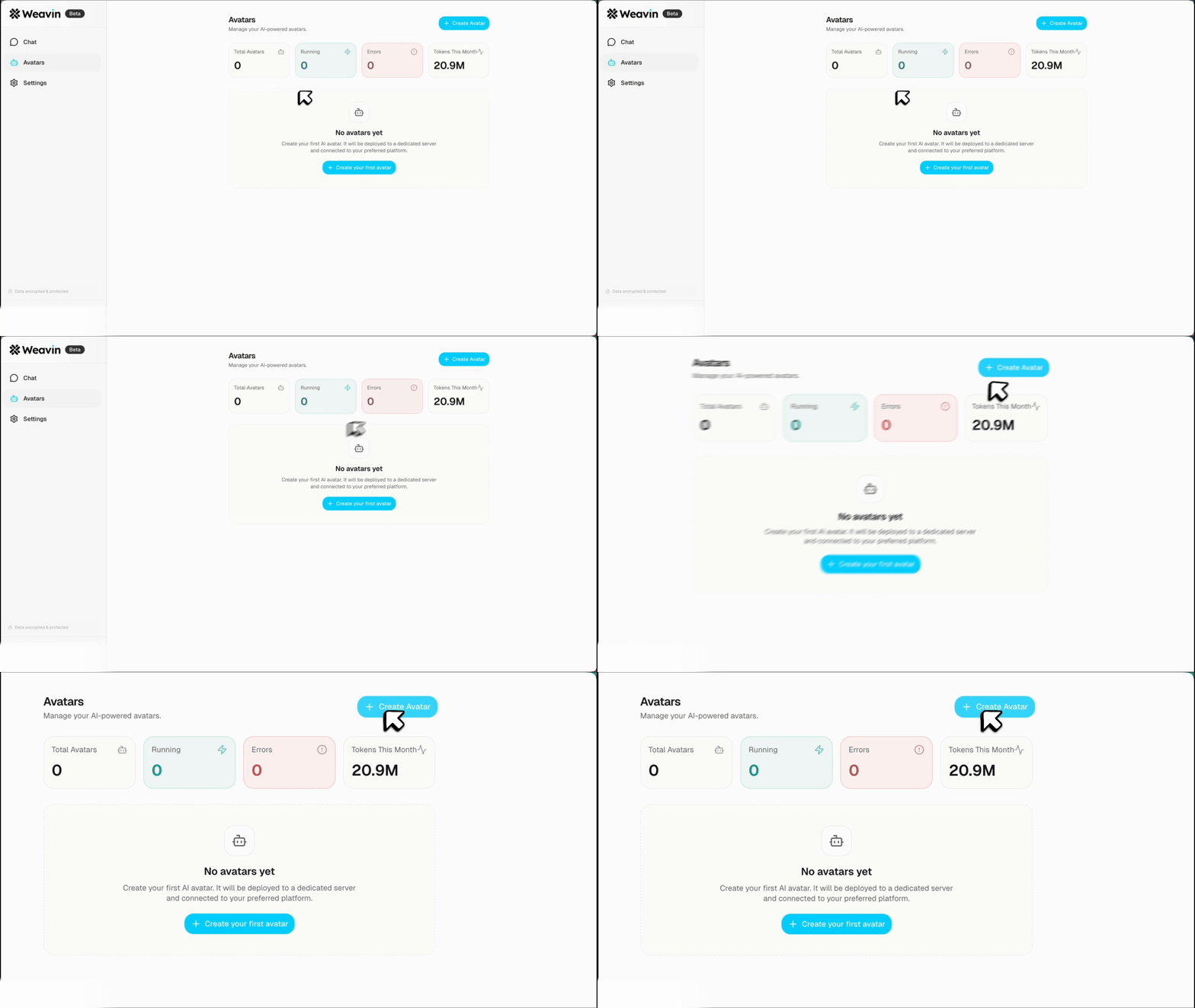
Step 4: Deploy Your Agent to Telegram ~1 min
With the brain of your operation built, the final step is connecting it to the Telegram messaging platform. This is typically the easiest part.
- Create a Telegram Bot: Open Telegram and talk to the "BotFather". Send the
/newbotcommand and follow the prompts to give your bot a name and username. - Get Your Bot Token: The BotFather will give you a unique HTTP API token. This is the key that allows your AI agent to control your Telegram bot.
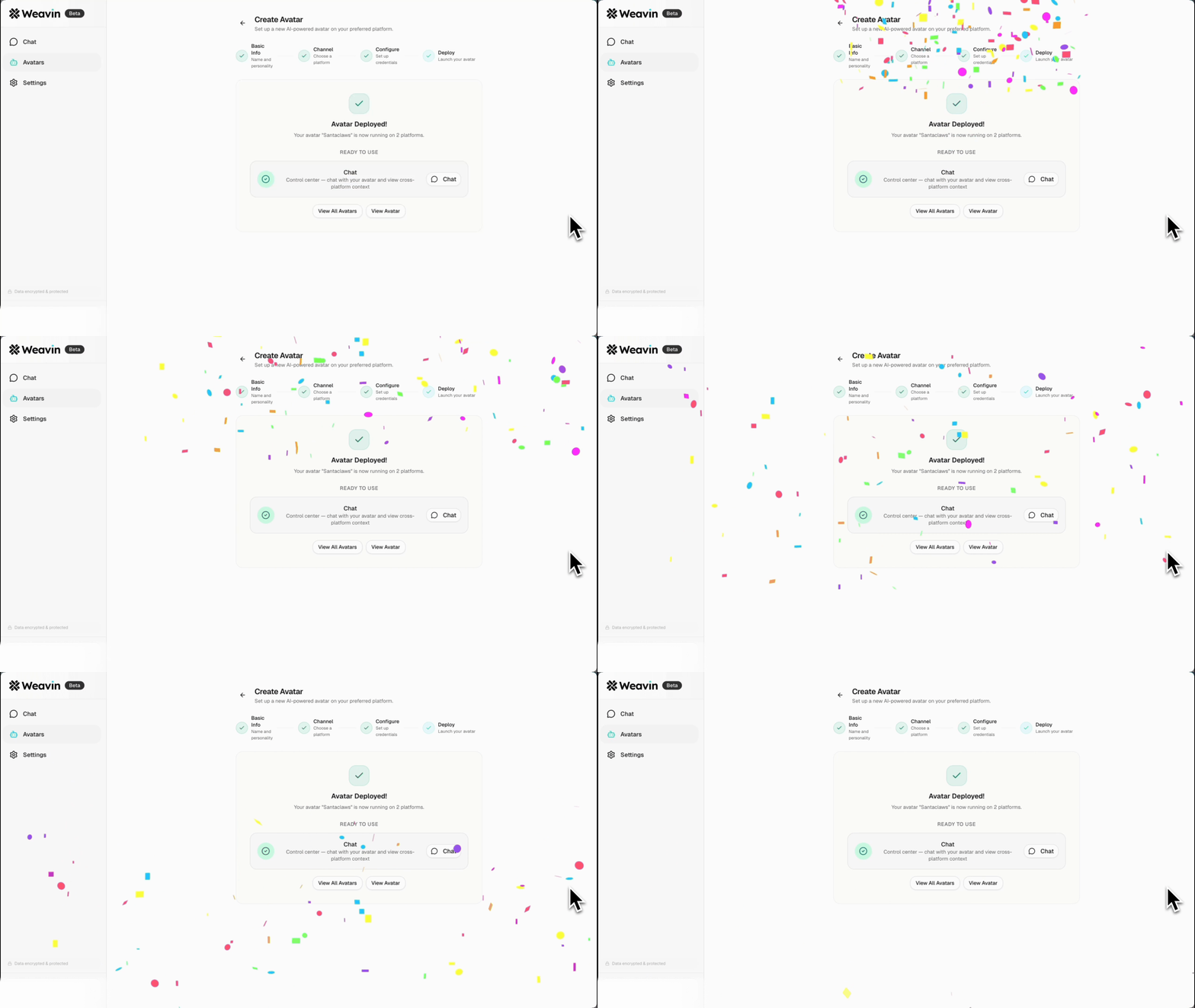
- Connect in Your Platform: Go to your AI agent builder (like Weavin), navigate to the 'Integrations' or 'Channels' section, select Telegram, and paste the token. That's it. Your bot is live.

Real-World Use Cases

Frequently Asked Questions