
Shopify9 min read

The "Where is My Order?" (WISMO) Resolver: Automate Order Tracking with OpenClaw

Learn to build an automated WISMO resolver with an AI agent on WhatsApp or Telegram. Slash 'Where Is My Order?' support tickets by 60%+.

The "Where is My Order?" (WISMO) Resolver: Automate Order Tracking with OpenClaw

The Problem

If you run an e-commerce store, you know the four most common words in your inbox: "Where Is My Order?" These WISMO inquiries are a constant, repetitive drain on your time and resources. For every minute you spend looking up a tracking number, that's a minute you're not spending on marketing, product development, or strategy. As your business grows, the problem compounds, leading to slower response times, frustrated customers, and a support team bogged down by monotony.

"Drowning in 'where's my order?' emails. Is this just the reality of a growing store? It's taking up half my day and I can't focus on anything else. Help."— u/storeownerblues on r/shopify
"Another day, another 50 DMs asking for tracking numbers. There has to be a better way to do this for my Shopify store. The copy-paste is soul-crushing. #ecomlife"— @EcoMaven on X

Manually handling WISMO doesn't scale. But building a custom solution can be expensive and complex. If you're already managing your Shopify store from Telegram, adding a WISMO resolver is a natural next step. Let's compare the options:

MethodSetup TimeTech RequiredCost
Manual SupportOngoing DailyNoneYour team's salary & time
Zapier / Make2-4 hoursMedium$50 - $200/mo
Custom Development4-8 WeeksHigh (Developer)$5,000 - $15,000+
Weavin + OpenClaw ✦~5 minutesNoneStarts at $59.9/mo
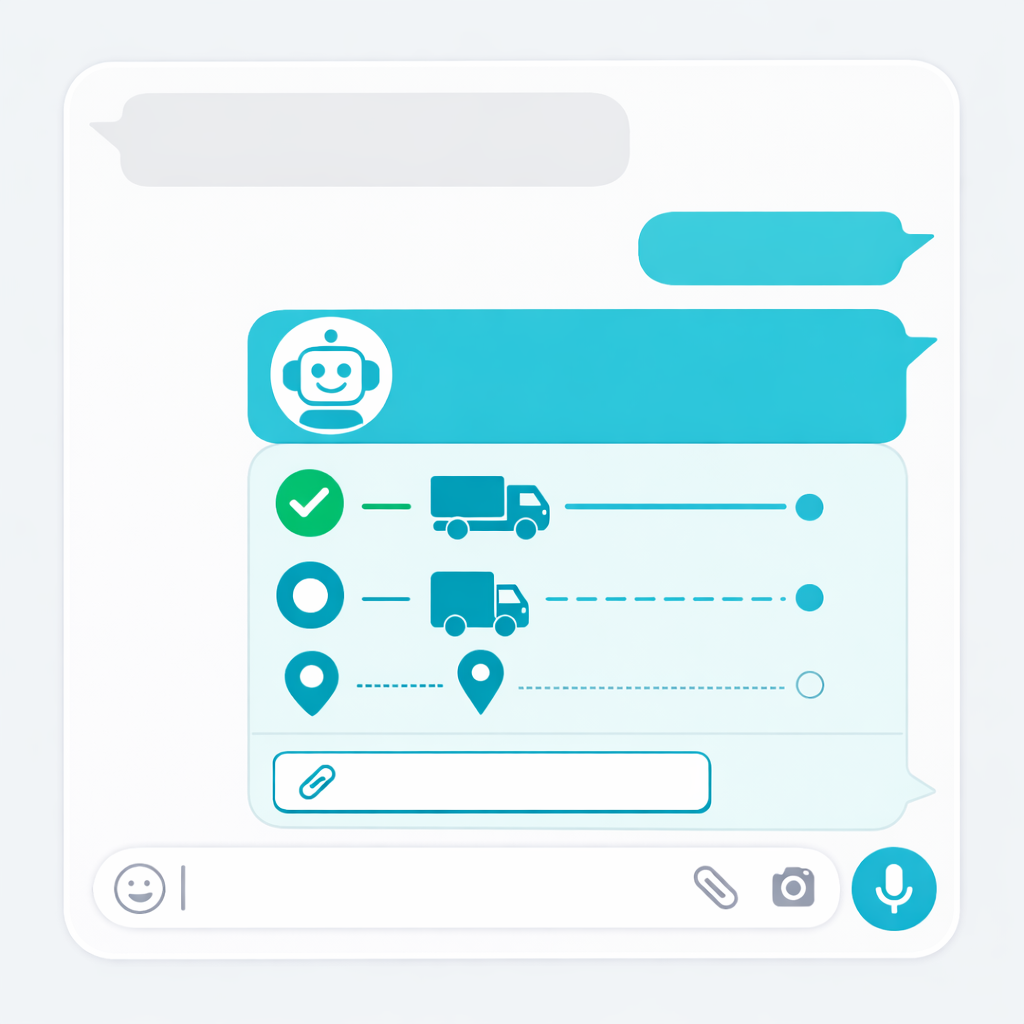
Feature illustration

What You’ll Achieve

  • Reduce WISMO support tickets by over 60%
  • Provide instant, 24/7 order status updates to customers on WhatsApp & Telegram
  • Free up your support team to focus on complex, high-value issues
  • Increase customer satisfaction with real-time, on-demand tracking
Recommended Tool

Deploy This Agent in 5 Minutes with Weavin

While the concepts of APIs and tools might sound technical, platforms like Weavin are designed to make it incredibly simple. Weavin provides a no-code interface where building this entire WISMO resolver is as easy as filling out a few text boxes. You don't have to write a single line of code to define the OpenClaw tool or connect to the Shopify API.

With Weavin, you can create your AI agent, connect it to Shopify, and deploy it to over 7 platforms (including WhatsApp, Telegram, and a web chat for your site) in about 5 minutes. It supports all major AI models (Claude 3, GPT-4o, Gemini) and offers a seamless experience, turning a complex automation task into a simple, afternoon project.

Try Weavin Free & Automate Your Support →

Step-by-Step Setup

01

Step 1: Create Your AI Agent's 'Brain' ~2 min

First, you need an AI agent that can understand customer requests. This will be the conversational front-end of your WISMO resolver. Using a platform like Weavin makes this a no-code process.

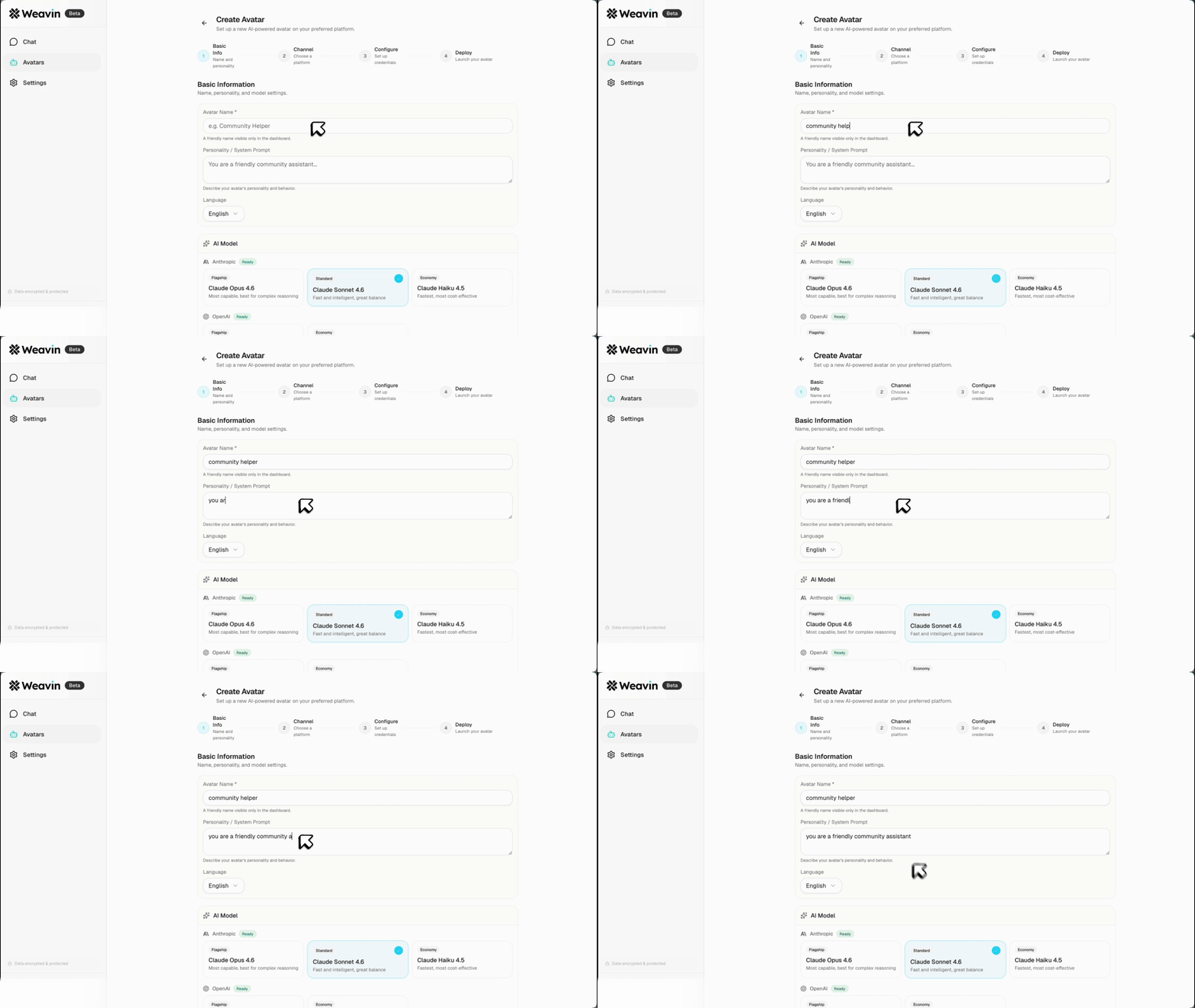
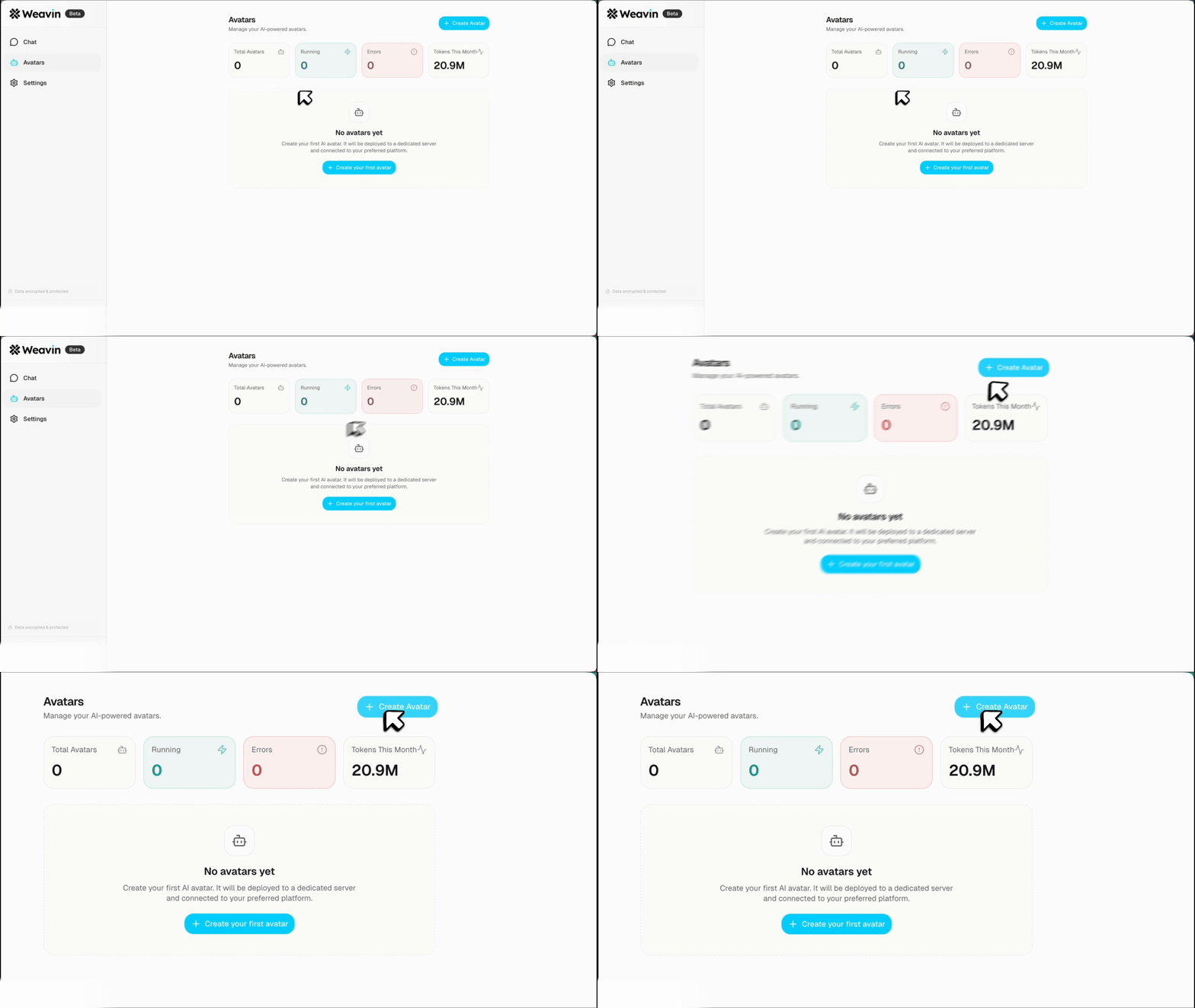
  1. Sign up and Create an Agent: Log into your Weavin account and click 'Create Avatar'. Give it a name, like 'OrderBot 3000'.
  2. Set the Personality: In the 'Instructions' or 'System Prompt' field, define its role. For example: "You are a friendly and efficient support assistant for [Your Brand]. Your primary job is to help customers track their orders."
  3. Choose an AI Model: Select a powerful model like GPT-4, Claude 3, or Gemini to ensure your agent can understand natural language effectively.
Pro Tip: Define a clear fallback behavior in your instructions. Tell the agent what to do if it can't find an order, such as, "If you cannot find the order, politely ask the user to double-check their phone number or provide their order number." Use our guide on giving your bot a brand voice to nail the tone.
Click Create Avatar button on Weavin Filling in avatar details on Weavin
02

Step 2: Define the 'Get Order' Tool with OpenClaw ~5 min

Now, we'll give your agent the ability to perform an action: looking up an order in Shopify. We do this by defining a 'tool' using the OpenClaw standard. This is just a simple way to describe your Shopify API to the AI.

  1. Create a New Tool: In your agent's settings, find the 'Tools' or 'Actions' section. Create a new tool and name it `getOrderStatusFromShopify`.
  2. Define the API Call: You'll need to specify the Shopify API endpoint for fetching orders. You can filter orders by a customer's phone number. The tool definition tells the AI: "To use this tool, you need a `phone_number`. When you run it, I will give you back the `fulfillment_status` and `tracking_url`."
  3. Add Your API Keys: Securely add your Shopify API credentials (see our guide on how to use your own API key). These are kept private and are only used by the tool when the agent needs to fetch order data.
Pro Tip: OpenClaw is an open standard, meaning this same tool definition can work with any e-commerce platform that has an API, not just Shopify. You could create similar tools for WooCommerce, BigCommerce, or a custom backend.
03

Step 3: Teach Your Agent to Use the Tool ~1 min

Your agent now has a brain and a tool, but it doesn't know when to use it. You need to update its instructions to connect the two.

  1. Update the Agent's Instructions: Go back to your agent's system prompt from Step 1.
  2. Add Tool-Use Logic: Add a sentence like: "When a user asks about their order status (e.g., 'where is my order?', 'shipping update'), you MUST use the `getOrderStatusFromShopify` tool. Use the customer's phone number from their WhatsApp or Telegram profile as the input for the tool."
  3. Define the Output Format: Tell the agent how to present the information. For example: "Once you have the `fulfillment_status` and `tracking_url`, respond in a friendly tone. If a tracking URL exists, present it clearly to the user."
Pro Tip: Provide a few examples in the prompt to guide the AI. Example: `User says: 'Hey, where's my stuff?' -> AI thinks: 'This is an order status request. I need to use getOrderStatusFromShopify.' -> AI uses tool -> AI responds with tracking info.`
04

Step 4: Deploy to WhatsApp & Telegram ~2 min

The final step is to make your new AI assistant available where your customers are. With Weavin, this is just a few clicks.

  1. Navigate to the 'Deploy' Tab: In your Weavin dashboard, select the 'Deploy' section for your agent.
  2. Select Your Channels: You'll see a list of platforms like WhatsApp, Telegram, Slack, and more. Click on WhatsApp and/or Telegram.
  3. Follow the On-Screen Guide: The platform will provide a simple, step-by-step guide to connect your agent to your business phone number. This usually involves scanning a QR code and authorizing the connection. Your agent is now live!
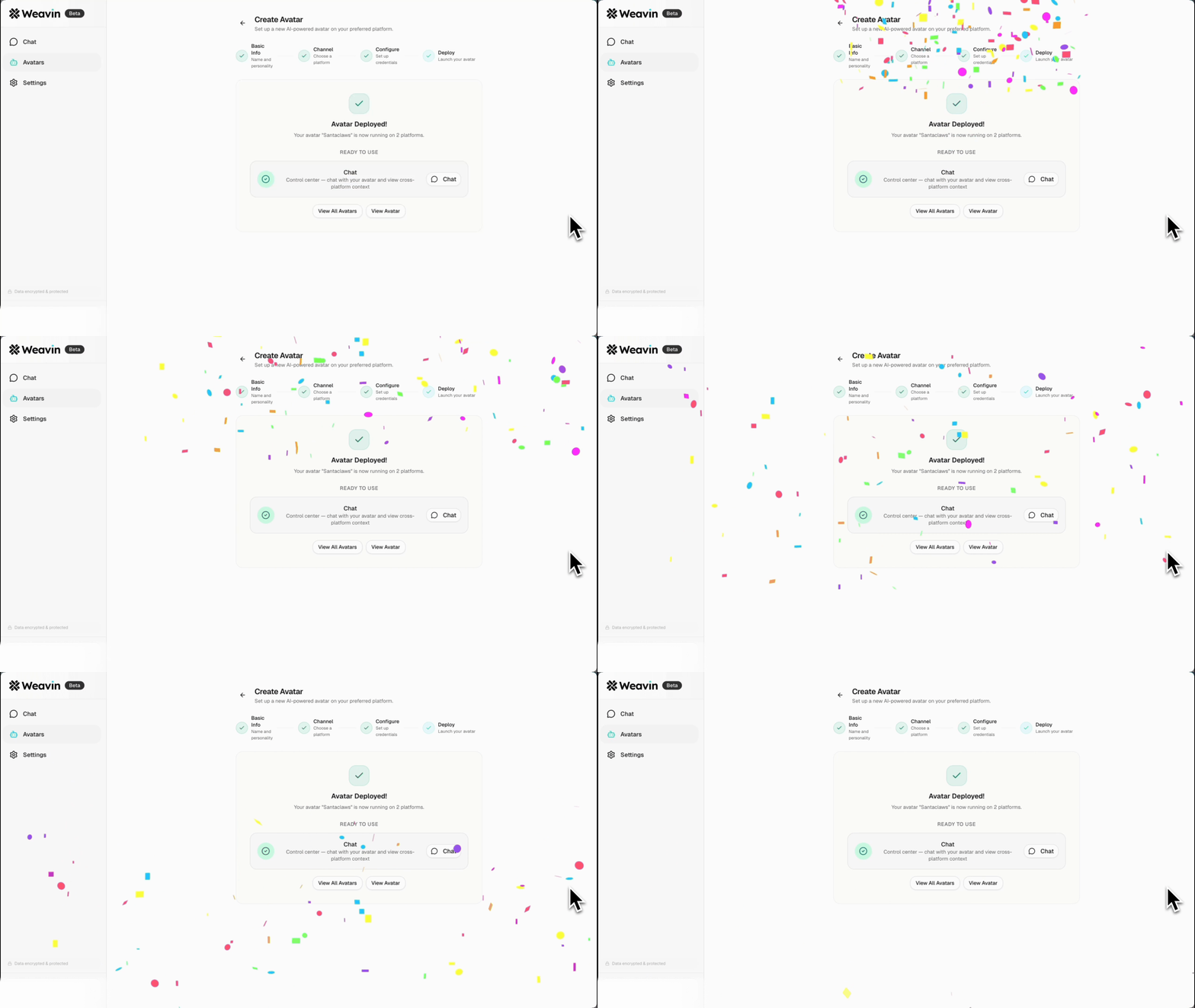
Pro Tip: After deploying, update your website's contact page and order confirmation emails to let customers know they can get instant order updates via WhatsApp or Telegram. This will drive adoption and maximize ticket reduction.
Avatar deployment successful on Weavin Use case illustration

Real-World Use Cases

E-commerce Fashion Brand
A fast-fashion brand experiences massive ticket spikes during flash sales. By deploying a WISMO agent on WhatsApp, they handle 70% of post-sale inquiries automatically, allowing their human team to manage complex returns and exchanges.
Subscription Box Service
A monthly coffee subscription service constantly gets questions like "Has my box shipped yet?" The AI agent can check the fulfillment status and inform customers whether their recurring order is 'Processing' or 'Shipped' with a tracking link.
Direct-to-Consumer Electronics
A brand selling high-end gadgets knows its customers expect speed and efficiency. Their Telegram-based agent provides instant tracking links, matching the high-tech, instant-gratification feel of their products.
Artisanal Food Company
A small-batch bakery uses a friendly, personalized AI agent to answer shipping questions. The agent's conversational tone maintains the brand's personal touch while automating updates on when fresh goods are dispatched.
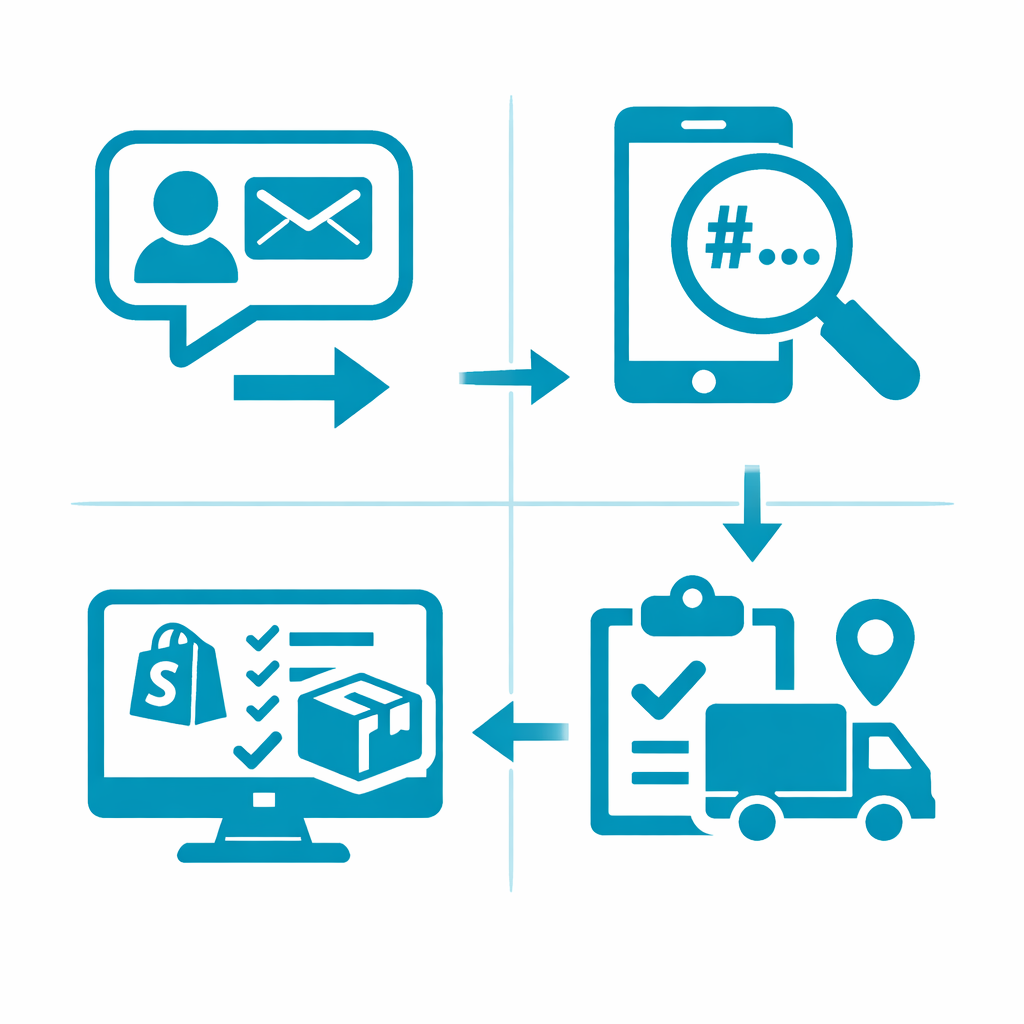
Workflow illustration

Frequently Asked Questions

What exactly is OpenClaw? +
OpenClaw is an open-source standard for connecting AI models to external tools and APIs, like Shopify. Think of it as a universal instruction manual that tells an AI how to use a specific tool, what information it needs (e.g., a phone number), and what information it will get back (e.g., a tracking URL).
Do I need coding skills to build this? +
No. While the underlying technology involves APIs, platforms like Weavin abstract all the complexity. You'll be working with a graphical interface to create the agent and define its tools, with no coding required. It's designed for founders and support managers, not developers.
What if a customer's phone number isn't found in Shopify? +
You can program the agent to handle this scenario gracefully. In the agent's instructions, you can tell it: 'If the tool returns no order for the phone number, politely inform the user and ask them to provide their 5-digit order number instead.' You could then create a second tool to search by order number.
How secure is connecting my Shopify store to an AI? +
It is highly secure when using a reputable platform. Your Shopify API keys are stored securely and are only used to perform the specific actions you define. The connection is encrypted, and the AI agent only has permission to read order data, not modify it.
Can this AI agent do more than just track orders? +
Absolutely. This is just the beginning. You can add more OpenClaw tools to allow the agent to answer product questions, process returns, check stock levels, or even gather customer feedback. Each new tool expands its capabilities. Learn how to boost engagement with your AI bot.
Does this work with e-commerce platforms other than Shopify? +
Yes. The process is the same for any platform with a developer API, such as WooCommerce, BigCommerce, or Magento. You would simply point the OpenClaw tool to the correct API endpoint for that specific platform instead of Shopify's.

Related Articles

OpenClaw Shopify + Telegram: Run Your Store From Your Phone
Shopify

OpenClaw Shopify + Telegram: Run Your Store From Your Phone

Learn to manage your Shopify store from your phone using Telegram. Get order notifications, check inventory, and process refunds via chat with an AI assistant.

Automated SEO Product Rewrites: Use OpenClaw to Optimize Your Shopify Catalog
Shopify

Automated SEO Product Rewrites: Use OpenClaw to Optimize Your Shopify Catalog

Learn how to use OpenClaw to automatically scan your Shopify catalog and rewrite product descriptions & meta tags for better SEO. A step-by-step guide.

Connecting OpenClaw to Shopify + Meta Ads: The Full-Funnel Agent
Shopify

Connecting OpenClaw to Shopify + Meta Ads: The Full-Funnel Agent

Learn how to connect an OpenClaw AI agent to Shopify and Meta Ads for a full-funnel automation system. Optimize ad spend, track ROAS, and sync inventory.

Ready to build your AI avatar?

Create and deploy AI chat assistants to Discord, Telegram, Slack, and more — no coding required.

Get Started Free