What a Dying Community Actually Looks Like
It doesn't happen all at once. There's no single moment where a community dies — it fades. The signs are gradual enough that you can miss them until the damage is already done.
Messages that used to get five replies now get one. The one gets none. New members join, look around at the silence, and leave without saying anything. Your most active members start posting less. The people who used to drive conversation have moved on to other things, and nobody has filled the gap.
The underlying dynamic is self-reinforcing: silence breeds more silence. A quiet community signals to every new visitor that there's nothing here worth engaging with. So they don't engage. Which makes the community quieter. Which drives away the next visitor.
This is the spiral most community managers recognize — and the one that's genuinely hard to break out of without intervention.
Why Communities Go Quiet in the First Place
Before reaching for a solution, it's worth understanding the actual cause. AI bots can help with some of these, not all of them.
The founders moved on. Many communities are held up by the energy of one or two highly active people. When those people get busy, change interests, or simply burn out, the community loses its center of gravity. Activity drops and doesn't recover on its own.
The topic has a natural arc. A community built around a product launch, a news cycle, or a moment in time will fade when that moment passes. The initial energy was real but was never going to sustain indefinitely.
The onboarding is broken. New members arrive, don't know what to do, don't feel welcomed, and leave. The existing members never notice. Over time, attrition outpaces acquisition and the community slowly shrinks.
Time zone gaps. Communities with global membership go quiet for hours at a time. During those quiet periods, new members arrive and find nothing, assume the community is dead, and disengage.
Nobody's asking questions. Engagement requires prompts. In a healthy community, members naturally generate enough questions, observations, and conversations to keep things moving. In a quiet community, everyone is waiting for someone else to start.
An AI bot directly addresses the last three: broken onboarding, time zone gaps, and the absence of conversation prompts. The first two — founder burnout and topic exhaustion — require strategic decisions that no bot can make for you.
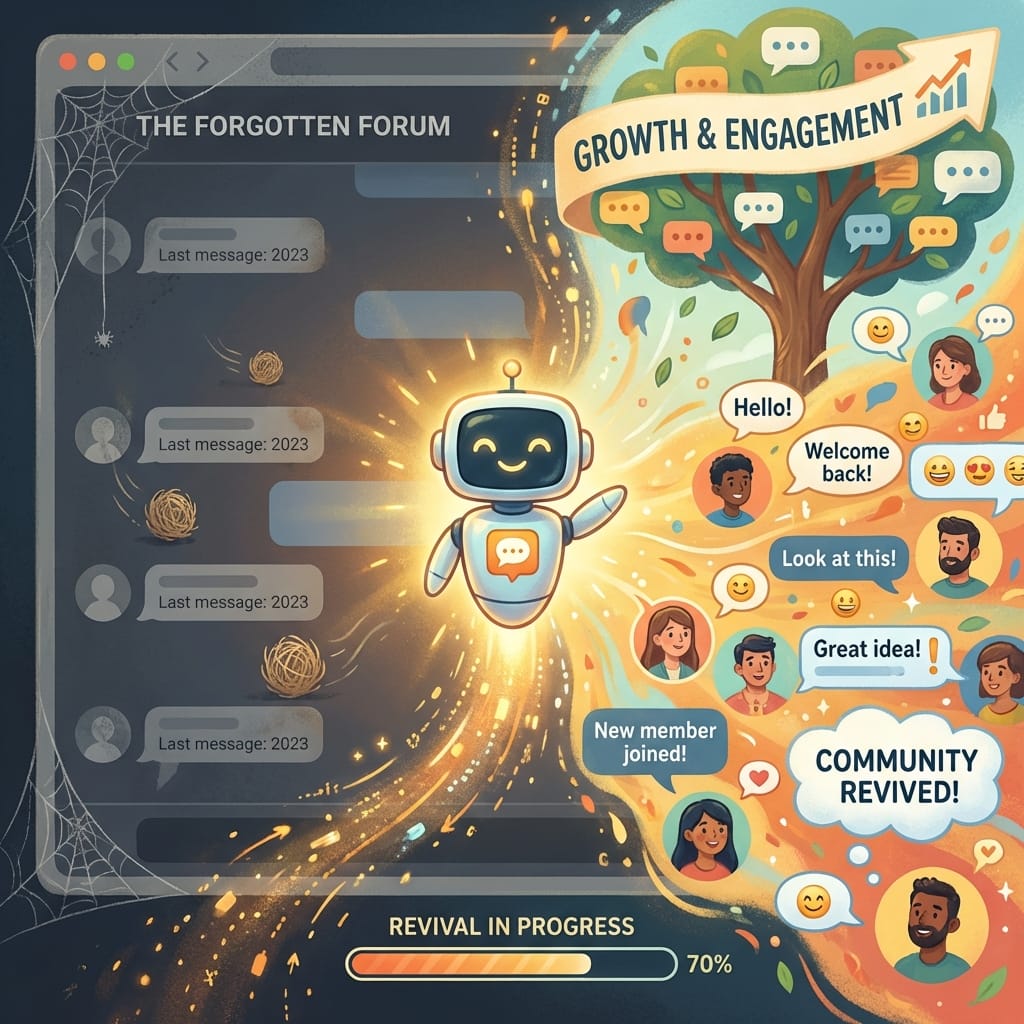
What an AI Bot Actually Does to Reverse the Spiral
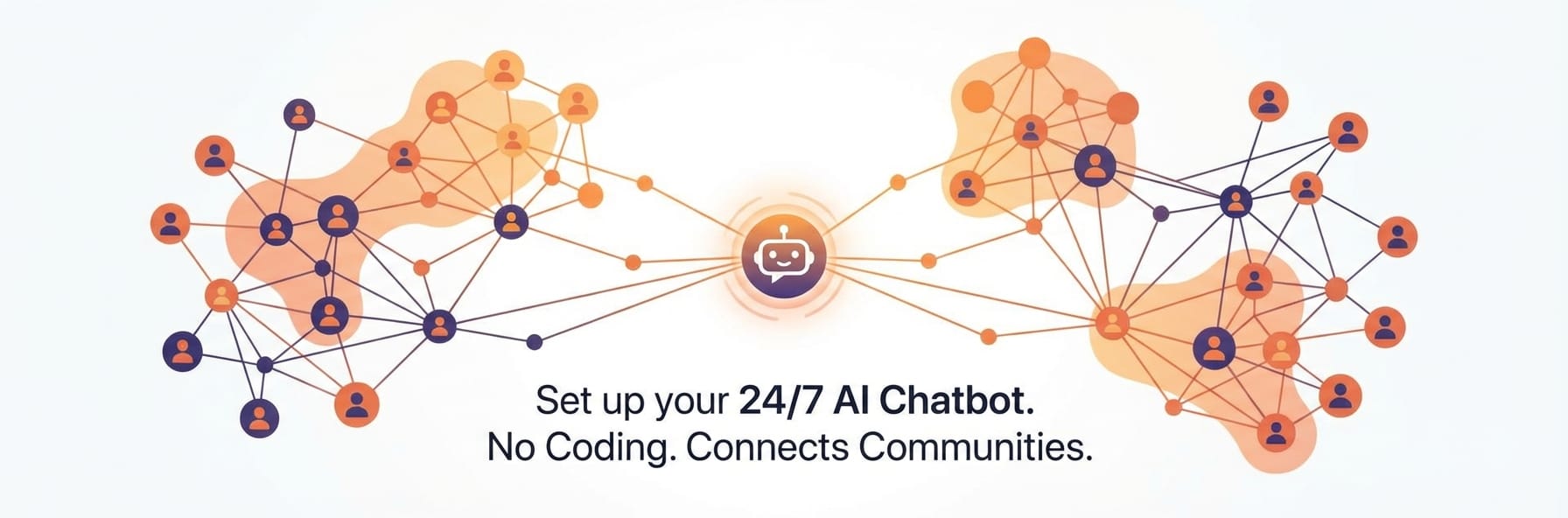
The mechanism is straightforward. A well-configured AI bot does three things that interrupt the silence-breeds-silence dynamic:
It responds. Every message gets a response. A new member who introduces themselves gets welcomed. A question asked at 3am gets answered. The community never goes fully dark, because there's always someone (something) there.
It prompts. Scheduled messages, daily questions, and conversation starters create moments that members can react to, even if they wouldn't have initiated something themselves. It lowers the activation energy required to participate.
It onboards. New members get immediate orientation — what the community is about, where to find things, what the culture is like — without having to wait for a human to notice they arrived.
None of this replaces genuine human connection. But it creates the conditions in which human connection is more likely to happen. A community that feels alive attracts more activity than one that feels abandoned, even if the "aliveness" is partially artificial to begin with.
The Setup: What to Configure Before You Turn It On
Dropping a generic AI bot into a dying community won't help. A bot that sounds like every other ChatGPT instance — hedged, overly formal, relentlessly helpful in a hollow way — will make the community feel more artificial, not more alive.
Before launch, you need to get three things right:
1. Give the bot a real identity. Not "AI Assistant" or "Community Bot." A name, a voice, a personality that fits the community. If your community is a casual crypto trading group, your bot should sound like a knowledgeable friend who trades — direct, slightly informal, comfortable with jargon. If it's a creative writing community, it should sound like an engaged reader who cares about craft. Write two or three sentences describing who the bot is, not what it does. This is what goes into the system prompt, and it's the single biggest factor in whether the bot feels like a natural part of the community or an obvious intrusion.
2. Give it something to know. A bot that only knows what the base AI model knows is a generic bot. A bot that knows your community's history, inside references, rules, frequently asked questions, and current topics feels like it belongs. Take 30 minutes to write a knowledge brief: what is this community about, what do members care about, what are the questions that always come up, what should the bot never say.
3. Define what it should never do. The bot should not pretend to be human if someone sincerely asks. It should not make specific financial, legal, or medical claims. It should not pick fights with members or engage with trolls beyond a single calm response. It should not make promises on behalf of the community team. Define these limits clearly in the configuration — edge cases are easier to handle when you've thought about them in advance rather than after they happen.
Five Tactics That Actually Work
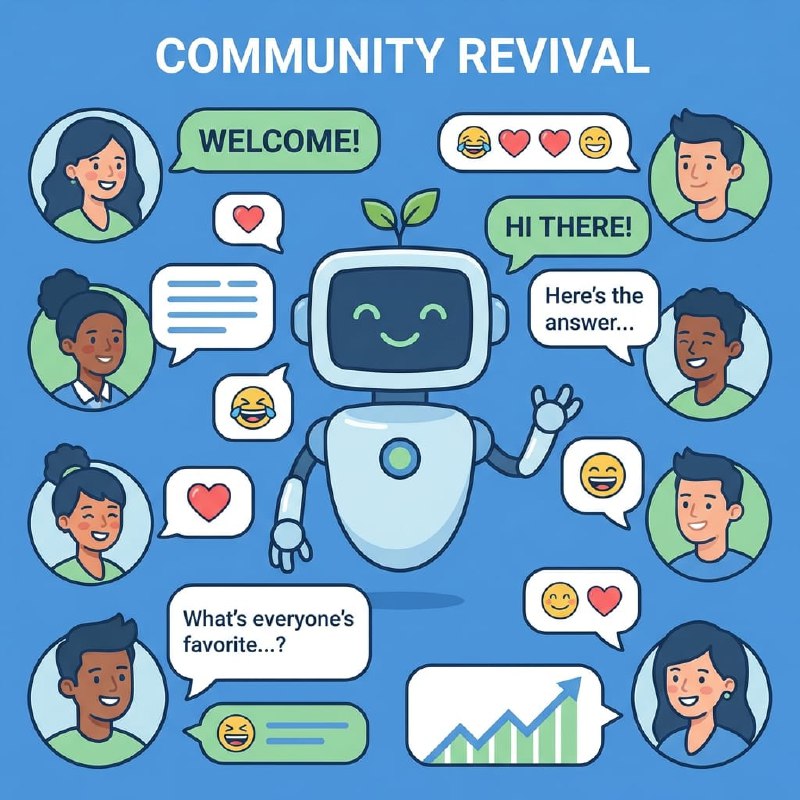
1. The Daily Conversation Starter
Schedule one message per day — a question, a prompt, an observation — timed to hit when your community is most likely to be online. Not a generic "What's everyone thinking about today?" but something specific enough to actually prompt a response.
Examples:
- "It's Monday — what's one thing you're watching closely this week in [topic]?"
- "Unpopular opinion thread: drop yours below and defend it"
- "If you joined this community in the last month, introduce yourself — where are you coming from and what brings you here?"
The key is specificity. Vague prompts produce vague responses or no responses. Specific prompts give people something to react to, agree with, or push back against — all of which count as engagement. The bot doesn't need to generate these in real time. Write 30 of them, load them into the scheduler, and let it run. Refresh the bank every month.
2. Welcome Messages That Actually Orient New Members
Most community welcome messages are generic to the point of uselessness. "Welcome to the group! Feel free to introduce yourself!" tells a new member nothing about what to do, why they should stay, or what makes this community worth engaging with.
Configure your bot to send a real welcome message when new members join: what this community is actually about (one specific sentence), where to start (a specific channel, a pinned post, a question to answer), what the culture is like (casual or formal? beginner-friendly or advanced?), and one action they can take right now. A new member who gets oriented immediately is significantly more likely to engage than one who joins, sees a quiet room, and leaves. The welcome message is the highest-leverage place to deploy a bot in a quiet community because it intercepts the dropout moment.
3. Answering Questions at Off-Hours
The most direct use of a 24/7 bot. Questions asked when no human moderators are active used to go unanswered for hours. Now they get answered immediately. A question that goes unanswered long enough becomes a signal — nobody's home, this community doesn't work. A question answered within seconds, even by a bot, keeps the member engaged long enough for humans to take over when they're back online. Configure the bot carefully: give it accurate information about the community and topic, and clear instructions on what to do when it doesn't know something. "I'm not sure about that one — worth posting in the main channel so the community can weigh in" is a perfectly good bot response. Making something up is not.
4. Re-engagement Pings for Quiet Periods
If your community goes more than 24 or 48 hours without a message, have the bot inject something. Not an announcement — something that sounds like a natural conversation restart. "Quiet week in here — anyone have something they've been thinking about that they haven't shared yet?" or "Been a few days. Throwing this out: [specific question relevant to the community topic]". This breaks the spiral at the source. One message, even from a bot, resets the clock and creates a new opportunity for humans to pick it up.
5. Curated Resurface of Old Content
Many dying communities have years of good discussions buried in their history. Have the bot periodically resurface relevant old discussions: "Found this thread from last year on [topic] — curious if people's views have changed: [link or summary]". This creates new engagement around existing content, reminds long-standing members why they joined, and gives new members context they wouldn't otherwise have.
What to Expect: A Realistic Timeline
A bot doesn't save a dying community overnight. Here's what a realistic trajectory looks like:
Week 1–2: You'll notice the bot filling dead air — answering questions, welcoming new members, posting daily prompts. The community may not noticeably pick up yet. This is normal. You're laying groundwork.
Week 3–4: Some members start responding to the daily prompts. Welcome responses from new members start appearing. The community is no longer going fully silent. Active members notice that the group feels slightly more alive.
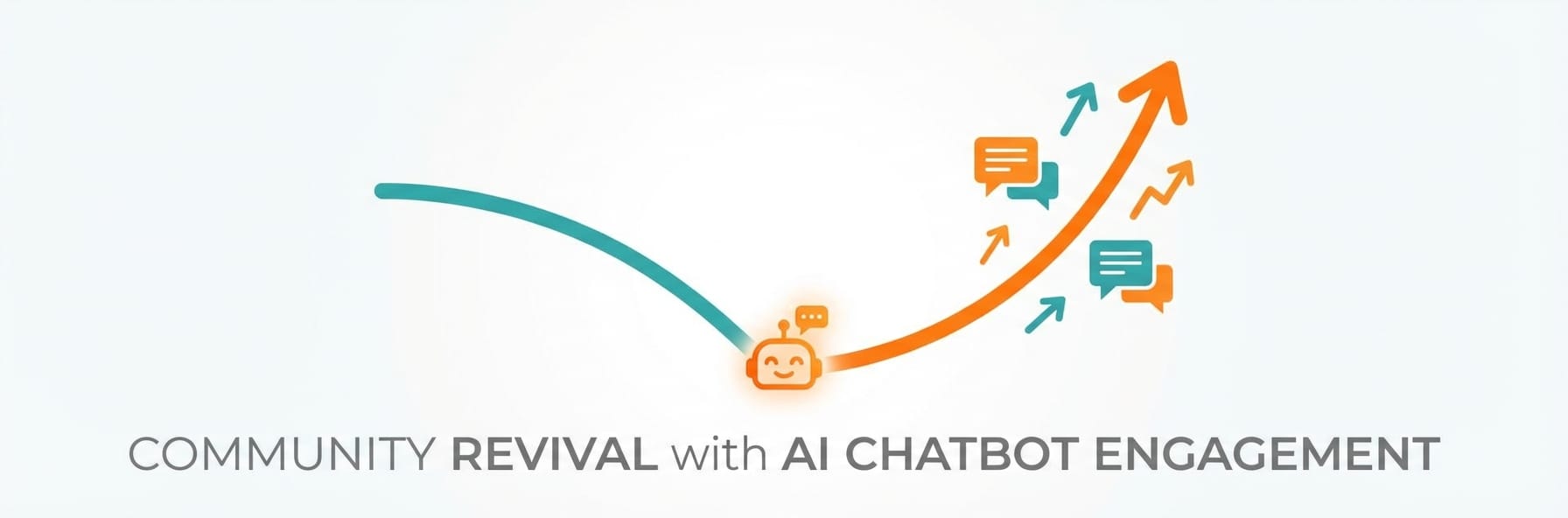
Month 2: If the tactics are working, you'll see a pattern: the bot starts conversations, humans pick them up. The bot is no longer the only thing creating activity — it's the catalyst for human activity. This is the inflection point.
Month 3+: At this stage, either the community has found a new rhythm or it hasn't. If it has, reduce the bot's frequency gradually — you want it supplementing human activity, not substituting for it. If it hasn't, the issue may be structural (wrong topic, wrong audience, wrong platform) rather than solvable through engagement tactics.
A bot can interrupt the decline spiral and create conditions for recovery. It can't manufacture genuine interest where none exists.
Common Mistakes to Avoid
Posting too frequently. A bot that posts multiple times a day starts to feel like spam. Members mute it, or worse, leave. One quality message per day is more effective than five mediocre ones.
Generic prompts. "What's on your mind?" produces nothing. Community-specific, topic-specific prompts produce engagement. The more work you do crafting prompts, the less work the bot has to do.
Ignoring the results. The bot is not a set-it-and-forget-it solution. Check which prompts get responses and which don't. Double down on what works. Replace what doesn't. Treat the first month as research into what your community actually responds to.
Making the bot indistinguishable from a human. Some members will ask if they're talking to a bot. When they do, the bot should say yes. Deception, when discovered, damages trust more than any engagement gains are worth.
Expecting the bot to do the whole job. The bot's role is to create moments that humans can engage with. If your human moderators aren't showing up, following up on conversations the bot starts, and bringing their own energy, the bot's contribution will be limited. It works best as a support to human community management, not a replacement for it.
The Honest Reality Check
Before deploying any of this, ask one question: is this community quiet because of a solvable problem, or because people have genuinely moved on?
A bot can fix quiet hours, bad onboarding, and missing conversation starters. These are friction problems — the community has potential energy, but something is preventing it from converting to activity.
A bot cannot fix a community whose topic has run its course, whose founding members have left and taken the culture with them, or whose audience has fragmented to better alternatives. These are structural problems. No amount of daily prompts will save a community that people have genuinely stopped caring about.
If you're honest about which situation you're in, you can make a rational decision about where to invest your energy. Sometimes the right answer is: put the bot in, try for 60 days, and see if there's something still alive to revive. Sometimes the right answer is: recognize the community has served its purpose and put that energy somewhere new. The bot will tell you which it is. If activity picks up within a month, there was latent interest waiting to be activated. If it doesn't, you have your answer.
Getting Started
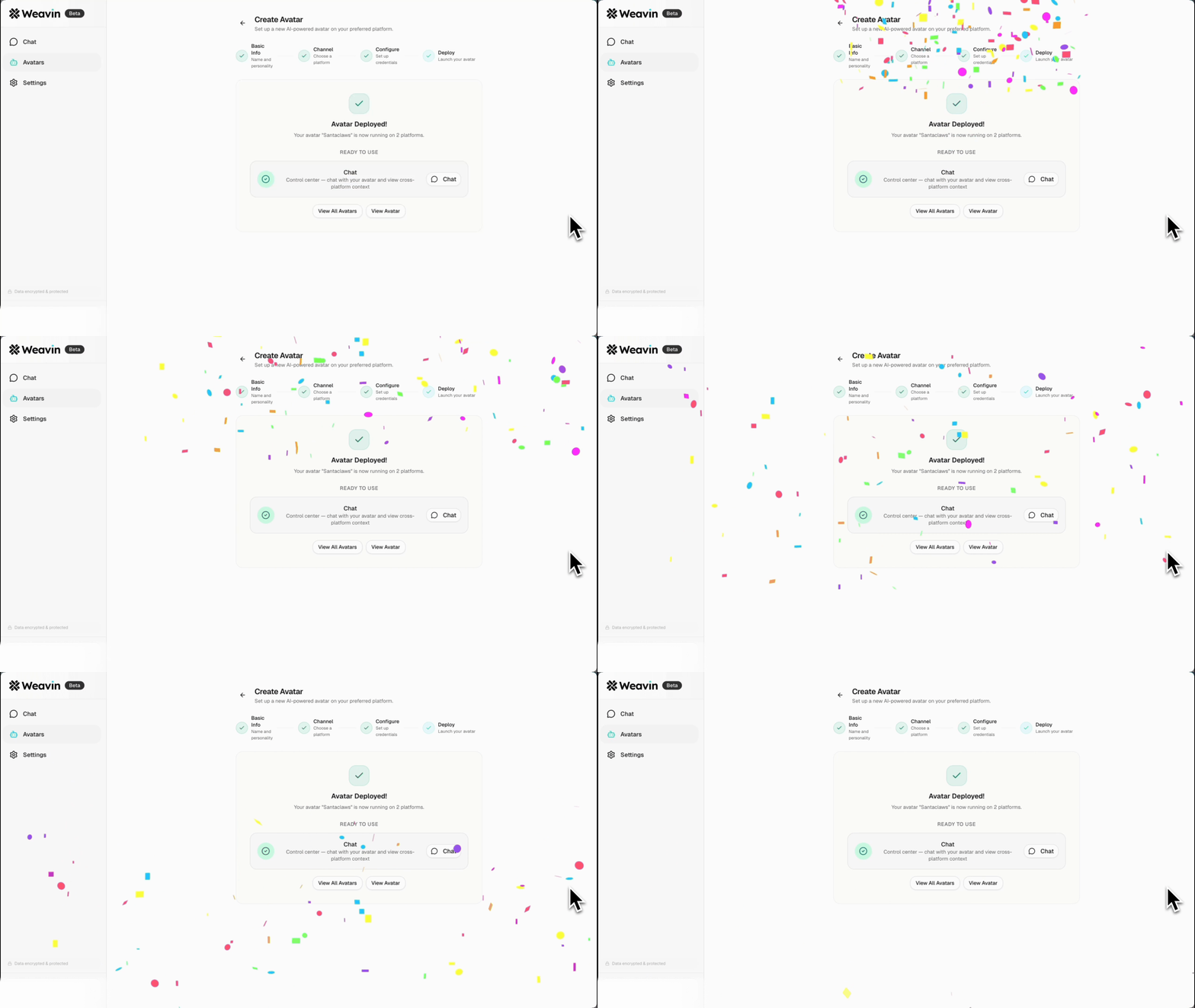
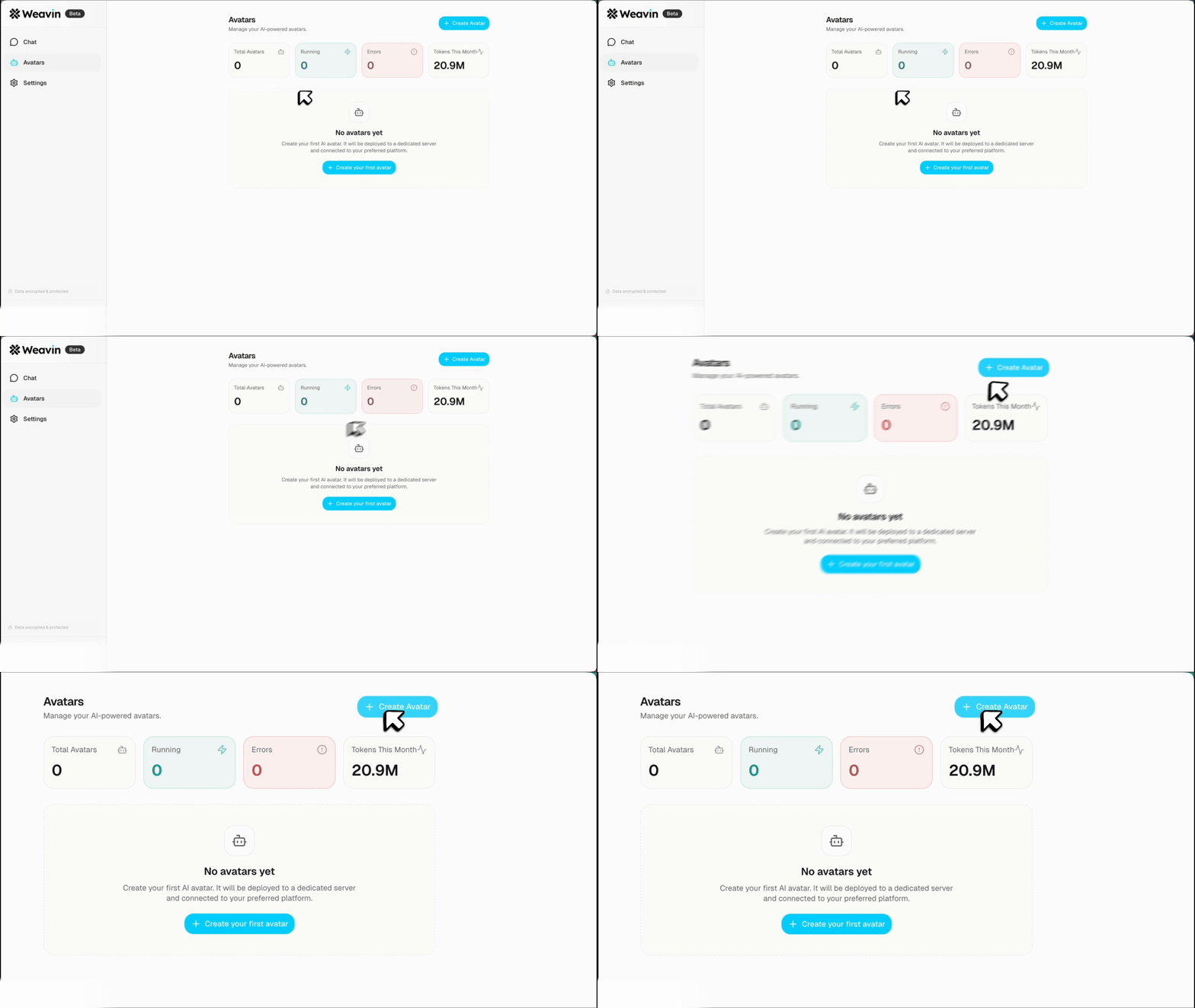
The fastest path from "dying community" to "bot deployed" is through a managed platform. Configuring the daily prompts, welcome messages, and off-hours coverage described in this article takes about an hour in Weavin's dashboard — no code, no server, no webhook configuration. The configuration work — writing the bot's identity, the knowledge brief, the prompt bank — takes longer, and it should. That's where the actual value comes from. The infrastructure is the easy part. Check out the documentation and start there. Write who your bot is before you think about what it does. Get that right, and the tactics follow naturally.
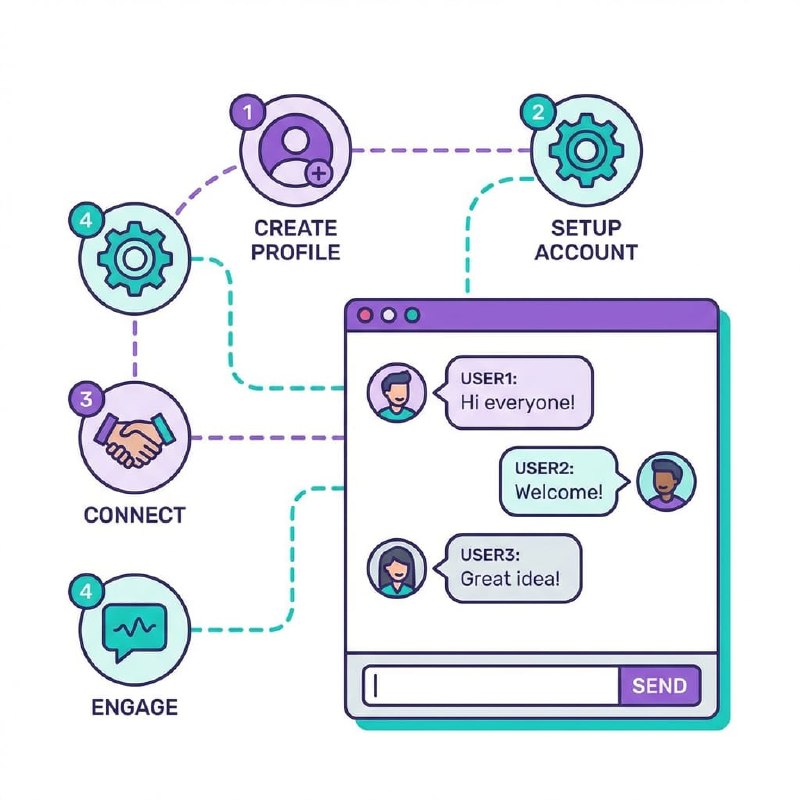
Click each step below to expand. The whole process takes about 5 minutes to connect and deploy.
Connect Your AI API Key to Weavin ~3 min
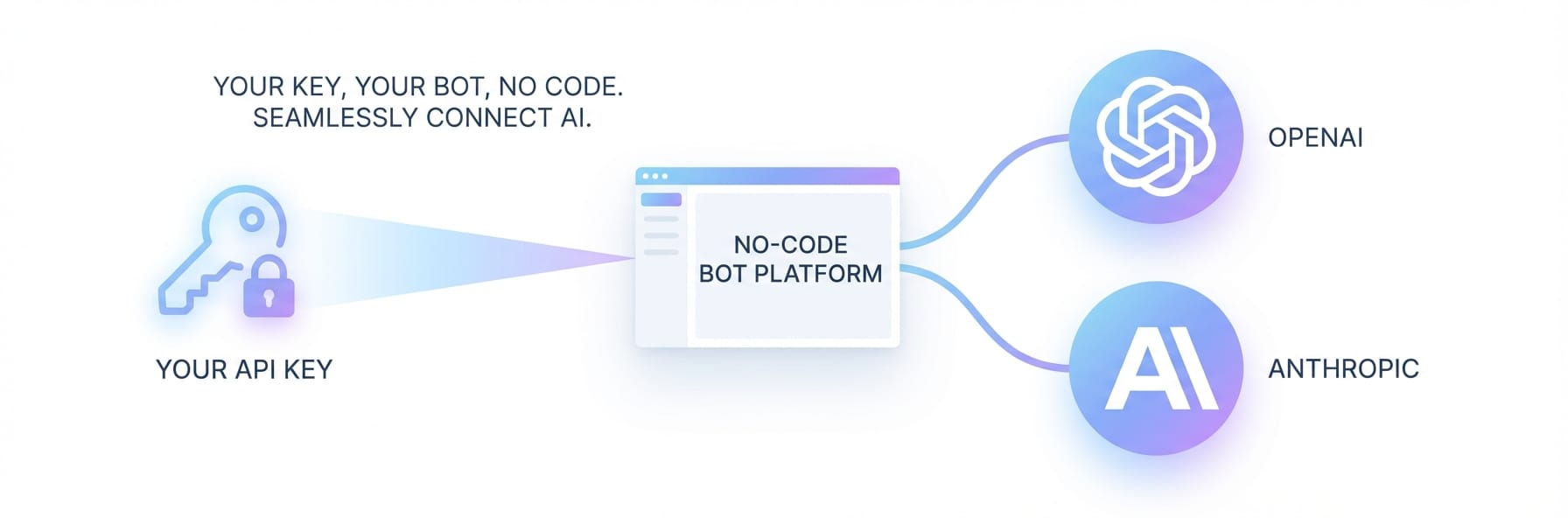
Weavin supports Bring Your Own Key (BYOK), meaning you control costs and model choice.
- Log in to your Weavin dashboard and go to Settings → AI Integrations
- Choose Claude, GPT, or Gemini
- Paste your API key and click Test Connection
- Save — your community is now connected to your chosen AI model
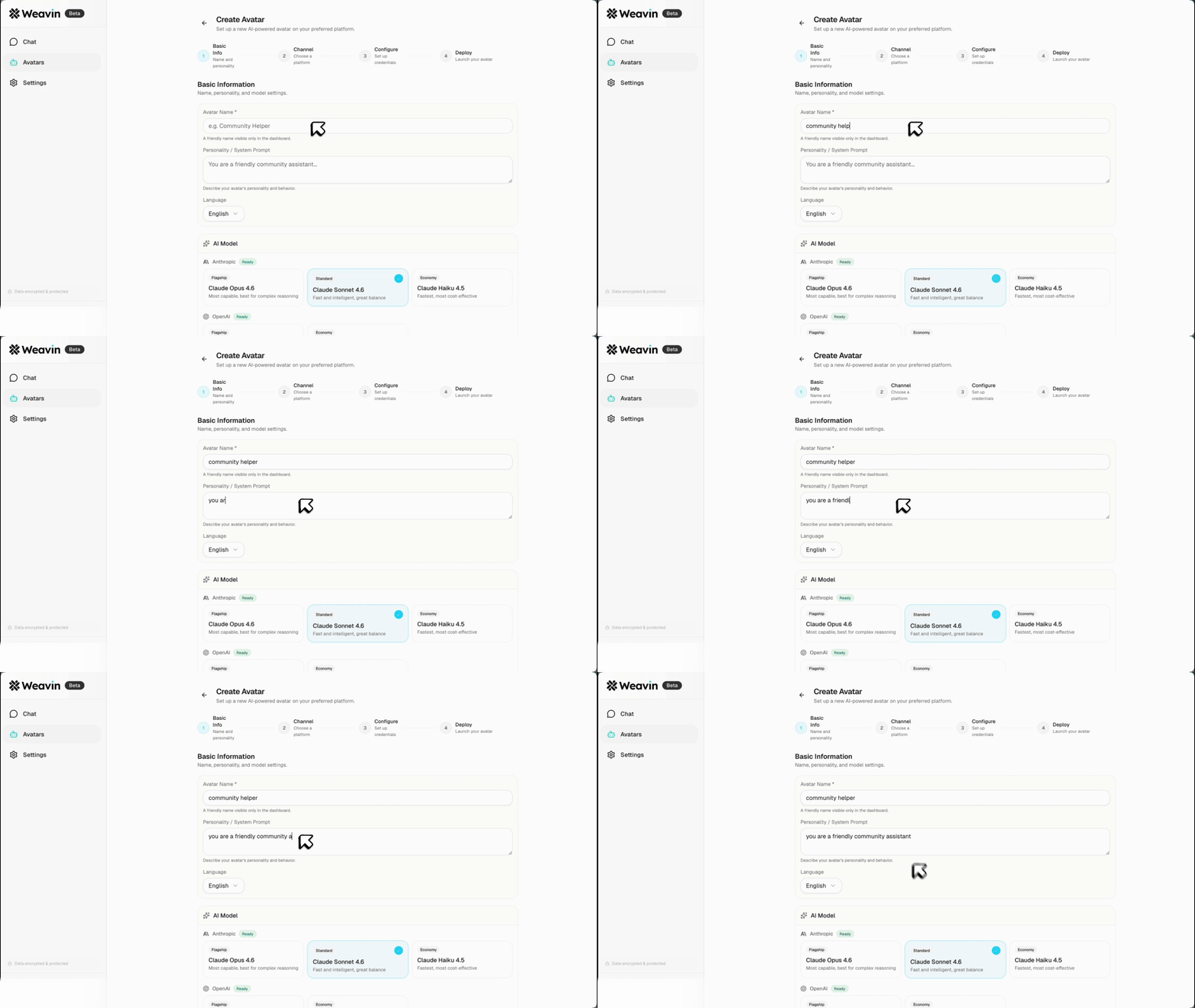
Create and Configure Your Community Bot ~5 min
Give your bot a name, avatar, and system prompt that describes who it is and what it knows about your community.
- Go to Bots → Create New Bot
- Write 2–3 sentences for identity (who the bot is, not what it does)
- Add a knowledge brief: community topic, rules, FAQs, what the bot should never say
- Link your API key and set response style
Set Engagement Triggers ~6 min
Under Bots → Automation → Add Trigger: add an Inactivity Trigger (post when channel is quiet for X hours), a New Member Trigger (welcome + orientation), and a Keyword Trigger (e.g. "help", "anyone know"). Set a Frequency Cap of 3–5 posts per day max.
Monitor and Refine ~4 min
Use Analytics → Bot Activity to see which prompts get replies. Check Engagement Lift. Edit your system prompt and prompt bank based on what works. A/B test and adjust.