Why Brand Voice Matters for AI Bots
Building an AI bot for your business seems simple enough — until you actually try to make it sound like your brand. Most platforms dump a generic chatbot on you that talks in the same flat, corporate non-voice as every other bot out there. You burn hours tweaking prompts, and then some quiet model update rolls through and wipes your carefully built personality. Suddenly your customers are chatting with a stranger wearing your logo.
The real headache kicks in when you realize that owning your bot's voice means owning the whole stack — the model, the system prompt, the API keys, the update schedule, all of it. Bundled platform solutions tie you to whatever model they pick and whatever pricing they feel like charging that month. You get no heads-up when they quietly swap GPT-4 for something cheaper, and no warning when your bill jumps because they changed how they count tokens. For small businesses and creators trying to build something that actually feels consistent, that kind of powerlessness doesn't just sting — it chips away at the trust you've been working hard to build.
"I spent two weeks writing the perfect system prompt to match our brand tone. Then the platform did a silent model migration and now our bot sounds like it's reading from a legal disclaimer. Zero warning, zero rollback option." — r/SaaS
"Why am I paying $200/mo for an AI bot when I already have my own Claude API key sitting there? I just want to plug my key in and control the personality myself. Every platform either doesn't allow it or charges you extra for the privilege." — r/entrepreneur
That's the real benchmark: not whether something is technically "no-code," but whether a non-technical person can actually finish it.
| Method | Cost Control | Model Choice | Setup Complexity | Ongoing Maintenance |
|---|---|---|---|---|
| Traditional no-code platforms | Hidden markups | Limited | Easy | Platform-dependent |
| Self-hosted solutions | Full control | Any model | Complex | You're on your own |
| Zapier/Make workflows | Variable | Limited | Moderate | Frequent issues |
| Weavin with BYOK ✦ | Direct billing | Any supported model | Easy | Handled for you |
What You'll Have at the End
You will get
- A clear, documented brand persona your AI bot follows in every reply
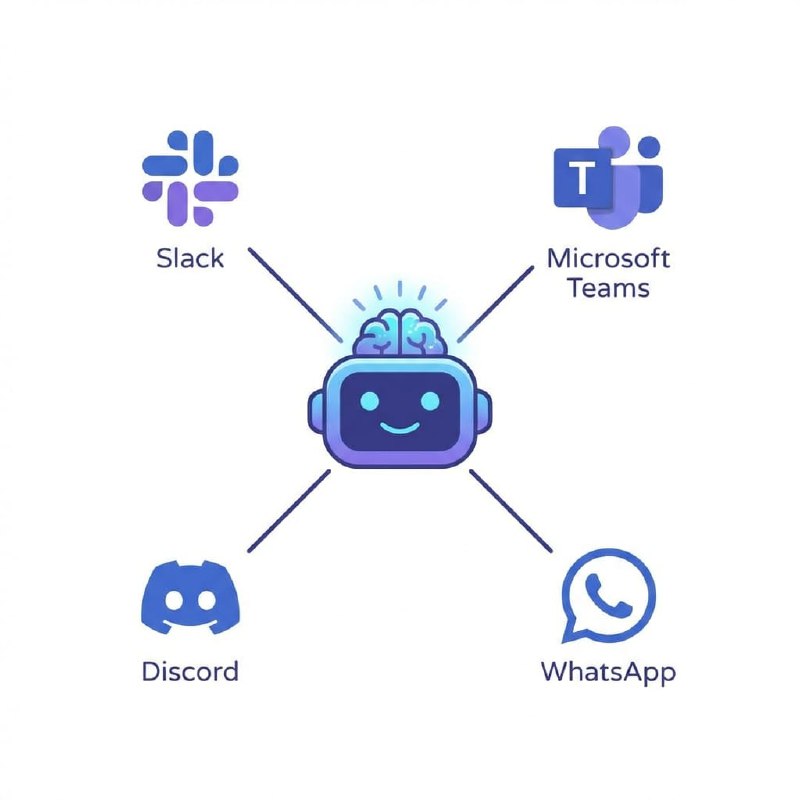
- Consistent tone across Telegram, Discord, Slack, Lark, and WhatsApp
- A bot that sounds like your brand, not a generic AI assistant
- Faster audience trust and higher engagement from day one
Step-by-Step Guide
Click each step to expand. The whole process takes about 5 minutes.
Connect Your API Key in Weavin ~2 min
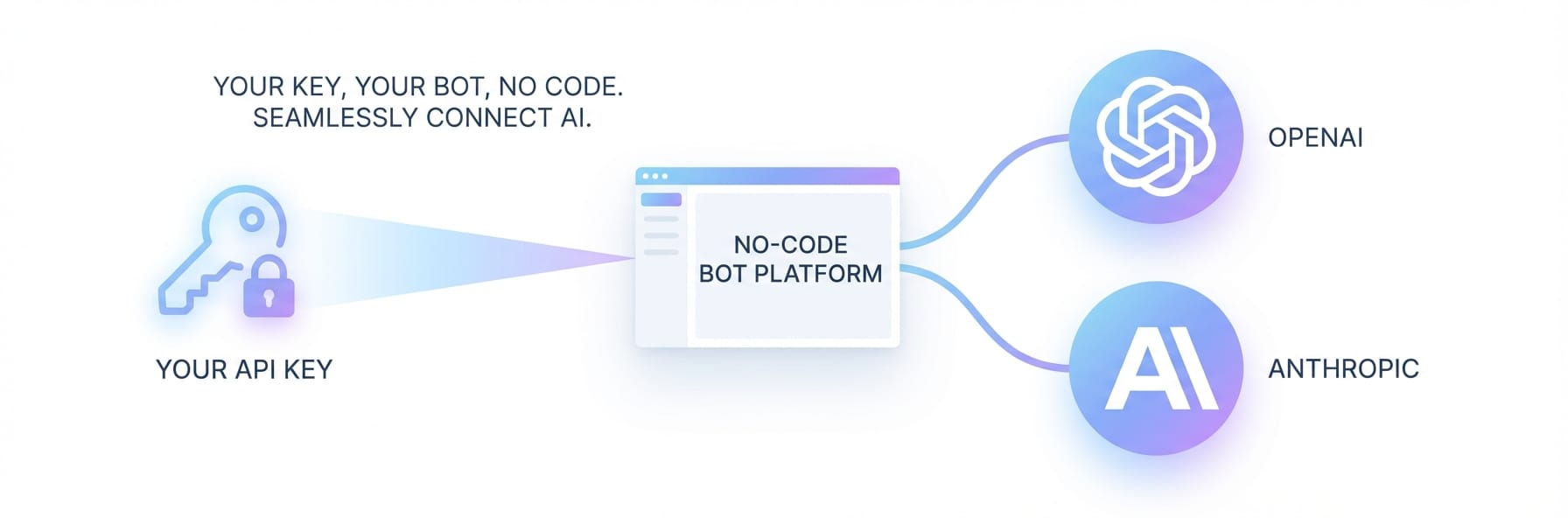
Before shaping your bot's personality, link your preferred AI provider using Weavin's BYOK (Bring Your Own Key) feature. This ensures your brand voice runs on the model that best suits your tone — whether that's Claude's nuanced writing, GPT's versatility, or Gemini's conversational style.
- Log in to your Weavin dashboard and navigate to Settings → API Keys
- Select your provider (Anthropic Claude, OpenAI GPT, or Google Gemini) — see our supported models
- Paste your API key into the secure input field and click Verify & Save
- Choose this key as the default model for the bot you're about to configure
Write a Brand Voice System Prompt ~5 min
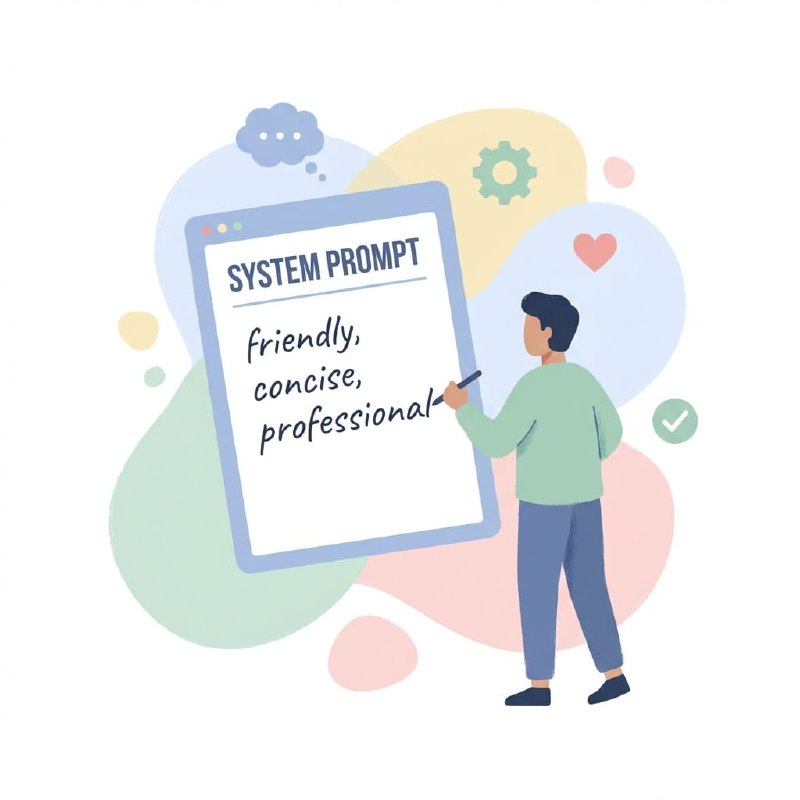
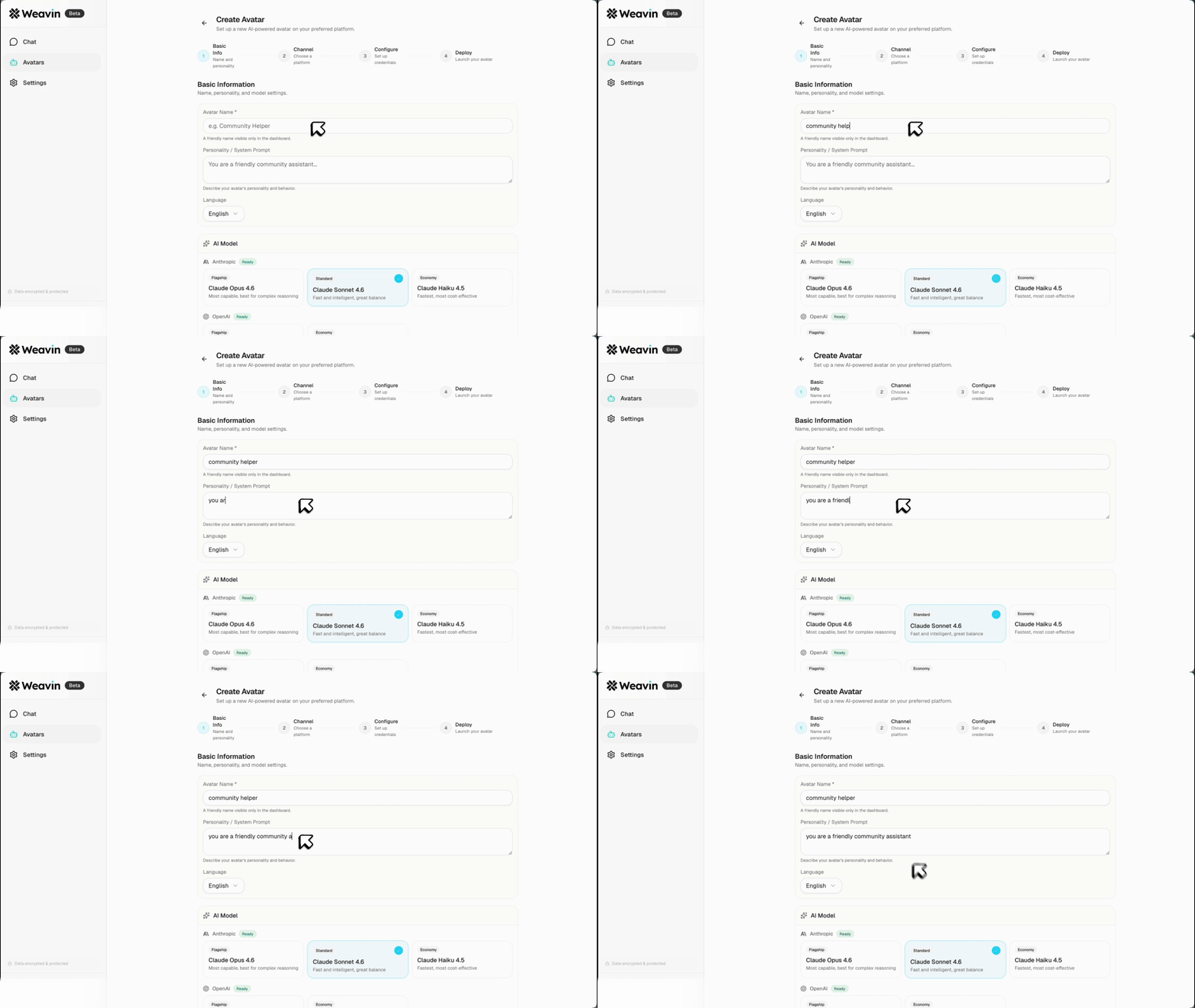
The system prompt is the backbone of your bot's personality. In Weavin, this field is sent to your connected model on every conversation, so every response stays on-brand without you repeating instructions.
- Open your bot in Weavin and go to Bot Config → System Prompt
- Start with a one-sentence persona definition, e.g. 'You are Aria, a friendly but concise customer success assistant for a SaaS startup.'
- Add tone guidelines: list 3–5 adjectives (e.g. 'warm, direct, jargon-free, encouraging') and give one example of an on-brand reply vs. an off-brand reply
- Specify any hard rules such as 'Never use exclamation marks more than once per message' or 'Always refer to users as teammates' — for moderation guidelines, see our dedicated guide
- Save and use the Test Chat panel to verify the tone matches your brand guidelines
Set Consistent Constraints Across Models ~4 min
Because Weavin lets you swap between Claude, GPT, and Gemini, the same system prompt can produce slightly different outputs per model. Use Weavin's per-model tuning options to lock in consistency regardless of which key is active.
- In Bot Config → Advanced Settings, set Temperature to a value between 0.3–0.5 for reliable, on-brand tone (lower = more predictable)
- Enable Max Token Limit to control response length — shorter limits reinforce a concise brand voice
- Use the Model Comparison tool in Weavin to send the same test prompt to each of your connected keys and compare outputs side by side
- Adjust your system prompt wording if one model drifts off-brand — for example, Claude responds well to explicit role framing while GPT benefits from example-based instructions
Test, Collect Feedback, and Refine ~5 min
A brand voice only stays consistent if it's regularly reviewed against real conversations. Weavin's conversation logs and feedback tools let you catch drift early and iterate your system prompt without disrupting live users.
- Go to Analytics → Conversation Logs and filter by the past 7 days to review a sample of your bot's actual replies
- Flag any responses that feel off-brand using the thumbs down marker — these are automatically tagged for review
- Open Bot Config → System Prompt History to compare previous versions and identify which wording changes caused tone drift
- Share a short internal style checklist with your team (e.g. 'Does it sound like our brand? Is it the right length? Did it avoid forbidden phrases?') and run spot-checks weekly
- After each prompt revision, re-run your saved Test Scenarios in Weavin to confirm the personality holds across edge-case inputs
What Happens After Launch
Real Use Cases Right Now