Let's be honest: running a Discord community is a grind. Mods need sleep, but the chat never stops. Traditional bots feel stiff, and trying to build your own LLM-powered bot usually means wrestling with Python, paying server fees, and juggling endless API keys.
We've been keeping an eye on recent threads
What You'll Have at the End
You will get
- A 24/7 active moderator that never sleeps
- Increased user retention through interactive conversations
- Reduced workload for human staff by automating FAQs
- A unique server personality (RPG character, tech support, etc.)
Step-by-Step Guide
Click each step to expand. The whole process takes about 5 minutes.
Create Your Weavin Avatar ~2 min
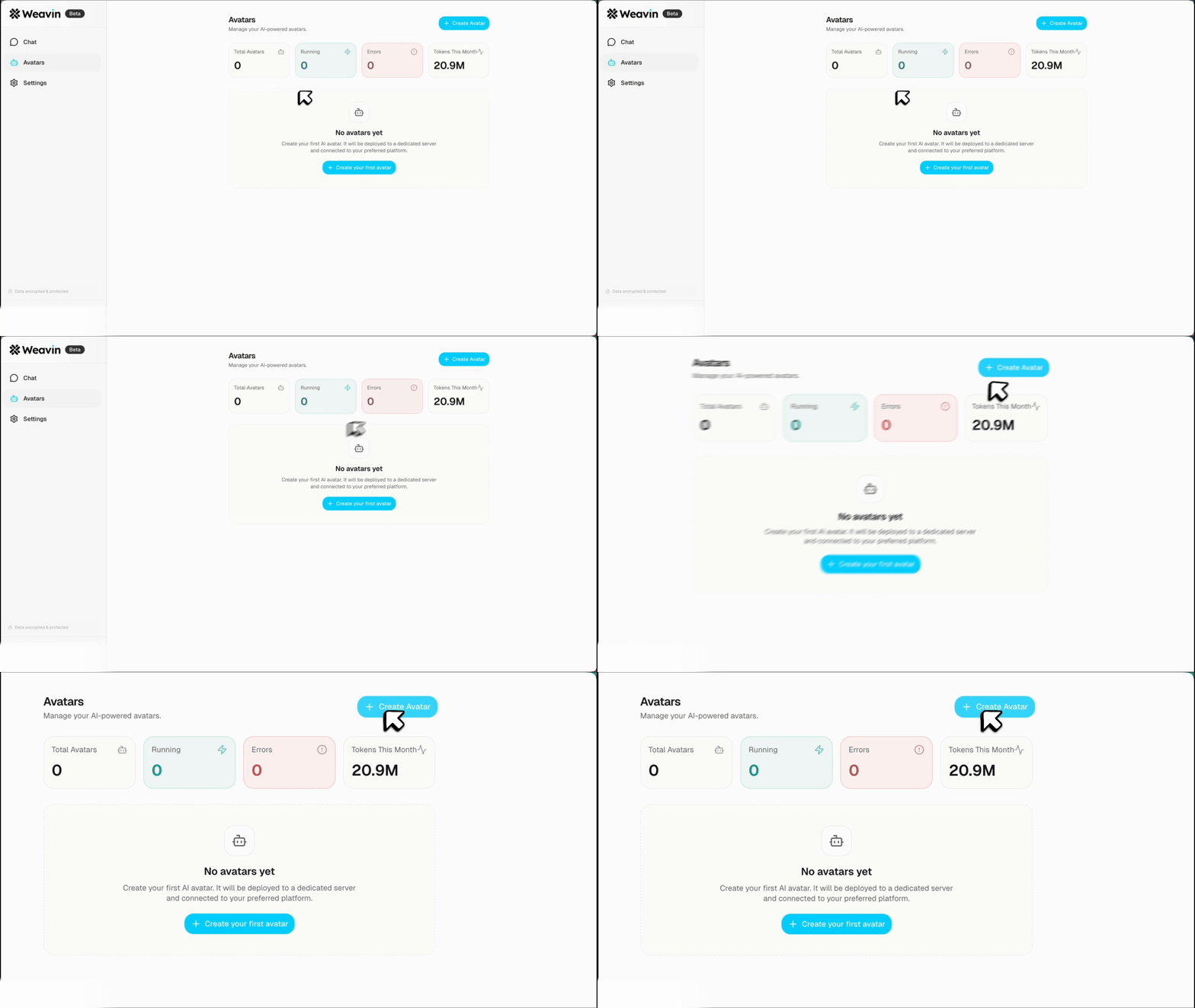
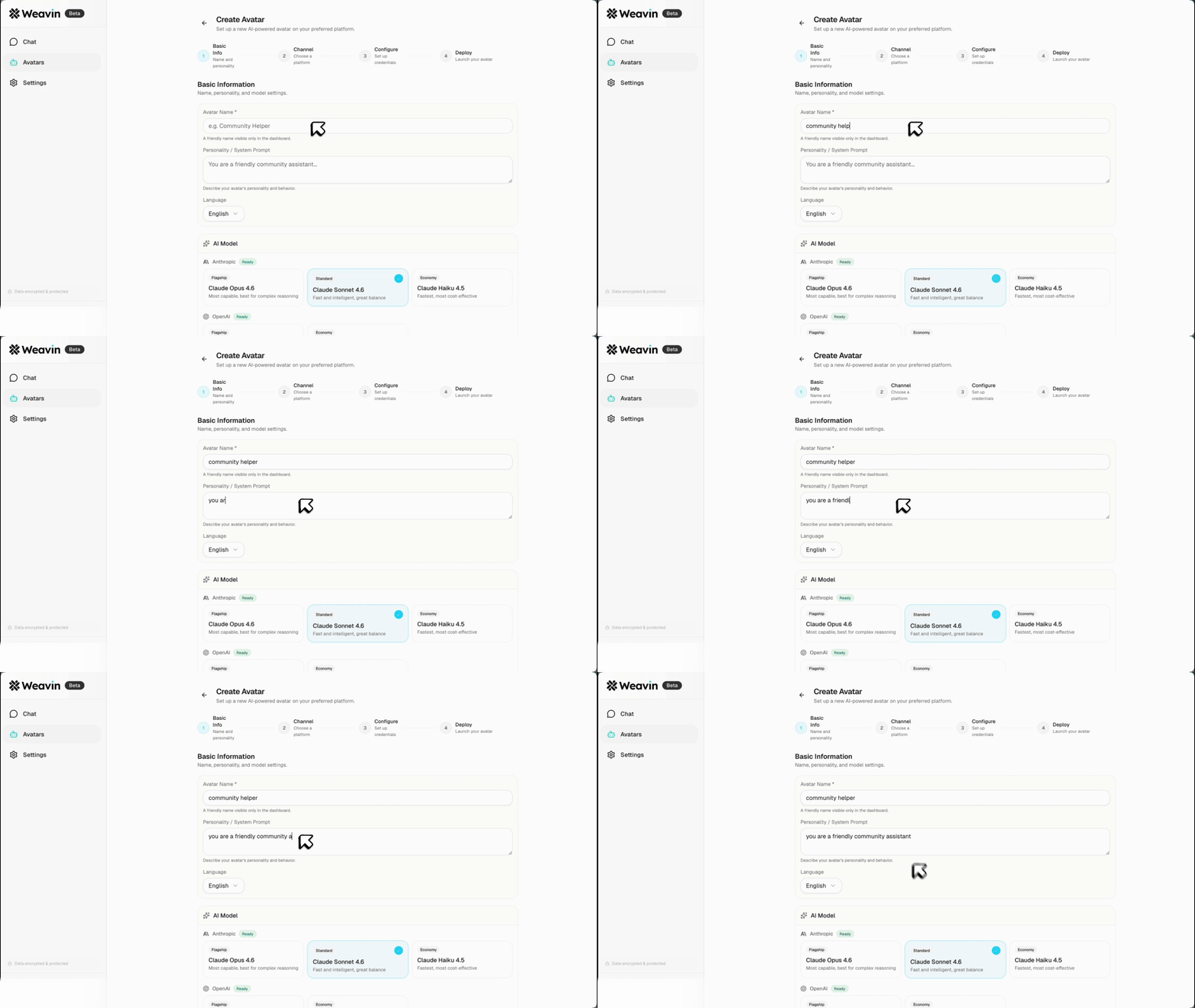
First, log in to your Weavin dashboard. Click "Create Avatar". Give your assistant a name and define its persona (e.g., "A sarcastic crypto trader" or "A helpful support agent"). You can also upload a Knowledge Base document so it answers questions specific to your community.
Set Up Discord Application ~2 min
Go to the Discord Developer Portal.
- Click "New Application" and name it (this will be your bot's username).
- Go to the "Bot" tab and click "Add Bot".
- Important: Scroll down to "Privileged Gateway Intents" and enable Message Content Intent.
- Click "Reset Token" and copy your new Token.
Connect Weavin to Discord ~1 min
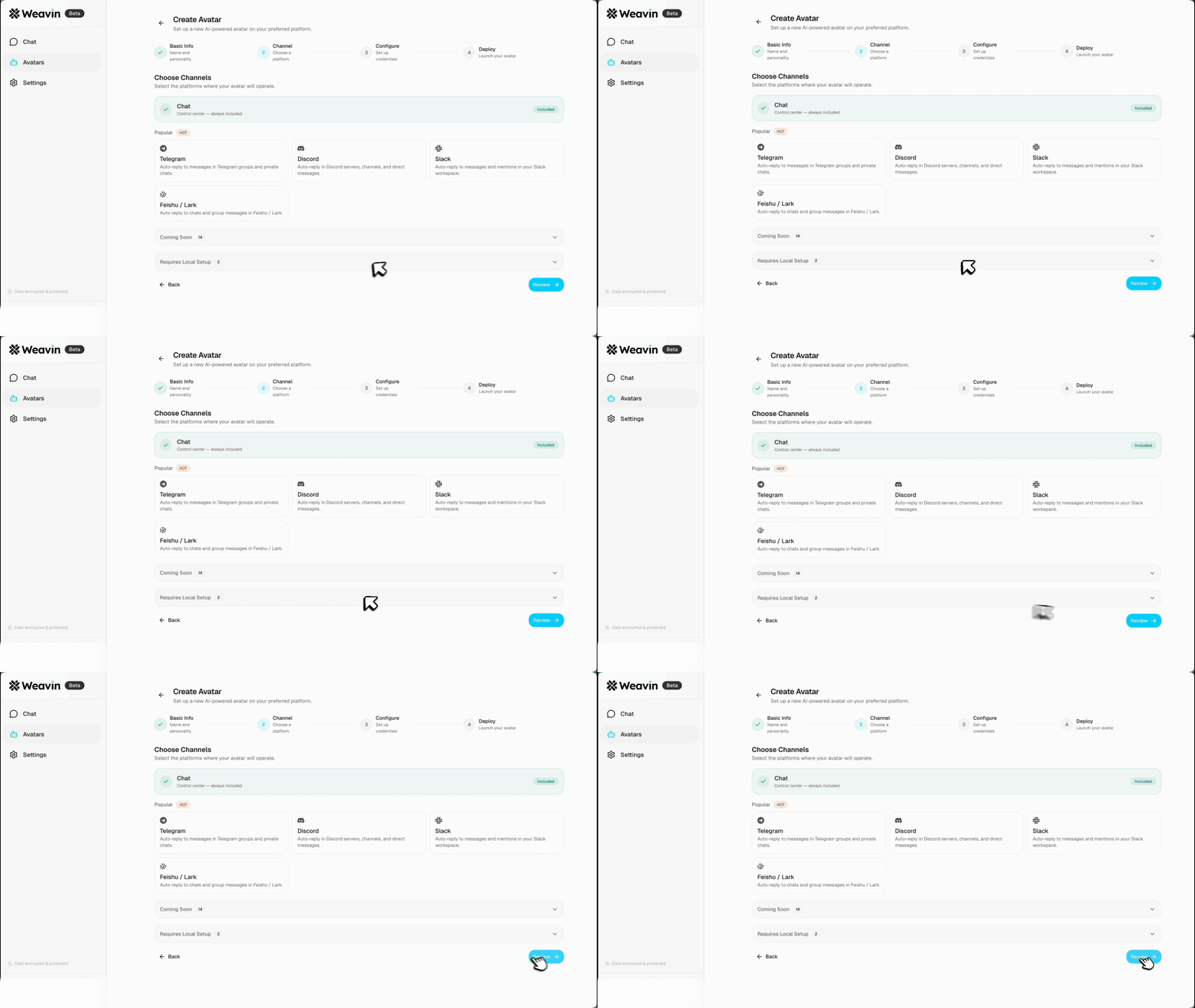
Back in Weavin, navigate to the "Integrations" tab of your Avatar.
- Select Discord.
- Paste the Token you copied from the Discord Developer Portal.
- Click "Connect". Weavin will generate an Invite Link for you.
Invite and Test <1 min
Click the generated Invite Link to add the bot to your server. Ensure the bot has permissions to Read Messages and Send Messages in the channels you want it to operate. Tag your new bot (e.g., @MyBot) and say hello!
What Happens After Launch
Real Use Cases Right Now