
Shopify7 min read

Connecting OpenClaw to Shopify + Meta Ads: The Full-Funnel Agent

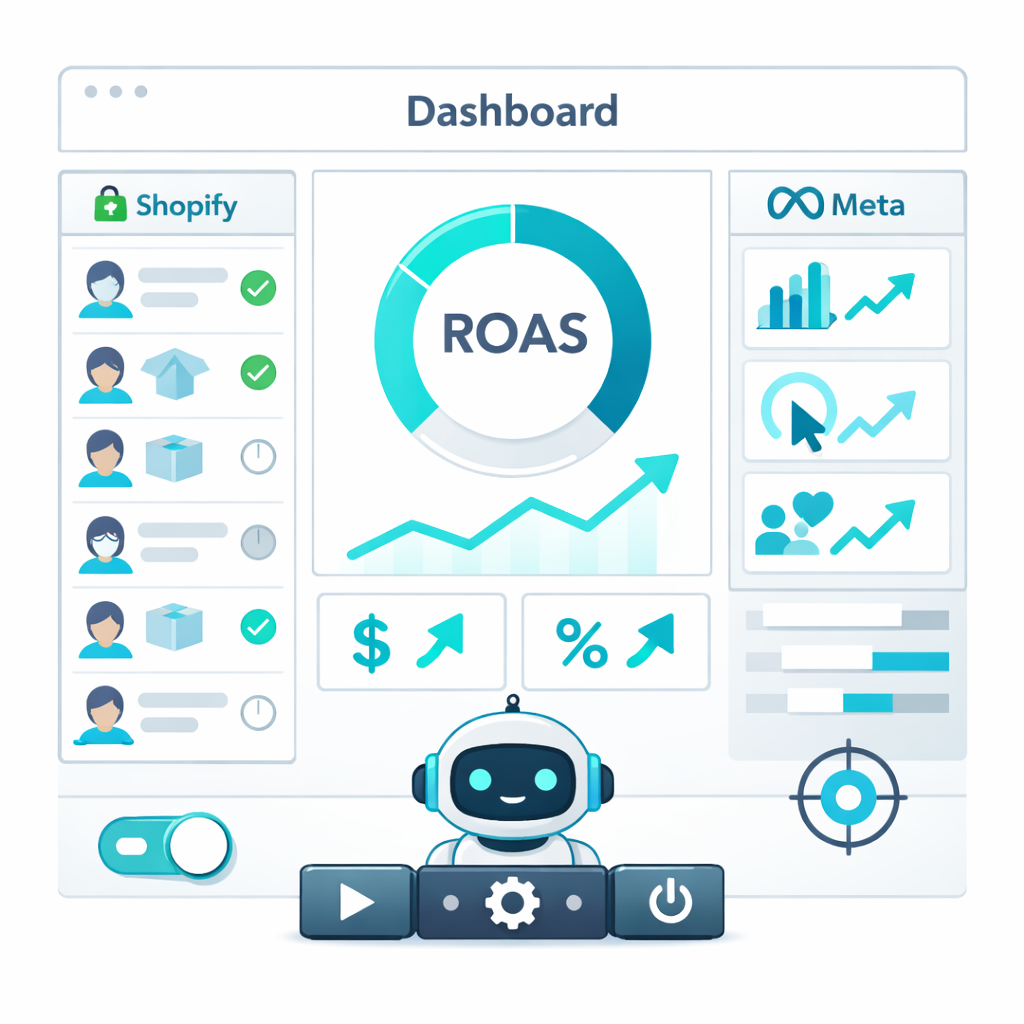
Learn how to connect an OpenClaw AI agent to Shopify and Meta Ads for a full-funnel automation system. Optimize ad spend, track ROAS, and sync inventory.

Connecting OpenClaw to Shopify + Meta Ads: The Full-Funnel Agent

The Problem

Managing a successful e-commerce brand feels like a constant juggling act. You're trying to keep Shopify inventory accurate, launch and optimize Meta Ad campaigns, track performance across platforms, and somehow find time for customer service. This disjointed workflow creates data silos, leading to wasted ad spend on out-of-stock products, missed retargeting opportunities, and hours of manual, error-prone work. If you're a dropshipper juggling multiple suppliers, the chaos only intensifies. There has to be a better, more automated way.

My ROAS is all over the place. I spend hours trying to match my best-selling products on Shopify with my Meta Ad campaigns. It's a guessing game.- @ecom_hustler on X
Why can't my ad platform just *know* when a product goes out of stock? I've wasted so much money advertising products people can't even buy.- A frustrated store owner on Reddit
MethodSetupTech SkillCost
Manual SyncOngoing DailyNoneYour Sanity
Zapier/MakeHours-DaysMedium$50-200+/mo
Custom DevWeeks-MonthsHigh$5,000+
AI Agent (Weavin)~15 minNone$59.9/mo
Feature illustration

What You'll Achieve

  • Automated Ad Spend Optimization: Your agent adjusts budgets based on real-time Shopify sales data and ROAS.
  • Dynamic Inventory-to-Ad Sync: Automatically pause ads for out-of-stock products and re-enable them upon restock.
  • End-to-End ROAS Tracking: Get a clear picture of profitability by linking specific ad campaigns directly to Shopify orders.
  • Intelligent Abandoned Cart Retargeting: Trigger personalized Meta Ad campaigns for users who abandon their Shopify carts.
Recommended

Deploy This Agent Without Code on Weavin

Want the power of a full-funnel agent without the setup complexity? Weavin is a zero-code platform to build and deploy AI agents in minutes. Connect Shopify, Meta Ads, and more with a visual interface. Deploy to Telegram, Discord, Slack, and WhatsApp. Supports Claude, GPT, and Gemini.

Try Weavin Free
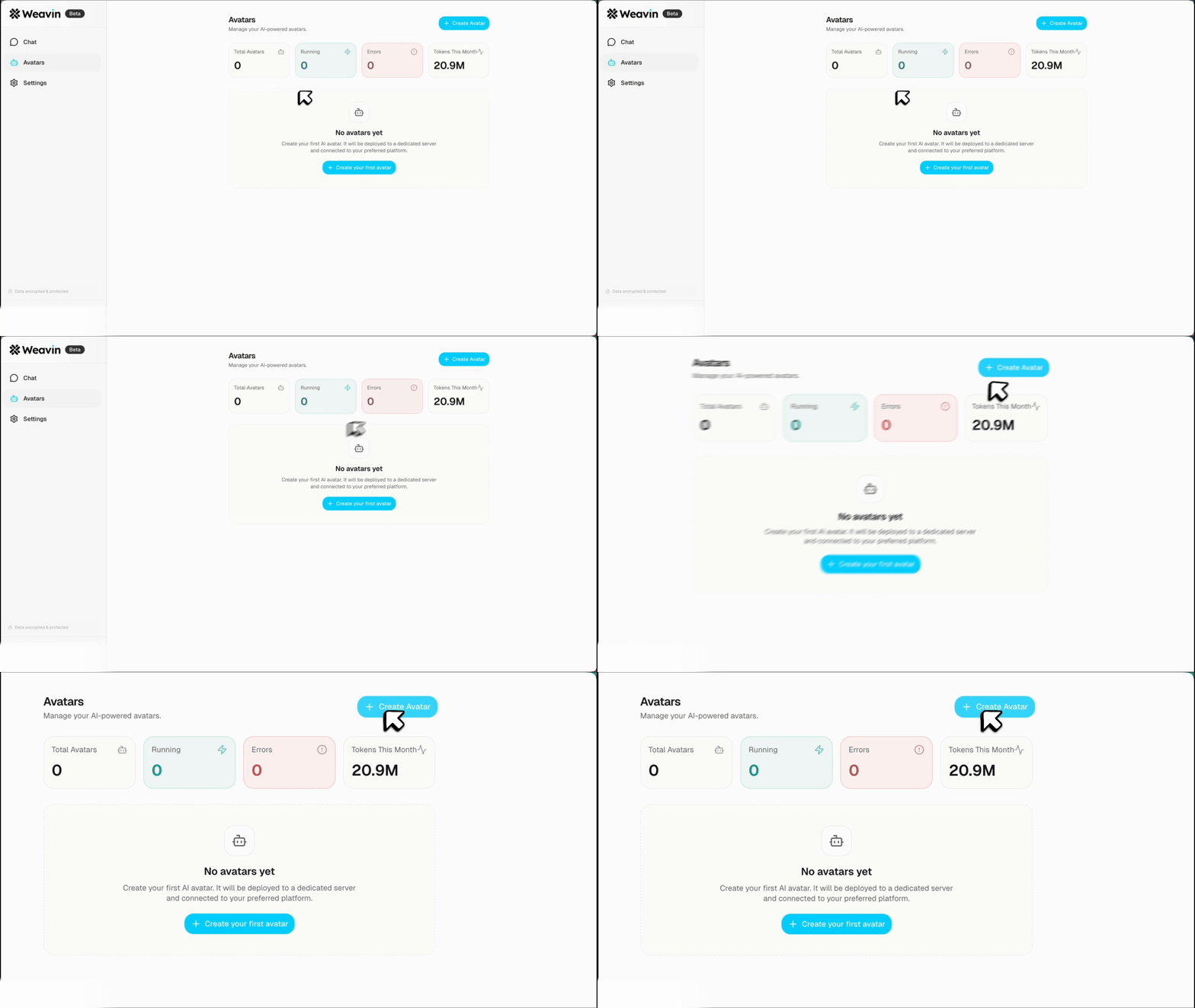
Weavin dashboard overview

Step-by-Step Setup

01

Step 1: Initialize Your OpenClaw Agent & Connect APIs ~5 min

The foundation of our system is an OpenClaw agent. This agent will act as the central brain. First, you'll need to set up your agent environment and gather the necessary API credentials.

  1. Install OpenClaw and initialize a new agent project.
  2. From your Shopify Admin, create a private app to get your API Key, Password, and Store URL. Grant it permissions for `Products`, `Orders`, and `Customers`.
  3. In the Facebook/Meta for Developers portal, create an app to get access to the Marketing API. You'll need an `access_token` and your `ad_account_id`.
Security Tip: Store your API keys and tokens in a secure secret manager or environment variables. Never hard-code them directly into your agent's source code. See our guide on managing API keys for best practices.
02

Step 2: Equip Your Agent to Read Shopify Data ~10 min

Next, we need to give our agent the tools (functions) to understand what's happening in your Shopify store. You'll define functions that call the Shopify API.

  1. Create a function `get_product_inventory(product_id)` that queries the Shopify API and returns the current stock level for a given product.
  2. Develop a `get_abandoned_checkouts()` function that fetches recent abandoned carts, including customer details and the products left behind.
  3. Implement `get_campaign_performance(start_date, end_date)` to pull order data and attribute sales to specific UTM parameters from your Meta Ads.
Pro Tip: For truly real-time updates, consider using Shopify Webhooks. You can set up a webhook to notify your agent's API endpoint instantly when an order is placed or a product's inventory changes.
03

Step 3: Grant Your Agent Control Over Meta Ads ~10 min

Now let's give the agent the ability to take action within your Meta Ads account. These functions will call the Meta Marketing API.

  1. Define an `update_adset_status(ad_set_id, status)` function, where `status` can be 'ACTIVE' or 'PAUSED'.
  2. Create a function `update_campaign_budget(campaign_id, new_budget)` to adjust daily or lifetime budgets.
  3. Build a `create_custom_audience(user_data)` function to create or update audiences for retargeting, such as a list of users who abandoned a cart.
Safety First: Before running your agent on your main ad account, always test your functions against a test ad account or campaign with a very small budget to ensure they behave as expected.
04

Step 4: Define the Full-Funnel Automation Logic ~15 min

This is where the magic happens. You'll write the core logic that connects Shopify events to Meta Ads actions. This is typically a main loop or a scheduled task (e.g., a cron job running every 15 minutes).

  1. Inventory Sync: Loop through your key products. For each product, call `get_product_inventory()`. If the stock is 0, call `update_adset_status()` to pause the corresponding ad set. If stock is > 0 and the ad set is paused, re-enable it.
  2. Abandoned Cart Recovery: Call `get_abandoned_checkouts()`. For each new checkout, add the user to a retargeting list using `create_custom_audience()`.
  3. ROAS Optimization: On a daily schedule, call `get_campaign_performance()` to calculate ROAS. If a campaign's ROAS is below your target, use `update_campaign_budget()` to lower its spend. If it's high, consider increasing it.

Implement a Dry Run: Add a 'dry run' mode to your agent. In this mode, the agent logs the actions it *would* take (e.g., "Would pause Ad Set 12345") without actually executing them. This is essential for debugging.
Use case illustration

Real-World Use Cases

Inventory-Aware Advertising
Never waste a dollar advertising an out-of-stock product again. The agent checks Shopify inventory levels and automatically pauses/resumes the corresponding Meta Ad sets, ensuring your ad spend is always efficient.
Smart Abandoned Cart Recovery
When a customer abandons a cart in Shopify, the agent instantly adds them to a custom audience on Meta and can trigger a specific retargeting ad, perhaps featuring a small discount, to win back the sale.
Real-time ROAS Optimization
The agent constantly monitors sales performance for each ad campaign. If a campaign's ROAS drops below a set threshold, it automatically reduces its budget and reallocates funds to higher-performing campaigns.
Trend-Based Campaign Scaling
The agent identifies products that are suddenly trending based on Shopify sales velocity. It can then automatically increase the ad budget for those products on Meta to capitalize on the surge in interest.
Workflow illustration

Frequently Asked Questions

Do I need to be a developer to build this? +
Using a framework like OpenClaw requires Python programming knowledge. However, for a completely no-code solution, platforms like Weavin.ai allow you to visually connect Shopify, Meta, and other tools to build and deploy this exact agent in minutes.
Is this safe for my ad account? +
Yes, when implemented carefully. The agent uses official, approved APIs. It's crucial to set safe limits and rules (e.g., max budget change per day) and to test thoroughly in a 'dry run' mode before giving it full control.
How is this better than Meta's built-in automation rules? +
This provides far deeper, cross-platform integration. Meta's rules can't directly access your real-time Shopify inventory, profit margins, or abandoned cart data. This agent connects both systems for truly context-aware automation.
What are the costs involved? +
With a self-hosted OpenClaw setup, costs include your server/hosting fees and any LLM API usage. Be mindful of token cost optimization when running frequent API calls. Alternatively, a platform like Weavin.ai bundles all hosting, integrations, and deployment into a simple monthly plan, starting at $39.9/mo.
Can the agent also handle customer service? +
Absolutely. You can extend the same agent to answer customer questions about their orders or products. By deploying it through a platform like Weavin, you can make it available 24/7 on channels like WhatsApp, Telegram, or Discord. For handling order-tracking inquiries specifically, check out our guide on building a WISMO resolver.
Click Create Avatar button on Weavin

Related Articles

The "Where is My Order?" (WISMO) Resolver: Automate Order Tracking with OpenClaw
Shopify

The "Where is My Order?" (WISMO) Resolver: Automate Order Tracking with OpenClaw

Learn to build an automated WISMO resolver with an AI agent on WhatsApp or Telegram. Slash 'Where Is My Order?' support tickets by 60%+.

OpenClaw Shopify + Telegram: Run Your Store From Your Phone
Shopify

OpenClaw Shopify + Telegram: Run Your Store From Your Phone

Learn to manage your Shopify store from your phone using Telegram. Get order notifications, check inventory, and process refunds via chat with an AI assistant.

Automated SEO Product Rewrites: Use OpenClaw to Optimize Your Shopify Catalog
Shopify

Automated SEO Product Rewrites: Use OpenClaw to Optimize Your Shopify Catalog

Learn how to use OpenClaw to automatically scan your Shopify catalog and rewrite product descriptions & meta tags for better SEO. A step-by-step guide.

Ready to build your AI avatar?

Create and deploy AI chat assistants to Discord, Telegram, Slack, and more — no coding required.

Get Started Free