The Problem
Juggling dozens of supplier tabs, manually copying product details, and constantly checking stock levels is a recipe for burnout. Dropshipping promises freedom, but the reality is often endless, repetitive data entry that's prone to costly errors.
"I spent 3 hours just updating prices for 50 products. There has to be a better way to do this without paying huge monthly fees."- Shopify Store Owner on Reddit
"My biggest fear is selling an item that my supplier just went out of stock on. Manually checking is impossible to scale."- @ecomhustler on X
| Method | Flexibility | Tech Skill | Cost |
|---|---|---|---|
| Manual Copy/Paste | High | None | Your Sanity |
| Standard Apps (e.g., DSers) | Low (locked-in) | Low | $20-100+/mo |
| Custom Scripts | High | High | $5,000+ |
| OpenClaw | High | Medium | One-time Fee |

What You’ll Achieve
- Understand the core strength of OpenClaw: scraping product data from almost any website.
- Recognize its major limitation: it's not a full-service dropshipping automation tool (no order fulfillment).
- Learn the basic steps to connect OpenClaw to Shopify and perform a product import.
- Decide if a data scraping tool fits your specific dropshipping model or if you need an all-in-one solution.
Automate Customer Support with a No-Code AI Agent
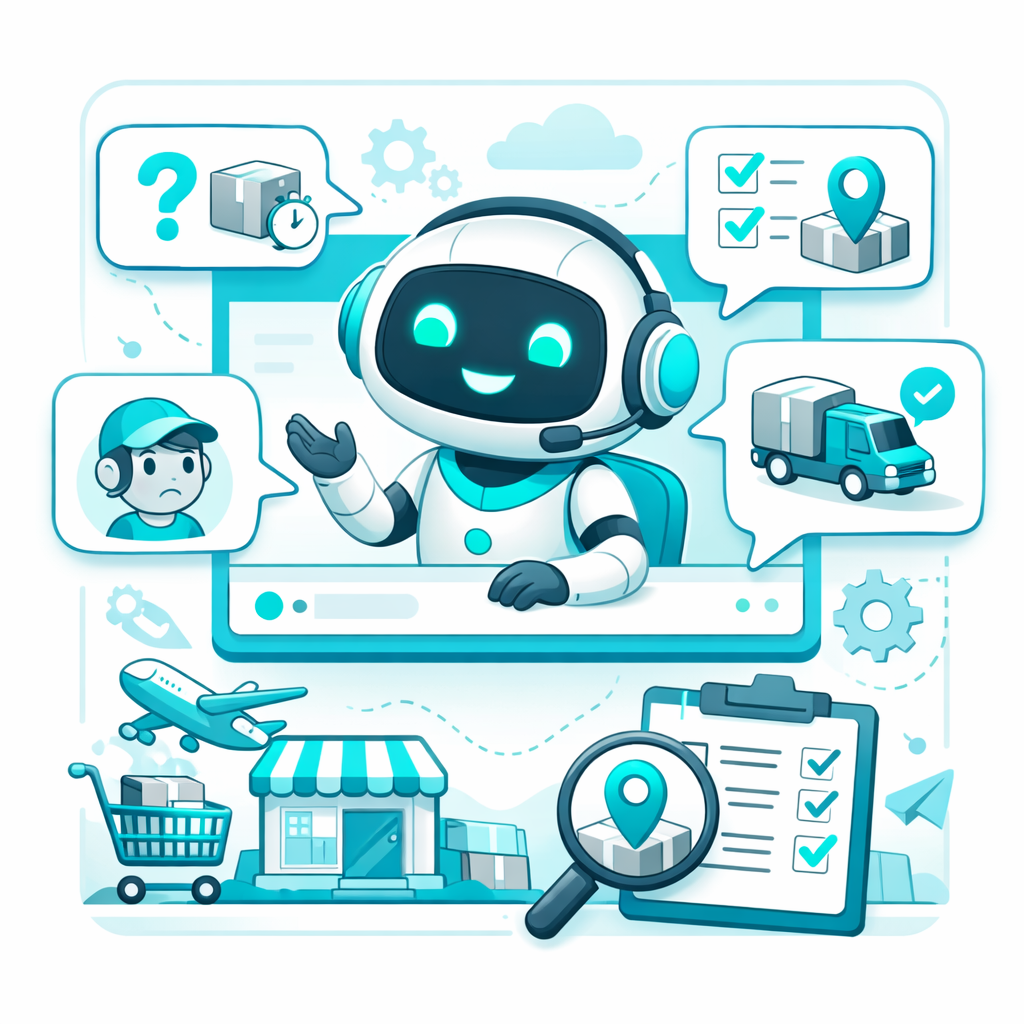
Dropshippers spend hours answering the same questions: "Where's my order?", "What's your return policy?". With Weavin ($39.9/mo), you can build a custom AI agent powered by Claude, GPT, or Gemini, trained on your store's data. Deploy it to Telegram, Discord, Slack, WhatsApp, or Lark to provide instant, 24/7 support, freeing you to focus on growth. You can even build a WISMO resolver to handle "Where's my order?" queries automatically. Best of all, no coding is required.
Try Weavin for Free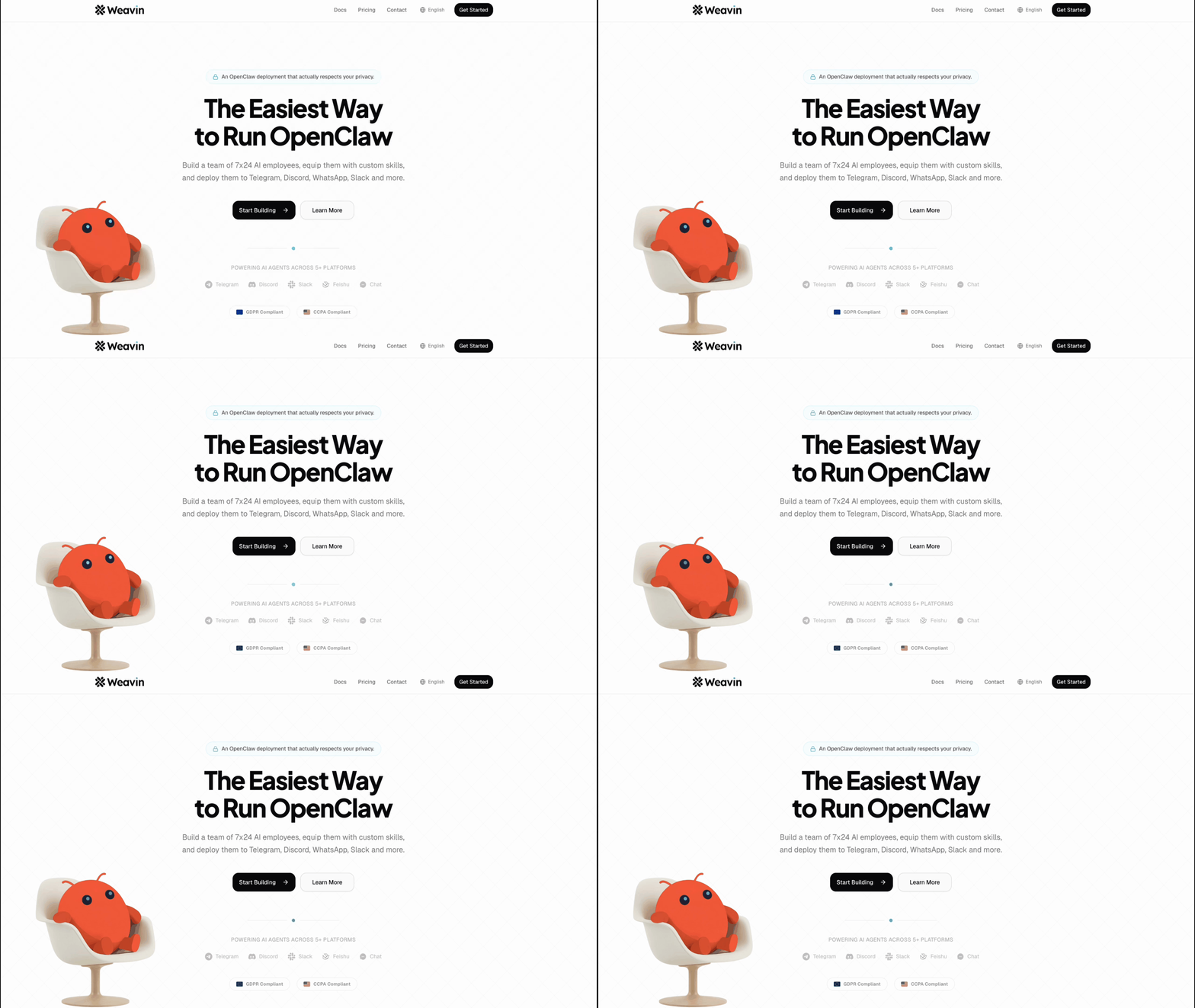
Step-by-Step Setup
Install OpenClaw & Build a Scraper ~45 min
First, you need to purchase and install the OpenClaw desktop application. The main task here is to build a scraper for your target supplier website.
- Navigate to a product page on your supplier's site.
- Use OpenClaw's point-and-click interface to select the data you want to extract (e.g., title, price, images, description).
- Test the scraper on a few different product pages to ensure it's reliable.
Create a Shopify Private App ~5 min
To allow OpenClaw to write data to your store, you need to create private app credentials in your Shopify admin.
- Go to your Shopify Admin > Apps and sales channels > Develop apps.
- Create a new private app, giving it a name like "OpenClaw Sync".
- Configure the Admin API scopes. You'll need `write_products` and `read_products` access at a minimum.
- Copy the API key, password, and your store's hostname (e.g., `your-store.myshopify.com`). See our guide on how to use your own API key for best practices.
Configure the Shopify Connector in OpenClaw ~10 min
Now, you'll tell OpenClaw where to send the scraped data. This is done by setting up a "Connector".
- In your OpenClaw project, go to the "Connectors" tab and add a new Shopify connector.
- Enter the Shopify hostname, API key, and password you copied in the previous step.
- Map the data fields from your scraper (e.g., `title`, `price`) to the corresponding Shopify product fields.
Run the Scraper and Import Products ~5 min
With everything configured, you're ready to run the import. It's best to start with a single product to test.
- Go back to your scraper and find a product URL to test with.
- Run the scraper. It will extract the data.
- Once the data is scraped, run the Shopify connector. The product should now appear in your Shopify admin panel.
- Review the imported product in Shopify to make sure all fields (images, variants, price) are correct.
Real-World Use Cases
Frequently Asked Questions