
The Problem
Manually optimizing a large Shopify catalog for SEO is a soul-crushing task. For every single product, you need to research keywords, write unique and compelling descriptions, craft click-worthy meta titles, and create enticing meta descriptions. Multiply that by hundreds or thousands of SKUs, and it becomes a full-time job that's never truly finished. It's repetitive, time-consuming, and takes you away from growing your business. If you're also sourcing products from multiple suppliers, the description quality problem compounds fast.
"I have 2000+ products on my Shopify store. The thought of rewriting every description for SEO makes me want to cry. Is there an automated way?"- @ecom_warrior on Reddit
"Just spent a week updating meta titles for my top 100 products. My brain is mush. There has to be a better way than this manual grind. #shopify #seo"- @digitalhustle on X
| Method | Setup | Tech Skill | Cost |
|---|---|---|---|
| Manual SEO | Ongoing | None | Your Sanity |
| Zapier / Make | Hours | Medium | $50+/mo |
| Custom Dev | Weeks | High | $5000+ |
| Weavin.ai | 5 min | None | $39.9/mo |

What You’ll Achieve
- A fully automated workflow that scans your Shopify catalog for products needing SEO updates.
- AI-powered rewrites for product descriptions, meta titles, and meta descriptions based on SEO best practices.
- Significant time savings by eliminating hundreds of hours of manual writing and updating.
- Improved search engine rankings and organic traffic due to consistently unique and optimized product pages.
Deploy This SEO Agent as an AI Avatar with Weavin
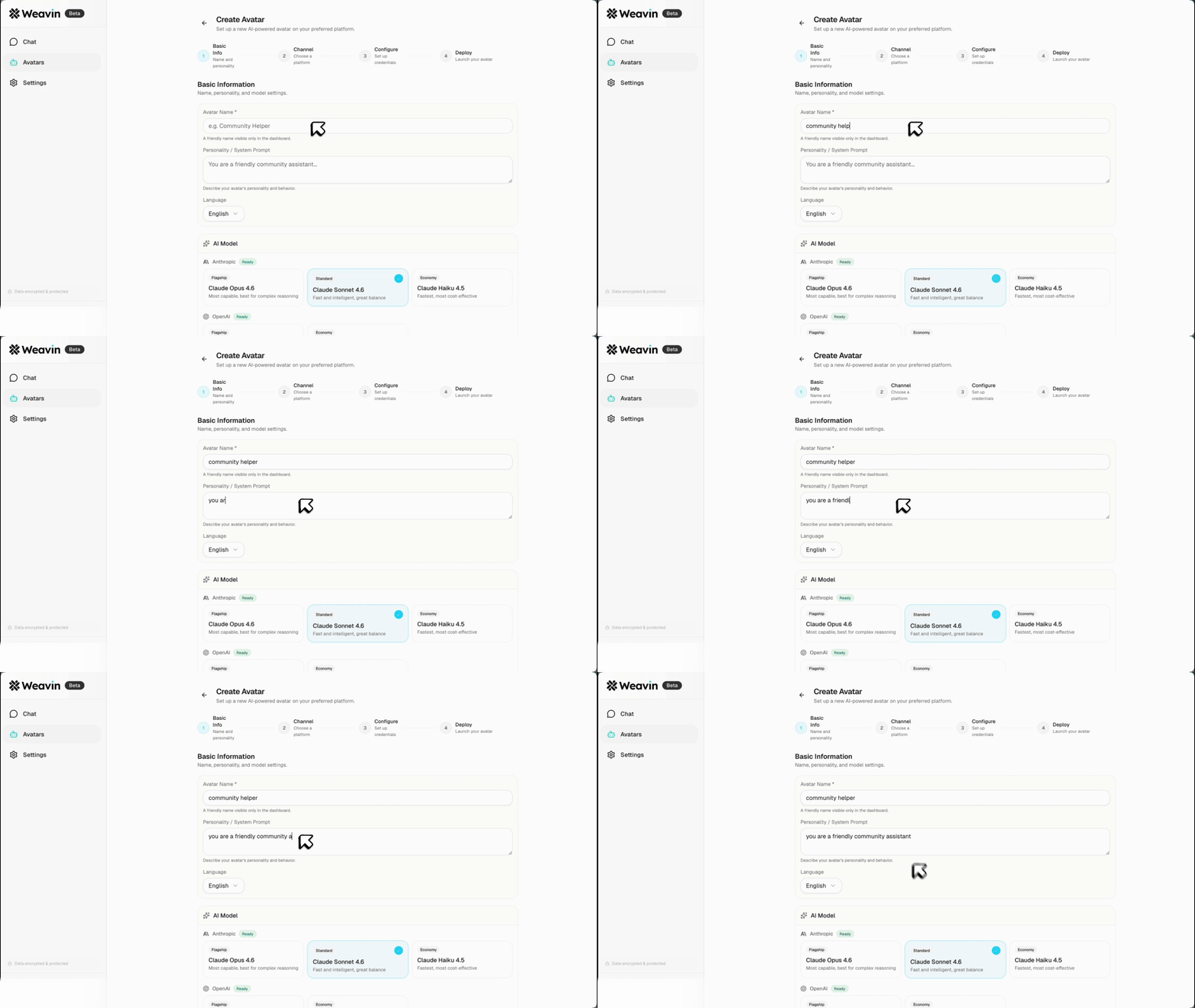
Want to build this exact Shopify SEO automation without writing a single line of code? Weavin is a zero-code AI Avatar platform that lets you connect tools like OpenClaw, Shopify, and AI models (Claude, GPT, Gemini) in minutes. It's a zero-code platform -- deploy your agent to Slack, Discord, or Telegram to manage your store's SEO on the go. Learn how to set up your own API key for maximum control.
Try Weavin Free
Step-by-Step Setup
Set Up Your OpenClaw Agent to Scan Shopify ~2 min
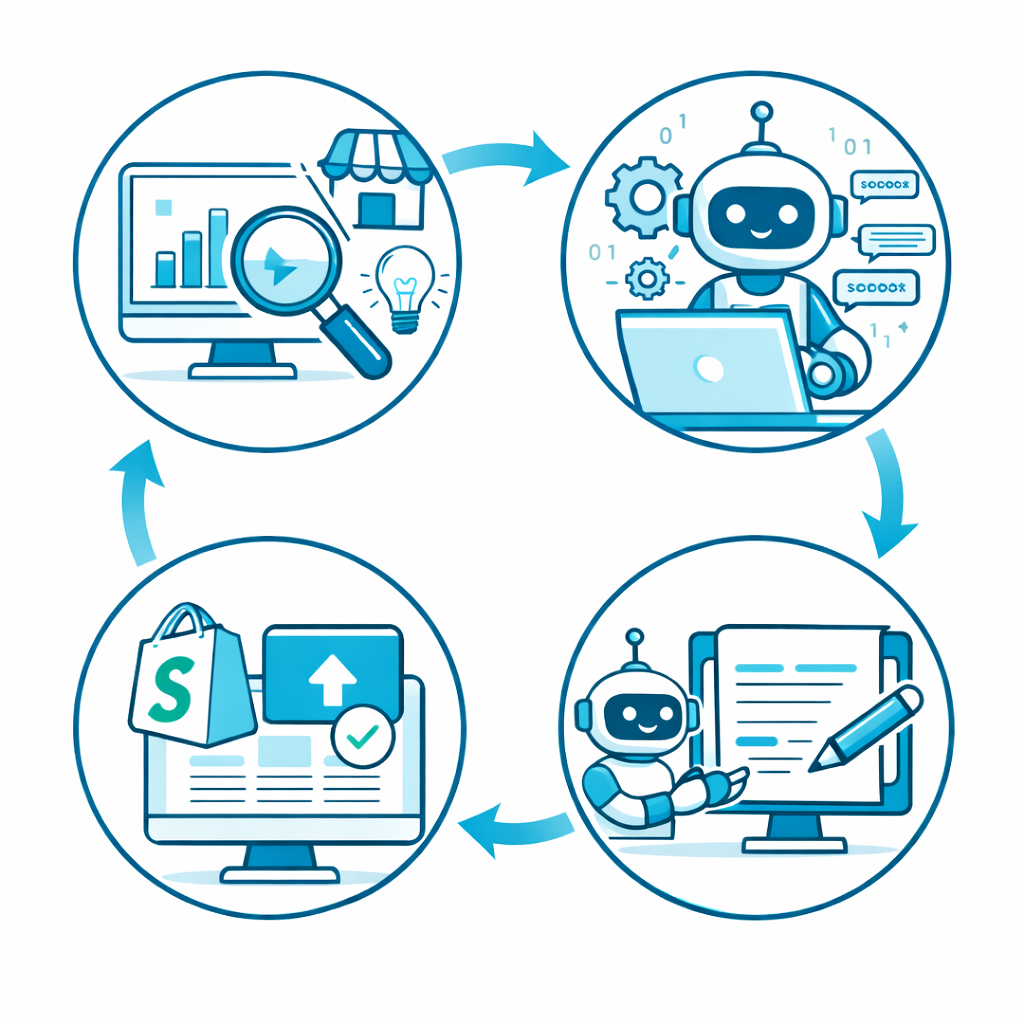
First, you need a way to get your product data. OpenClaw is a powerful, open-source web data extraction tool that's perfect for this. You'll configure an agent to crawl your public-facing Shopify collection pages.
- Define a "Claw" that navigates to your product pages.
- Instruct it to extract key information for each product: the product URL, current H1 title, and the existing product description text.
- The agent will output this data in a structured format (like JSON), ready for the next step.
Connect Data to an AI Model for Rewriting ~3 min
This is where the magic happens. You'll pipe the data from OpenClaw into a powerful large language model (LLM) like Claude 3 Sonnet or GPT-4. The key is writing a great prompt.
- For each product from Step 1, send a request to the AI's API.
- Use a detailed prompt that defines the AI's role, the desired output, and provides the product data as context.
- Your prompt should ask for a new product description, a meta title (under 60 characters), and a meta description (under 155 characters).
Push the AI-Generated Content Back to Shopify ~2 min
Once the AI has generated your new, SEO-optimized content, you need to update your store. This is done using the Shopify Admin API.
- Using the product's URL or handle from Step 1, identify the correct product in your Shopify admin.
- Make a `PUT` request to the Shopify API endpoint for that product.
- Update the `body_html` (the product description), `title` (the product title), and the `metafields` for the SEO title and description.
Schedule and Automate the Entire Workflow ~1 min
The final step is to make this a 'set it and forget it' process. You don't want to manually trigger this workflow every time. You can use a scheduler (like a cron job) or a workflow automation platform to run the entire sequence automatically.
- Set the workflow to run on a schedule, such as once a week.
- The agent will automatically scan for new products or products that haven't been updated recently.
- It will then rewrite and update them without any manual intervention, ensuring your catalog is always optimized.

Real-World Use Cases