
The Problem
Unseen costs come from verbose prompts and frequent system jobs like misconfigured cron tasks. See the difference:
| Wasteful Practice | Optimized Method |
|---|---|
| Verbose prompts | Concise instructions |
| Frequent heartbeat cron jobs | Batched status updates |
| Repeated identical queries | Response caching layer |
| Full chat history per call | Summarized conversation context |
| No usage monitoring | Budget alerts & dashboards |
What You'll Achieve
- Significantly lower your monthly OpenClaw bill.
- Improve API response times and efficiency.
- Gain better visibility and control over AI spending.
- Develop more sustainable and scalable AI applications.
Token spend still exists with any LLM-backed product—even on managed platforms. Weavin can reduce ops overhead for deployment, but you should still set budgets/alerts with your model provider (especially with BYOK). If you're self-hosting, make sure to review our security checklist as well.
How to Get Started
Audit and Refine Your Prompts 60 mins
Review your prompts. Remove filler words and redundant examples. Aim for clarity and brevity to reduce token count per call without losing context.
Optimize System Tasks 45 mins
Reduce the frequency of 'heartbeat' checks and cron jobs. Batch status updates instead of sending constant individual signals to the API.
Implement a Caching Layer 90 mins
Cache responses for identical or highly similar queries. This prevents re-processing the same request, saving both tokens and time.
Set Up Cost Monitoring & Alerts 30 mins
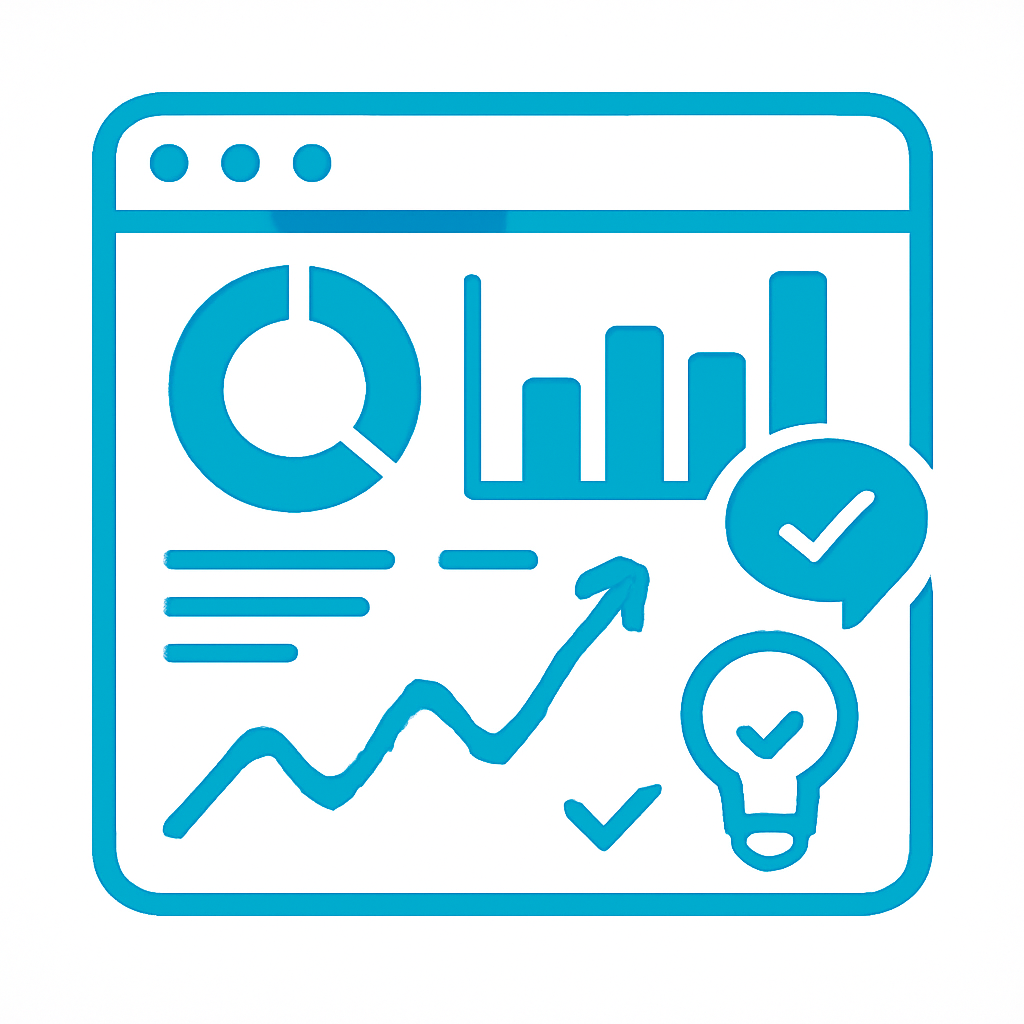
Use the OpenClaw dashboard to monitor token usage. Set budget alerts for unexpected spikes to catch cost overruns before they escalate.
Use Cases