
The Appeal: Why Everyone's Talking About It
The intersection of OpenClaw and Raspberry Pi has captured the imagination of tinkerers, developers, and AI enthusiasts everywhere. The idea is simple and powerful: a cheap, low-power, credit-card-sized computer running a sophisticated AI orchestration framework. The community buzz is palpable.
You see posts on Reddit like, "Which Raspberry Pi should I buy to run Open claw projects" and announcements proclaiming, "You can now run OpenClaw on a Raspberry Pi." The dream is to have a personal AI assistant, untethered from big tech, running privately in your own home for a one-time hardware cost.
This vision is perhaps best encapsulated by projects like this one:
"Pocket-sized AI assistant with OpenClaw on Raspberry Pi Zero 2 W 🤖 Push-to-talk → OpenAI transcription → OpenClaw on VPS → streaming text on tiny L"
— @IlirAliu_
This tweet highlights the core appeal: creating tangible, physical AI interfaces. OpenClaw provides the brain, and the Raspberry Pi provides the body. But as we'll see, the connection between that brain and body is more nuanced than it first appears.
The Reality Check: Real-World Performance
Here's the hard truth: You are not running models like Claude 3 Opus or GPT-4 Turbo directly on a Raspberry Pi. The hardware simply isn't capable of it. These state-of-the-art models require massive amounts of RAM and specialized processing power (GPUs/TPUs) that far exceed what a Pi can offer.
As one user aptly put it, the hardware requirements for high-performance local AI are significant:
"People were literally buying $600 Mac minis just to run OpenClaw locally."
— @haha_girrrl
So, what does "running OpenClaw on a Raspberry Pi" actually mean? In 99% of cases, it means you are running the OpenClaw orchestration layer on the Pi. The Pi acts as a lightweight server that manages workflows, handles API keys, and routes requests to powerful, cloud-hosted AI models (like those from OpenAI, Anthropic, or Google).
- What Works: Using the Pi as a persistent, low-power server to run the OpenClaw backend. It can receive a request (e.g., from a sensor or a Telegram bot), process it through an OpenClaw workflow, and call an external LLM via its API. This is perfect for IoT projects and simple bots.
- What Doesn't Work: Local inference with large, useful models. While you *might* be able to run a highly-quantized, tiny 1B-parameter model, the performance will be slow, and the results will be nowhere near the quality of modern LLMs. The 8GB of RAM on a Raspberry Pi 5 is insufficient for models that require 20GB, 40GB, or even more.
The promise of OpenClaw isn't just about local hosting; it's about flexibility and power, like handling massive documents. A popular tweet noted:
"OpenClaw just went nuclear. No more being locked into one AI model. No more losing context in massive files. ... → 1M token"
— @JulianGoldieSEO
Accessing that 1 million token context window with a model like Claude 3 requires calling its API. The Pi can be the device that *makes the call*, but it can't be the device that *does the thinking*.
Cost Breakdown: Pi Setup vs. Cloud Services
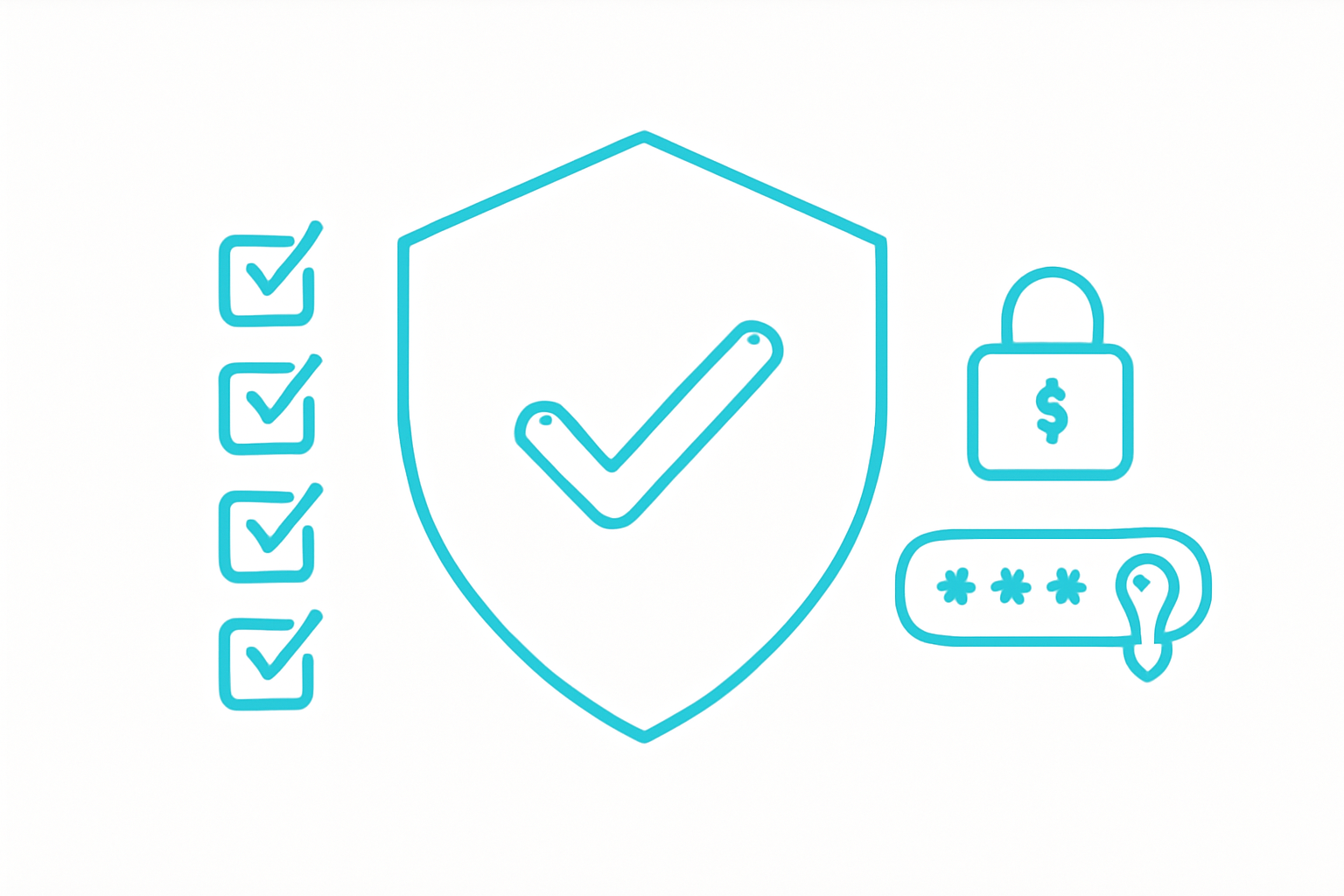
Is a 'buy-once' hardware setup cheaper than a monthly subscription? Let's break down the costs. For this comparison, we'll assume the Pi is used as an orchestrator making API calls, as that's the only practical use case for powerful models.
| Cost Factor | Raspberry Pi 5 Setup | Managed Platform (e.g., Weavin) |
|---|---|---|
| Upfront Hardware Cost | $120 - $150 (Pi 5, PSU, 32GB SD, Case) | $0 |
| Setup & Maintenance Time | 2-5 hours (OS install, Docker, OpenClaw setup, networking, security) + ongoing updates | 5 minutes (Sign up and connect data) |
| Monthly Software Cost | $0 (Open-source OpenClaw) | $39.9 / month (Standard) |
| Monthly AI Model Cost | Variable (Pay-per-use API calls to OpenAI/Anthropic. Can range from $5 to $500+ depending on usage) | Included (Generous quotas, BYOK option for heavy use) |
| Total Cost (Moderate Use, 1 Year) | ~$135 (hardware) + ~$360 (API calls @ $30/mo) = ~$495 | $39.9 × 12 = ~$479 |
At first glance, the Pi seems cheaper. However, this calculation doesn't factor in the value of your time for setup and maintenance, the risk of hardware failure, SD card corruption, or potential security vulnerabilities from a self-managed, internet-facing device. The managed platform offers reliability, security, and scalability out of the box.
The 'Sweet Spot': When a Pi is the Right Tool
Despite the limitations, there is a fantastic 'sweet spot' for using OpenClaw with a Raspberry Pi. The Pi excels as a physical bridge between the digital world of AI and the real world.
Use a Raspberry Pi when your project involves:
- Physical Interfaces: Connecting buttons, microphones, sensors, LEDs, or small screens to an AI workflow. The GPIO pins are the Pi's superpower.
- Always-On, Low-Power Orchestration: You need a device that can sit in a corner and listen for a command 24/7 without running up a huge electricity bill. Think custom voice assistants, smart home controllers, or notification systems.
- Educational Purposes: It's an unbeatable platform for learning about APIs, hardware integration, and how AI systems are pieced together.
The project from @IlirAliu_ is the quintessential example: a push-to-talk device that uses the Pi for hardware input (microphone), sends audio to a transcription service, then uses OpenClaw (running anywhere, even on a VPS) to call an LLM, and finally displays the result on a tiny screen. Here, the Pi is a client and hardware controller, and it's brilliant at that job.
When a Pi is the Wrong Choice
Choosing a Raspberry Pi for the wrong task leads to frustration. Avoid a Pi-based setup if your primary needs are:
- High Reliability & Uptime: Consumer-grade hardware like an SD card is a point of failure. For any business-critical or customer-facing application, a Pi is too risky.
- High Performance & Low Latency: If you need fast responses for a production application, relying on a home internet connection and a Pi adds significant latency compared to a professionally managed cloud infrastructure.
- Simplicity and 'It Just Works': The Pi is for tinkerers. If you want to build and deploy an AI assistant for your community or business without becoming a part-time sysadmin, the Pi will be a frustrating time sink.
- Data Security: Managing a secure, internet-facing device from your home network is non-trivial. A misconfiguration can expose your network and your AI credentials.
3 Better Alternatives for Most People
If the limitations of the Pi seem like a dealbreaker for your idea, don't worry. Here are three superior alternatives depending on your goal:
- A Cloud VM (e.g., AWS, Google Cloud): If you want the control of self-hosting OpenClaw but need more power and reliability, renting a small virtual private server (VPS) is the next logical step. See our self-hosting vs. managed platform comparison for a detailed breakdown. You get a stable IP, reliable hardware, and scalable resources, though you're still responsible for all setup and maintenance.
- Dedicated Local Machine (Mac Mini / NUC): If your goal is truly local, private inference, you need to invest in capable hardware. A used M1 Mac Mini or an Intel NUC with a good amount of RAM can run powerful open-source models locally, giving you full privacy. This is a significant cost and complexity jump.
- A Managed AI Platform (like Weavin): This is the fastest, easiest, and most reliable path for most business and community use cases. You get all the power of frameworks like OpenClaw with none of the hardware headaches or maintenance overhead. It's designed for deployment, not tinkering. You can deploy an OpenClaw agent without managing any server — or go fully no-code.
What You'll Achieve
- Understand the true performance limitations of running AI on a Raspberry Pi.
- Learn what "running OpenClaw on a Pi" actually entails (orchestration vs. inference).
- Make an informed cost-benefit analysis of a Pi setup vs. a managed cloud service.
- Identify the specific use cases where a Raspberry Pi is the perfect tool for an AI project.
- Discover more suitable alternatives for production-grade AI assistant deployment.
The allure of tinkering is strong, but building a reliable AI assistant shouldn't require a degree in systems administration. If your goal is to get a powerful, custom-trained AI chatbot into the hands of your users on platforms like Discord, Telegram, or WhatsApp, then a managed platform is the clear choice.
Weavin is the zero-hardware alternative. We handle the infrastructure, model access, and deployments so you can focus on what matters: creating an amazing AI experience. Connect your knowledge base, choose your model, and deploy. It’s the power of an OpenClaw workflow without the Pi-sized headache. Keep an eye on token costs regardless of your setup.
Real-World Use Cases
Frequently Asked Questions