The Hidden Costs of Running Your Own OpenClaw Agent
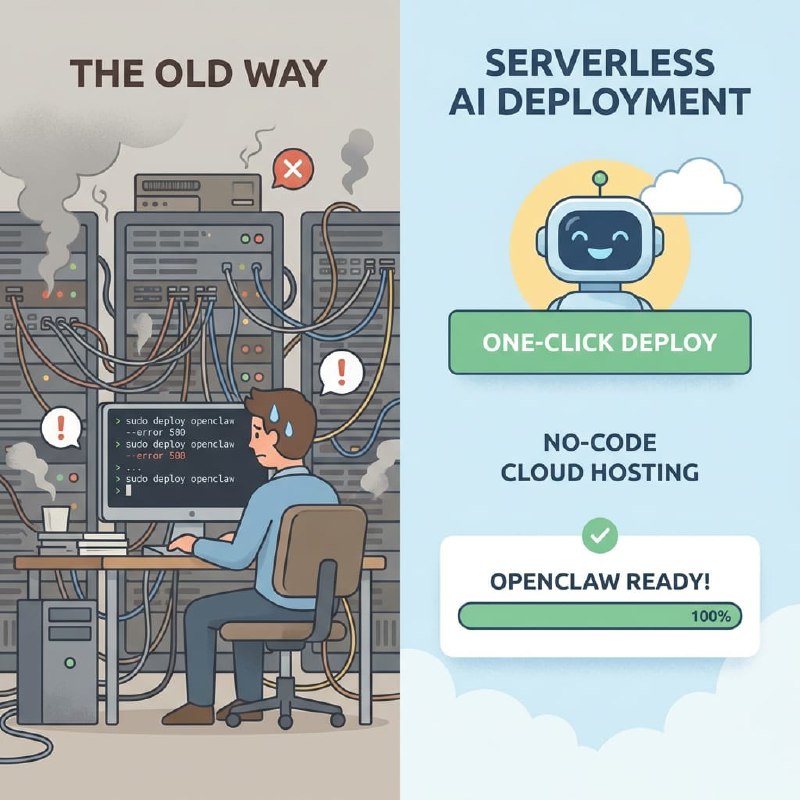
Deploying an AI agent like OpenClaw sounds simple enough — until it isn't. Sure, you write the code, but then you're also wrangling servers, keeping things online, juggling environment variables, rotating API keys — and wondering whether self-hosting is even worth it, and crawling out of bed at 2am to debug some infrastructure nonsense. For developers and small teams who just want a bot that works, all that ops stuff starts eating your actual product time alive. What kicked off as a weekend project somehow turns into a part-time sysadmin gig.
The money side gets ugly pretty quick too. Self-hosting means you're paying for compute whether your bot is sitting idle or getting hammered, and most cloud platforms shove you into their own AI models at marked-up per-token prices. You can't shop around. If your team wants to bounce between Claude, GPT-4, or Gemini depending on what the job needs, you're basically rebuilding integrations from scratch each time. There's got to be a way to keep control without owning the whole damn stack yourself.
"I burned three weekends setting up a VPS, messing with nginx, writing systemd services, and babysitting deployments — all for a simple support bot. It ran fine for two weeks, then the server ate itself at midnight on a Friday because the disk filled up. I just want to ship the thing, not learn to be a sysadmin."
— r/selfhosted
"The platform we were on charged $0.04 per message and we had no idea what model was even running under the hood. When we asked about bringing our own OpenAI key, they just said no. We were basically paying to rent a worse version of something we were already paying for elsewhere."
— r/SideProject
What You'll Have at the End
You will get
- Your OpenClaw agent live on Telegram, Discord, Slack, Lark, or WhatsApp in under 5 minutes
- Zero server setup, zero infrastructure costs, zero maintenance burden
- Full control over your AI model with BYOK support for Claude, GPT, and Gemini
- A production-ready AI avatar that responds to users 24/7 without you lifting a finger
Step-by-Step Guide
Click each step to expand. The whole process takes about 5 minutes.
Connect Your AI Provider API Key ~2 min
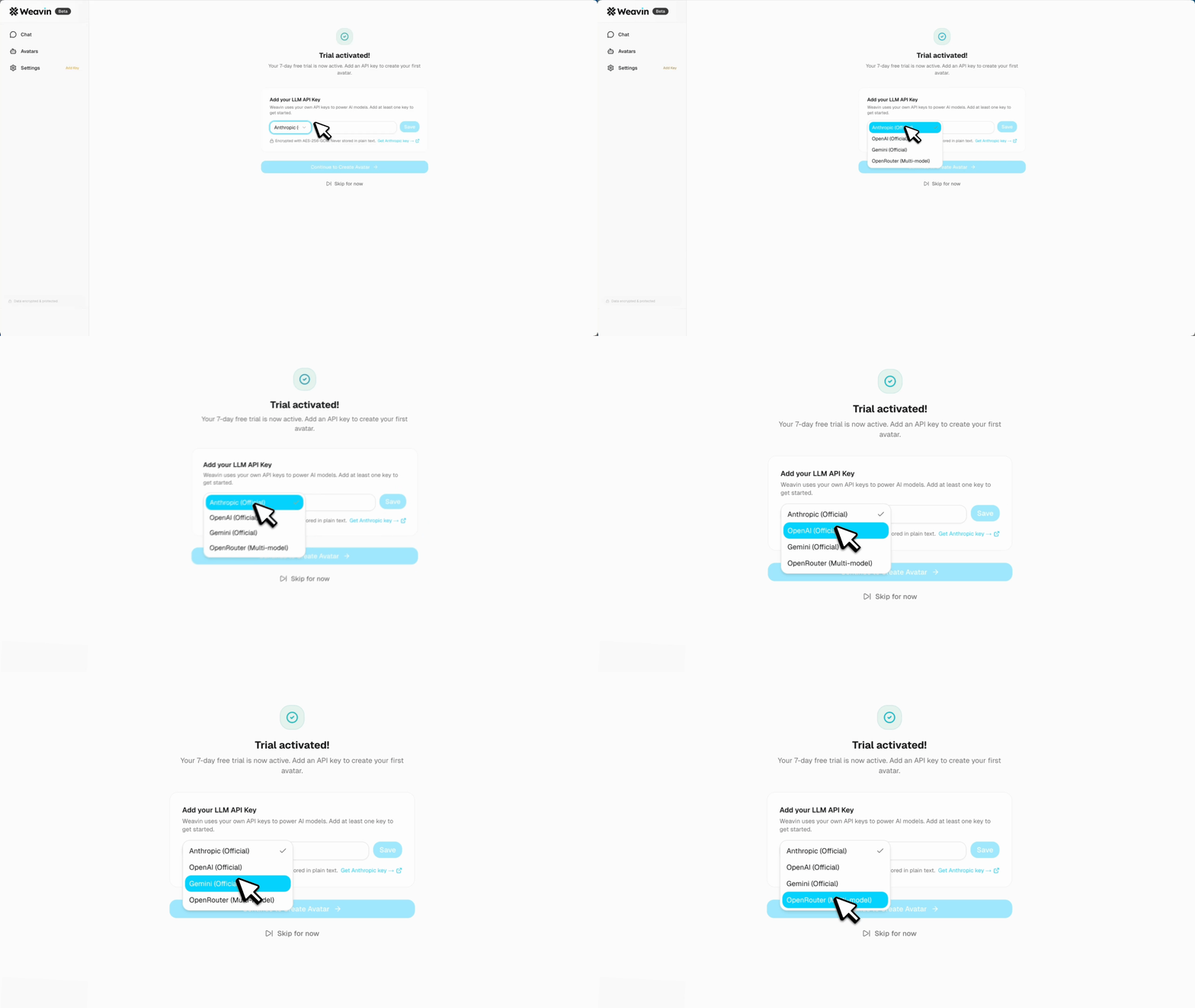
Weavin supports BYOK (Bring Your Own Key) so you stay in control of your AI costs and data. Start by linking your preferred provider.
- Log in to your Weavin dashboard and navigate to Settings → API Keys
- Click Add New Key and select your provider: Claude (Anthropic), GPT (OpenAI), or Gemini (Google)
- Paste your API key into the input field — Weavin encrypts it at rest and never shares it externally
- Click Verify & Save to confirm the key is valid and has sufficient quota
Create a New OpenClaw Agent ~3 min
With your key connected, you can spin up an OpenClaw agent and bind it directly to your own API credentials — no shared infrastructure involved.
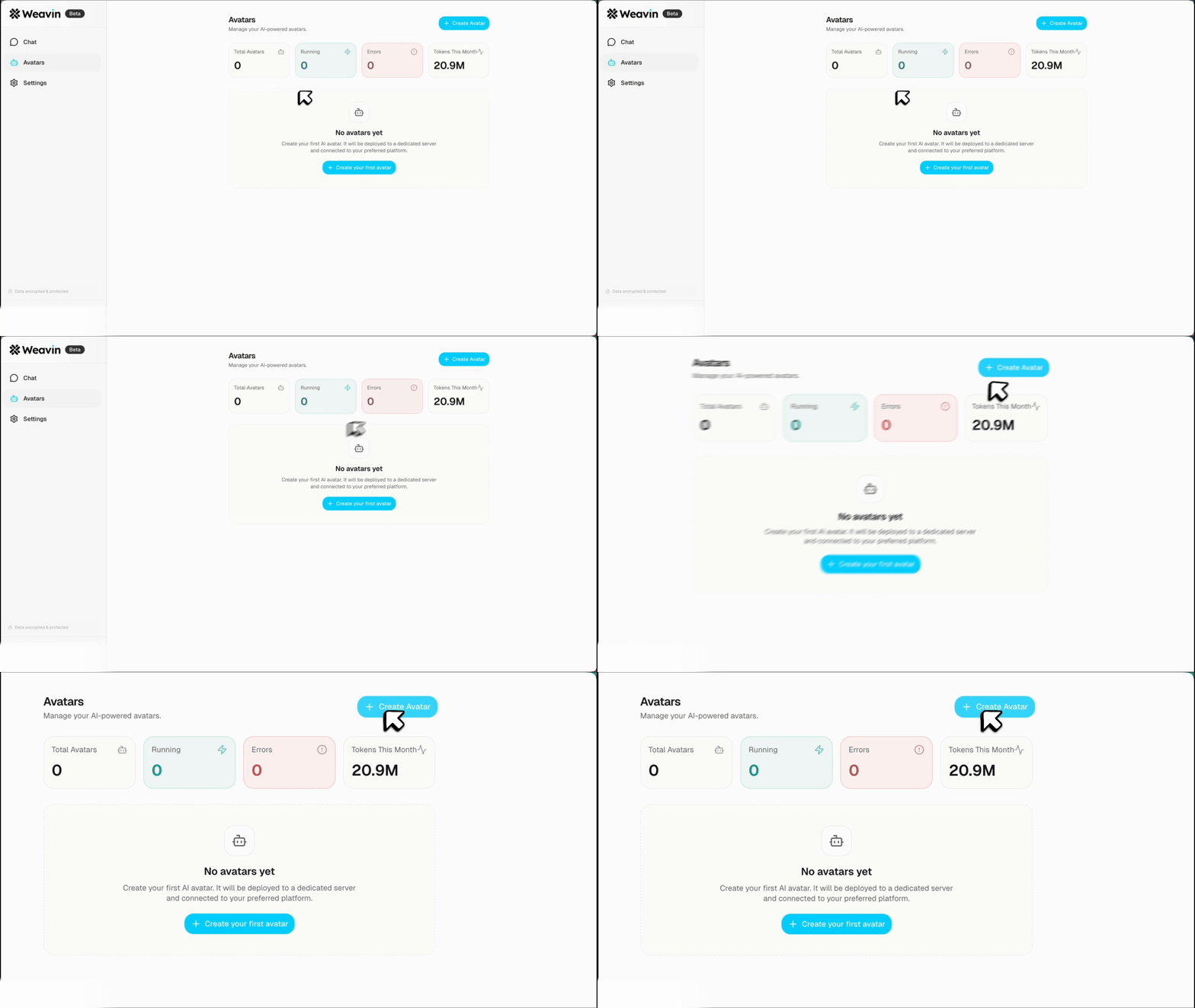
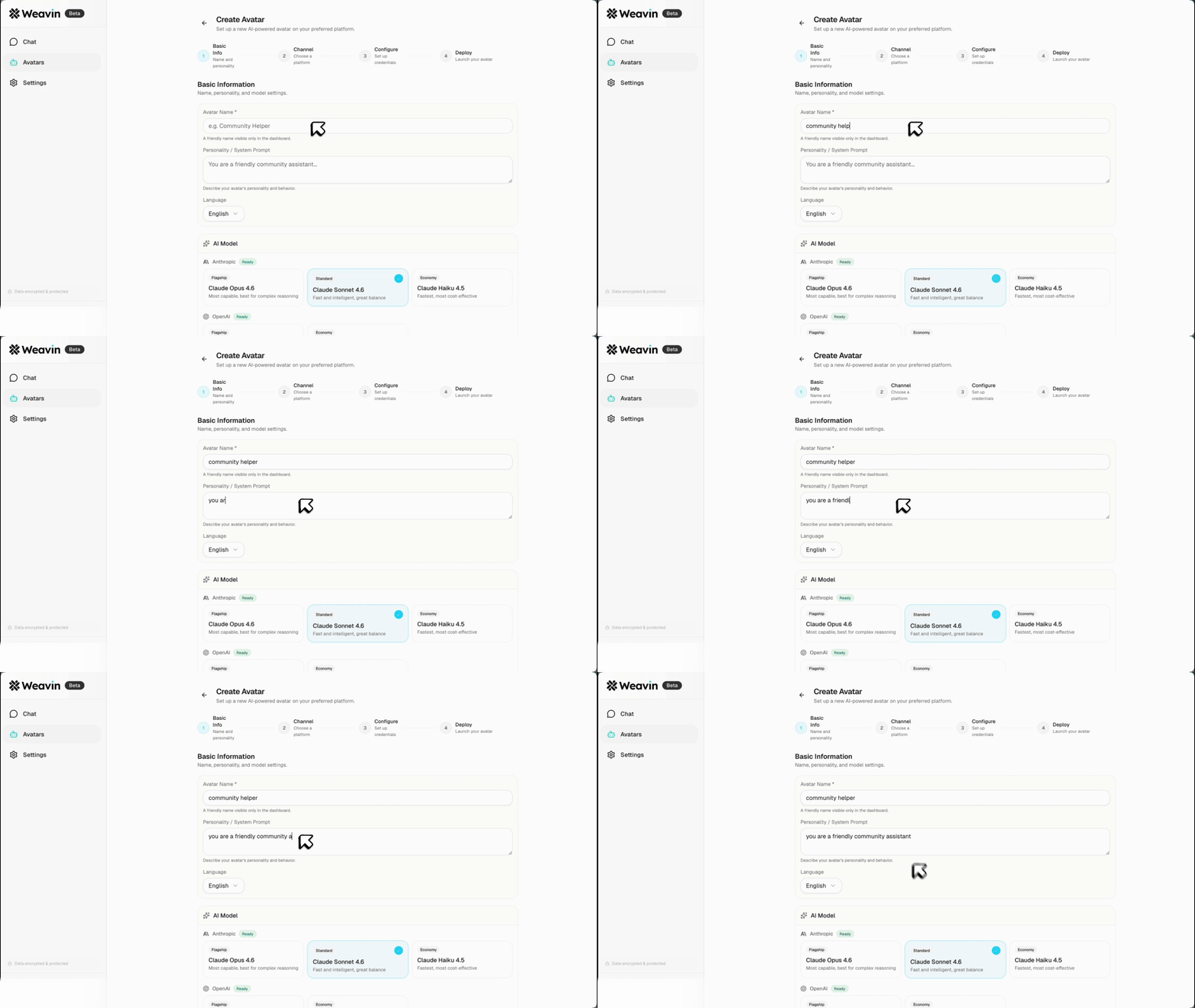
- Go to Agents → New Agent and choose OpenClaw as the agent template
- Give your agent a name and optional description to identify it in your workspace
- Under Model Settings, select the API key you just added from the Linked Key dropdown
- Choose your target model (e.g.
claude-3-5-sonnet,gpt-4o, orgemini-1.5-pro) and set your preferred temperature and token limits
Configure Agent Behavior and Permissions ~4 min
Define what your OpenClaw agent can do, what tools it can access, and how it should behave — all scoped to your own key usage and budget.
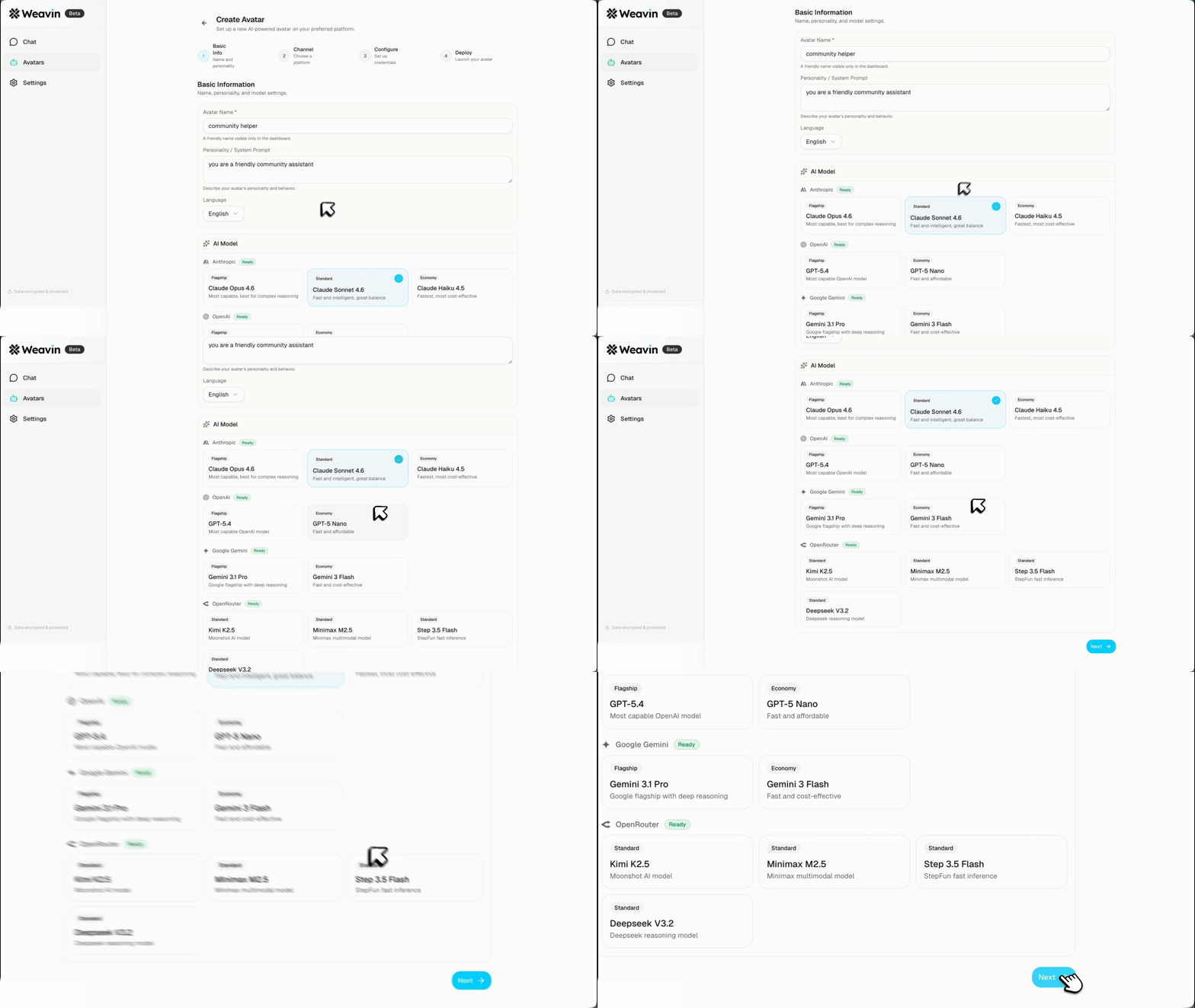
- In the System Prompt field, write the role and instructions for your agent (e.g. customer support, code review, data extraction)
- Under Tools & Integrations, toggle on any capabilities your agent needs such as web search, file reading, or webhook calls
- Set a Monthly Token Budget under Cost Controls to cap spending against your API key automatically
- Toggle Conversation Memory on or off depending on whether the agent should retain context across sessions
Deploy and Share Your Agent Endpoint ~2 min
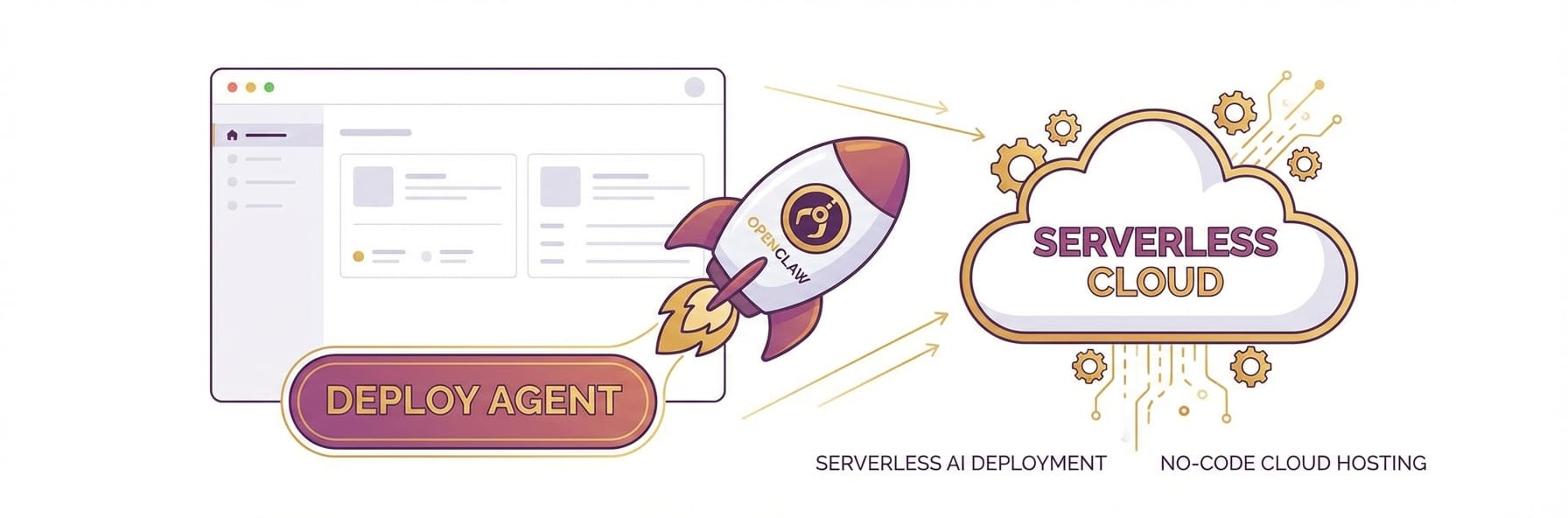
Weavin hosts the runtime so you never need to manage servers, containers, or uptime — your agent is live the moment you publish it.
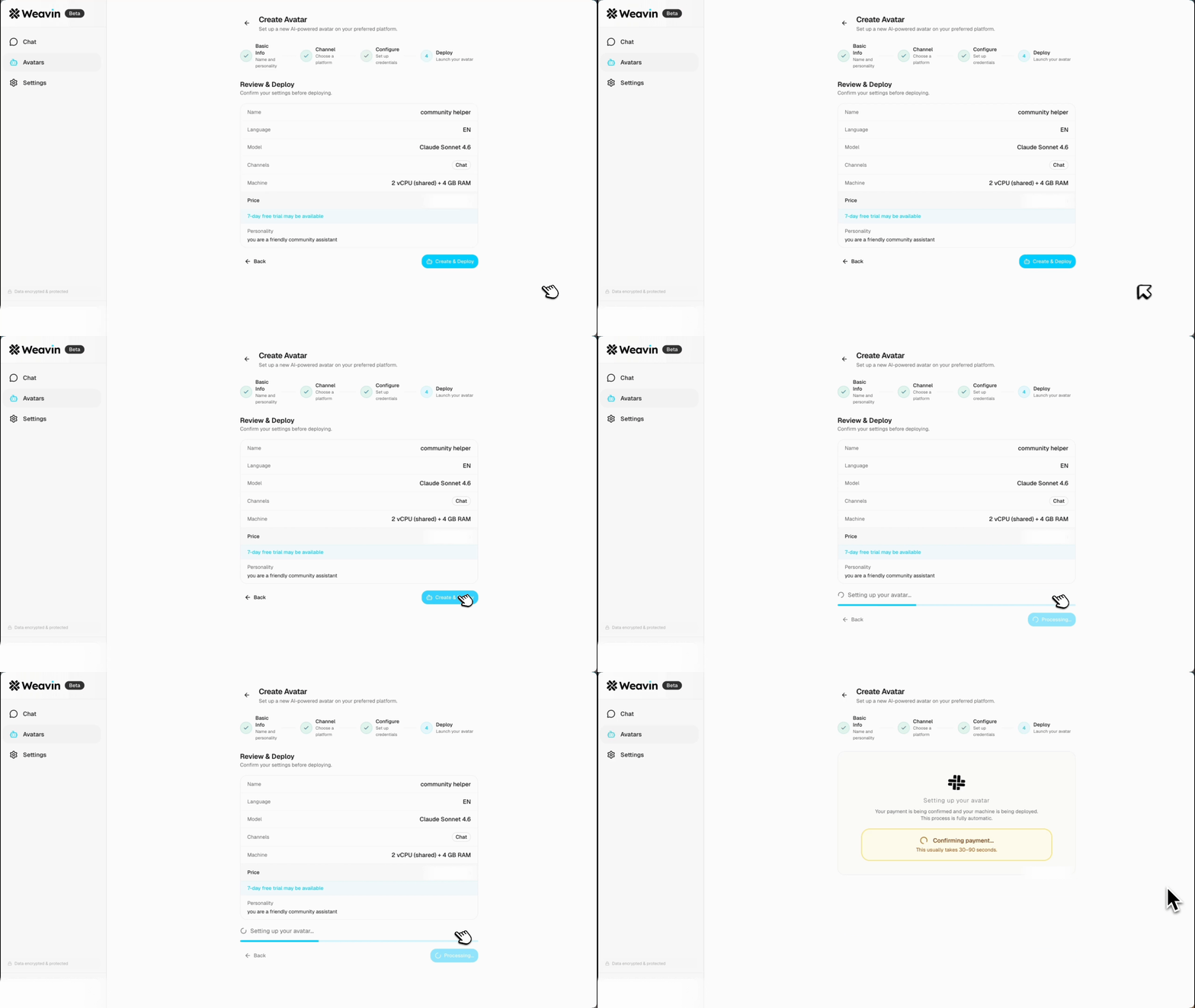
- Click Deploy Agent from the agent detail page — Weavin provisions the endpoint instantly using your linked API key
- Copy the generated Agent URL or Embed Snippet from the Share tab to add the agent to your website, app, or internal tool
- Use the API Access tab to grab a bearer token if you want to call your agent programmatically from your own codebase
- Visit Analytics → Usage at any time to monitor token consumption, response latency, and cost broken down by session against your own key
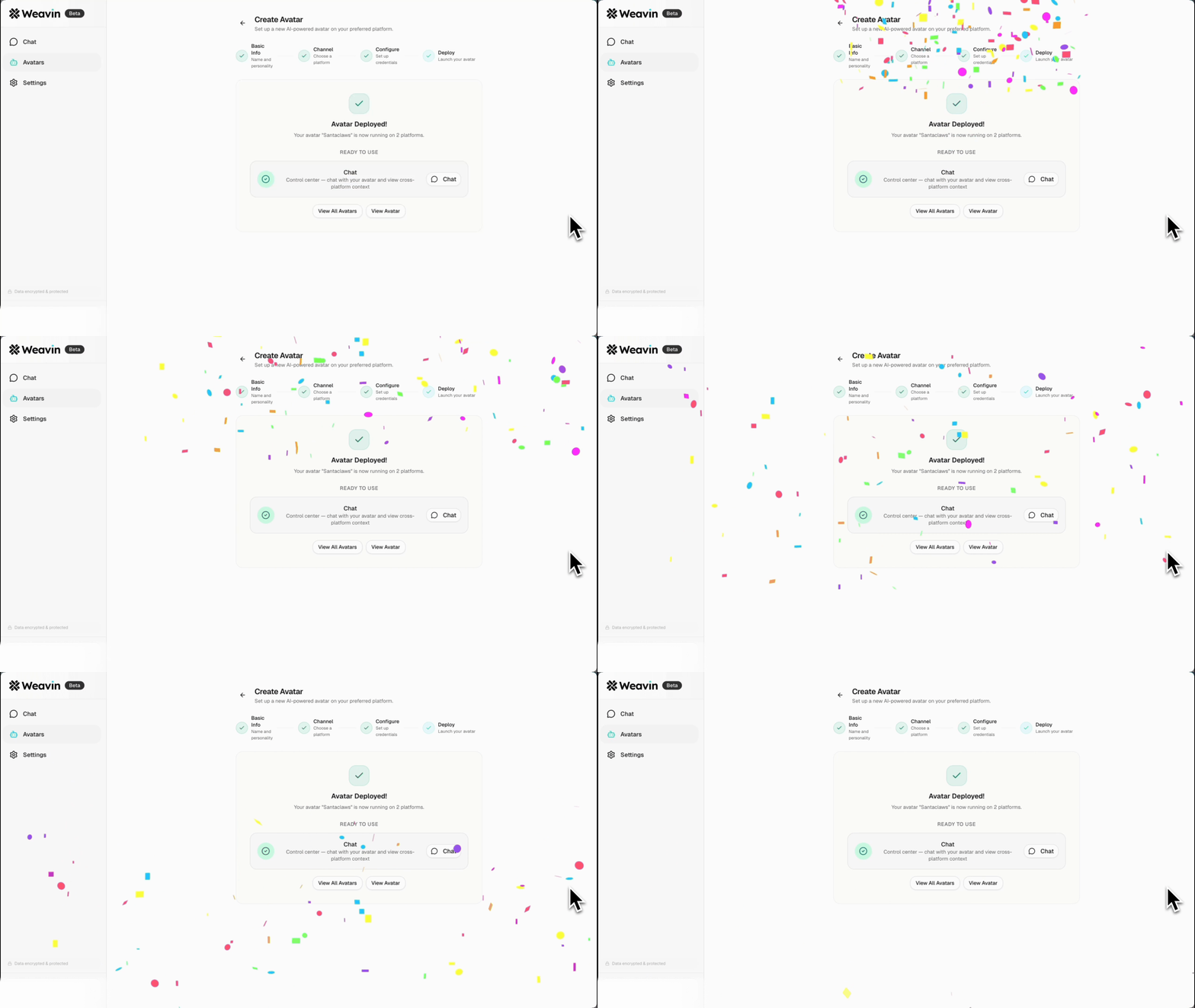
What Happens After Launch
Real Use Cases Right Now