Why This Matters
If you've spent any time poking around AI automation tools, you've probably hit the same wall I did: on one side, platforms that trap you in their own AI ecosystem and charge absurd per-token markups. On the other, self-hosted options like OpenClaw or n8n that sound great on paper but eat up entire weekends before you can fire off a single automated message. That whole "just connect your AI and automate" pitch? It falls apart fast once you're buried in API keys, webhook headaches, server upkeep, and mystery billing spikes that nobody mentioned when you clicked "Start for Free."
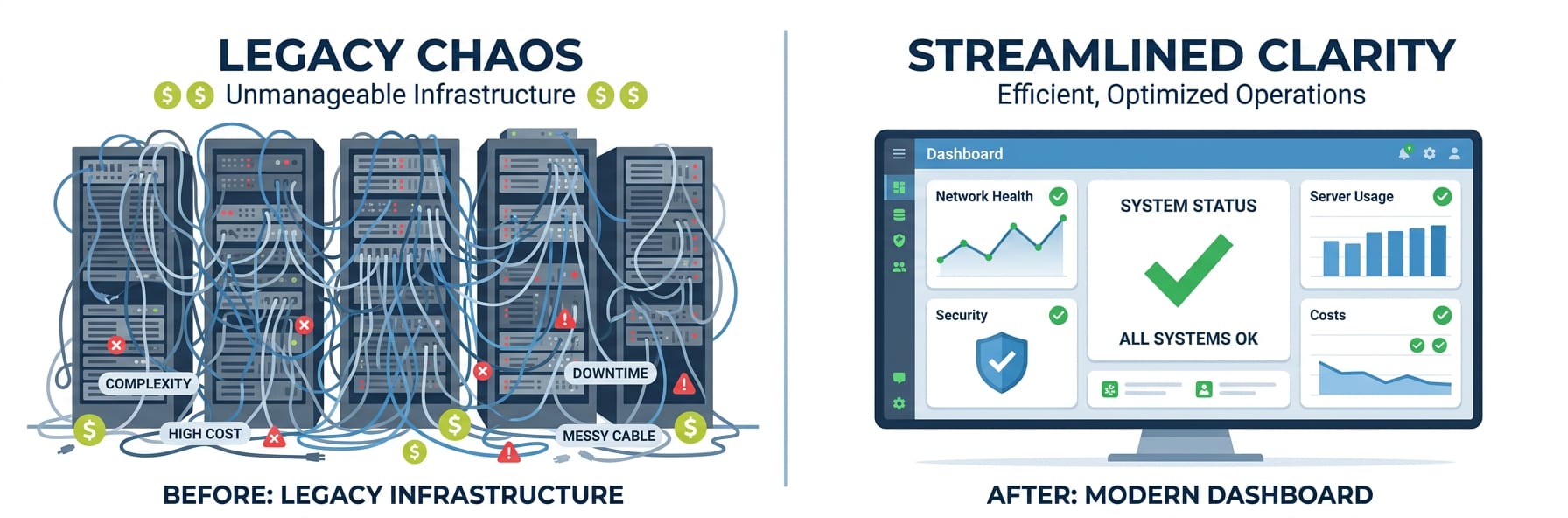
And honestly, the OpenClaw vs. n8n debate kind of misses the point. Both tools were built by developers, for developers — people who feel at home in a terminal and don't mind editing YAML on a Saturday morning. But what about the business owner who just wants to run a decent customer support bot with their own Claude or GPT key? They shouldn't have to spin up a VPS, wrestle with Docker, or troubleshoot Node.js dependency hell at 2am because something broke. The automation world has basically split into two camps: "too pricey and locked down" or "too complex and time-consuming" — and regular people who just want something that works are left hanging in the middle.
"I spent three weekends getting n8n self-hosted just to run a simple customer support bot. It kept breaking every time I updated anything and my Anthropic costs were still unpredictable because I had no visibility into what the workflows were actually consuming."
— r/selfhosted
"Tried every no-code automation tool out there. They either force you to use their bundled GPT wrapper at 10x the API price, or you're expected to basically be a backend engineer to bring your own key. Why is there no middle ground for normal people?"
— r/nocode
| Platform | Best For | Setup Complexity | AI Model Support | Chat Platform Integration |
|---|---|---|---|---|
| n8n | Workflow automation, data pipelines | Medium — requires self-hosting or cloud plan | Via HTTP nodes (manual config) | Limited — requires custom webhook setup |
| Zapier / Make | Simple trigger-action automations | Low — but limited AI depth | Basic API connections | Partial — webhook-based, often breaks |
| Self-hosted bot | Full control, custom logic | High — server management required | Any (you build it) | Manual integration per platform |
| Weavin + OpenClaw ✦ | Conversational AI agents on chat platforms | Zero code — 4 steps, 5 minutes | BYOK: Claude, GPT, Gemini | Native: Telegram, Discord, Slack, WhatsApp, Lark, Zalo |
What You'll Have at the End
You will get
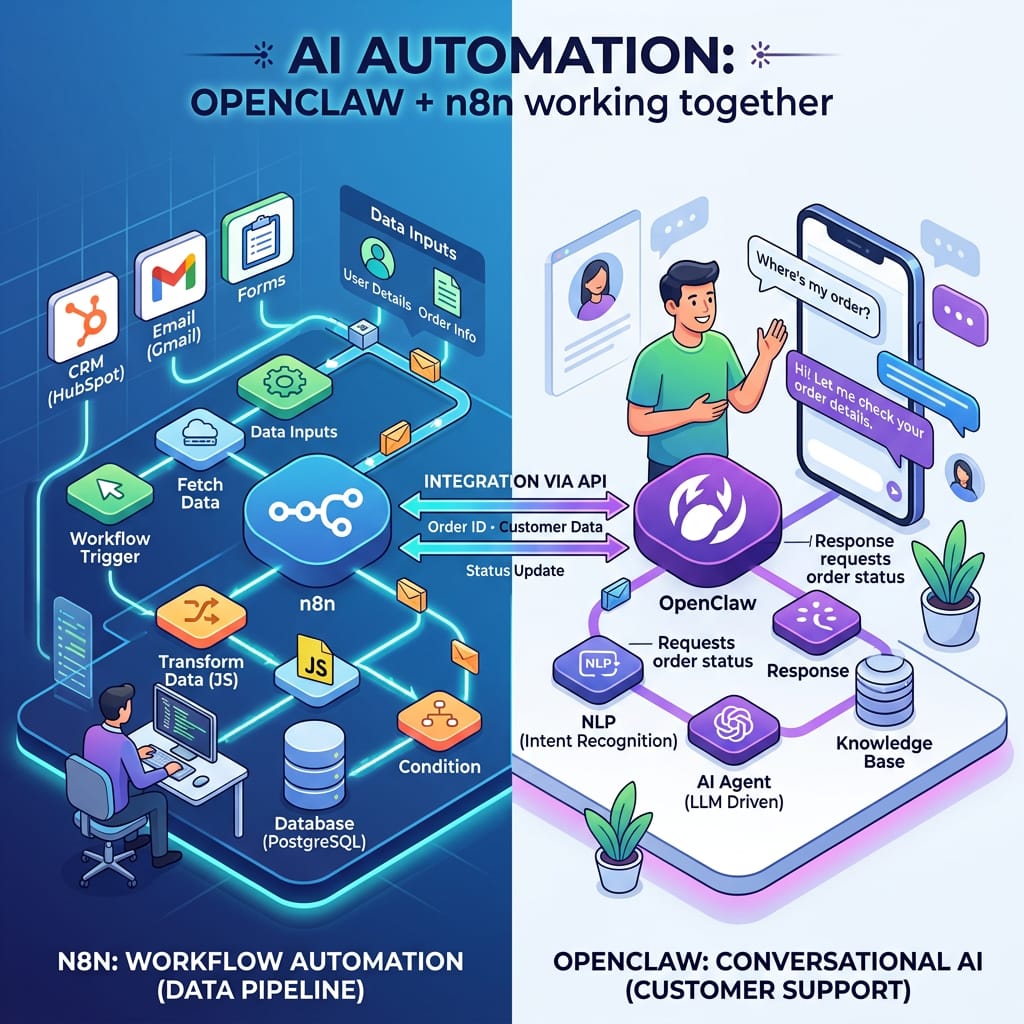
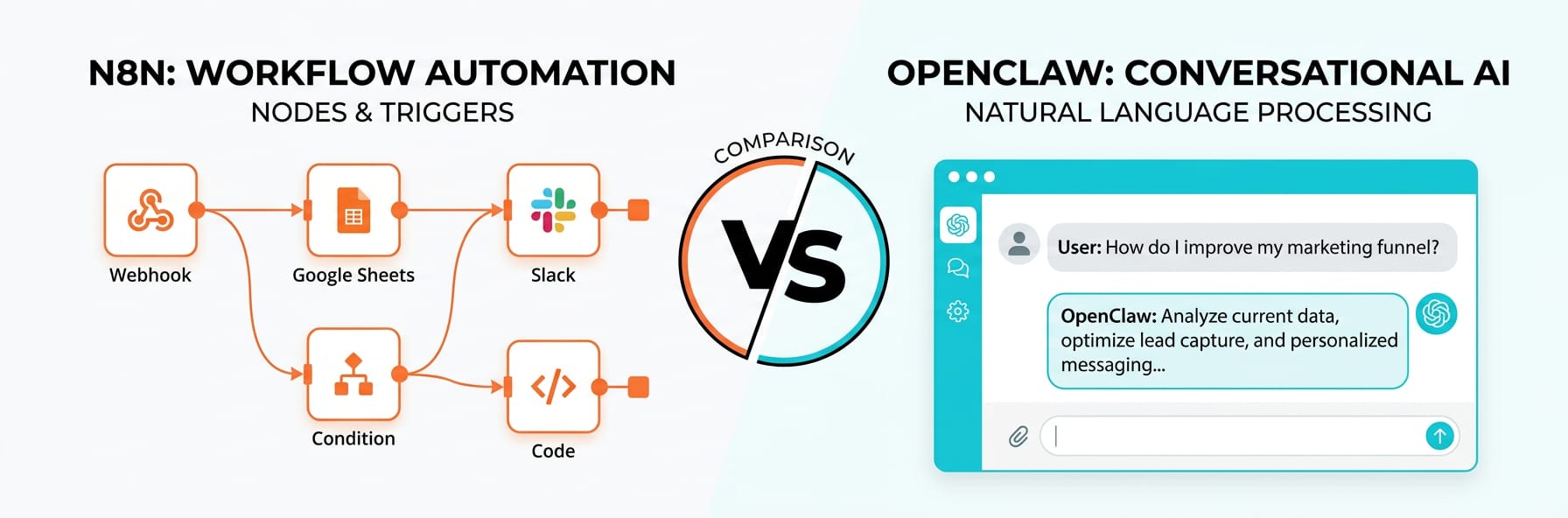
- Understand the core differences between OpenClaw and n8n for AI-driven workflows
- Know which tool fits your technical skill level and team size
- Identify when neither tool is optimal and a dedicated AI avatar platform wins
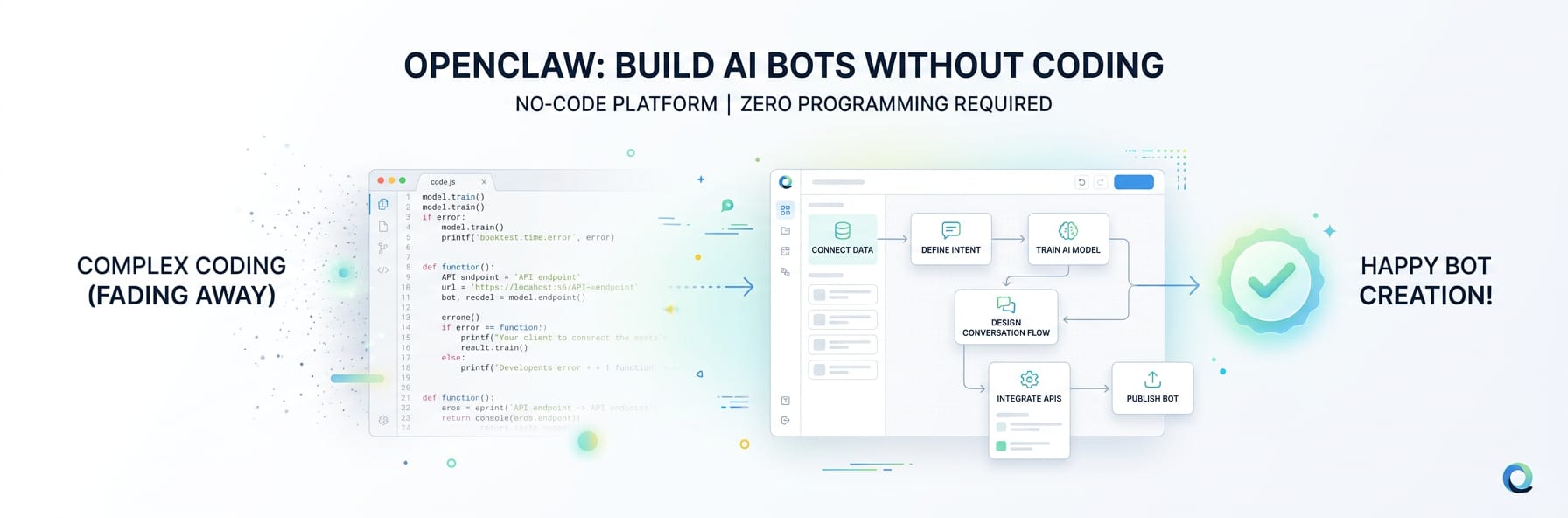
- Learn how to deploy a working AI assistant in 5 minutes without coding
Step-by-Step Guide
Click each step to expand. The whole process takes about 5 minutes.
Connect Your Own API Key in Weavin ~3 min
Before comparing automation approaches, wire up your preferred AI provider in Weavin's BYOK settings. This single key powers both OpenClaw-style linear flows and n8n-style branching workflows.
- Log into Weavin and open Settings → API Keys
- Click Add Key and choose your provider: Claude (Anthropic), GPT (OpenAI), or Gemini (Google)
- Paste your secret key — Weavin encrypts it at rest and never proxies requests through shared infrastructure
- Set a Key Alias (e.g. 'claude-prod') so you can swap models later without editing individual flows
- Click Verify — Weavin sends a lightweight test ping to confirm the key is live before saving
Build a Linear Task with OpenClaw Using Your Key ~5 min
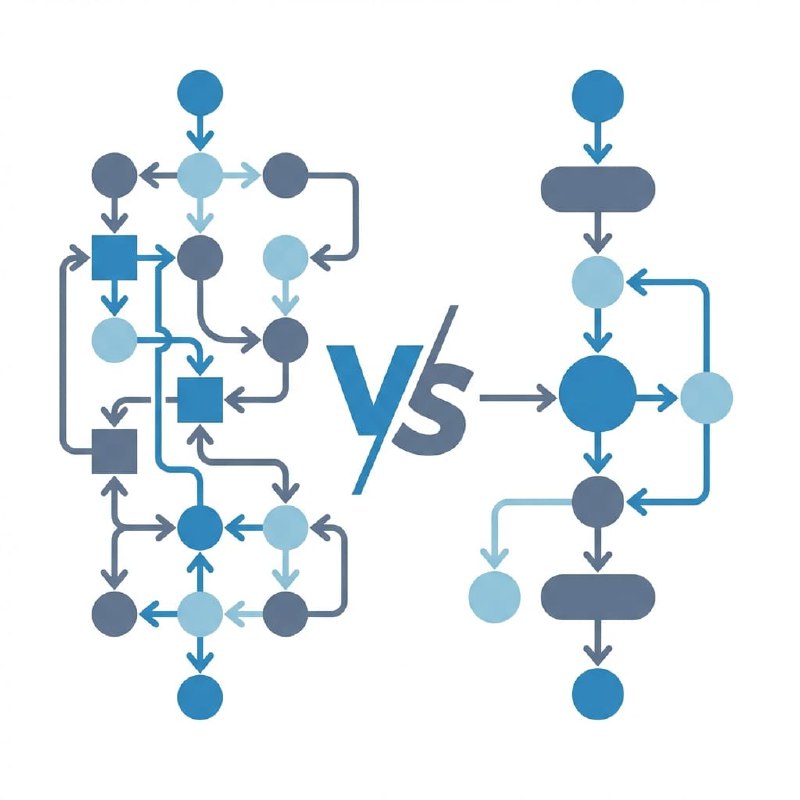
OpenClaw excels at single-purpose, sequential AI tasks — think summarisation, classification, or draft generation. Use it when the job has a clear input → AI → output shape and you want minimal overhead.
- In Weavin, click New Flow → OpenClaw Template
- In the Model dropdown, select the Key Alias you created (e.g. 'claude-prod') — your key is called directly, not routed through Weavin's default quota
- Set the System Prompt field: define the task tightly, e.g. 'Summarise the following support ticket in two sentences'
- Add an Input node (webhook, form, or CSV upload) to feed raw text into the prompt at runtime
- Add an Output node (Slack, email, or database write) and click Test Run — verify the model response uses your billed account by checking your provider's usage dashboard
Build a Branching Workflow with n8n Logic Using Your Key ~7 min
n8n-style automation in Weavin suits multi-step processes where AI decisions control what happens next — routing tickets, conditional enrichment, or looping over datasets. Your BYOK key is attached per AI node, so complex graphs still bill to your account.
- Click New Flow → n8n Canvas in Weavin to open the node-graph editor
- Drag in an AI Node, open its settings, and select your Key Alias — repeat this for every AI node in the graph if you want different models at different steps
- Add an IF / Switch node after the first AI node; set conditions based on the model's JSON output field (e.g.
sentiment === 'negative') - Wire each branch to a different action — one branch posts to a Slack urgent channel, another appends to a Google Sheet — keeping AI calls isolated so token usage stays predictable
- Enable Run History in Flow Settings; each execution log shows which Key Alias was used and the raw token count returned by your provider
Choose the Right Approach: Decision Checklist ~4 min
Use this checklist inside Weavin to pick the right tool before you build, saving time and keeping your API spend efficient.
- Count your AI calls: one call per run → OpenClaw; two or more calls with different roles → n8n canvas
- Check for branching: open your Key Alias dashboard in Weavin Settings and look at your recent flows — if more than 30 % of runs hit an early exit path, you need n8n-style conditional nodes, not a linear chain
- Model mixing: if you want GPT for extraction and Gemini for summarisation in the same workflow, only the n8n canvas lets you assign a different Key Alias per AI node
- Latency budget: OpenClaw flows skip the graph engine overhead — if your SLA requires a response under two seconds, prototype in OpenClaw first, then migrate to n8n only if branching becomes necessary
- Cost review: in Settings → Usage, filter by flow type; compare cost-per-run between your OpenClaw and n8n flows monthly and consolidate whichever type shows redundant single-step graphs
What Happens After Launch
Real Use Cases Right Now