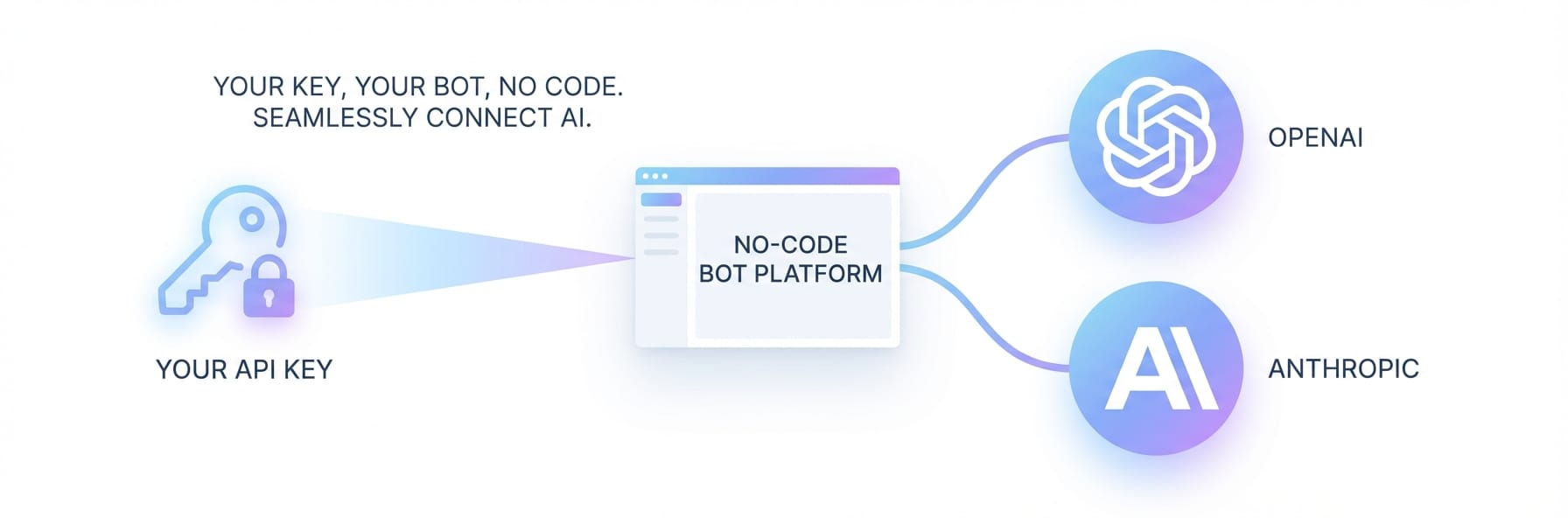


How to Create a Telegram Bot in 5 Minutes Without Coding
Most people give up on Telegram bots after hitting a wall of webhooks and API docs. Here's the version that actually takes 5 minutes.
Why Most "No-Code" Telegram Bot Guides Still Require Code
If you've tried this before, you know the feeling.
You search "create Telegram bot no code," follow a tutorial, and 20 minutes later you're staring at a webhook configuration screen wondering what went wrong.
"Tried using some automation platforms but they all assume you understand webhooks and API endpoints. Spent 2 weeks reading docs and watching tutorials but kept hitting walls... gave up and hired someone on Upwork for $200 to build it. Works fine but now if I want to change anything I have to pay them again." — r/nocode
"Zapier was ok but felt janky. Make was better but still required a ton of manual setup — spent like 3 hours trying to get a simple content repurposing bot working... The main difference is you stay in Telegram the whole time. No switching between 5 different apps, no webhooks to configure." — Reddit user, tested 3 platforms back to back
That's the real benchmark: not whether something is technically "no-code," but whether a non-technical person can actually finish it.
| Method | Time to Launch | Technical Knowledge | Ongoing Maintenance |
|---|---|---|---|
| Build from scratch (Python/Node) | Days to weeks | Significant | You're on your own |
| Zapier + Telegram | 2–3 hours | Moderate (webhooks) | Frequent issues |
| Make (formerly Integromat) | 3+ hours | Moderate (modules) | Manual updates |
| Weavin ✦ | ~5 minutes | None | Handled for you |
What You'll Have at the End of This Tutorial
A fully functional Telegram bot that:
Your bot will
- Respond to messages from users in your group or DMs
- Run 24/7 without you touching anything
- Be customizable with personality, expertise, and scheduled messages
- Work across Telegram and other platforms simultaneously — Discord, Slack, and more
No server. No code. No Upwork invoice.
Step-by-Step: Creating Your Telegram Bot
Click each step to expand. The whole process takes about 5 minutes.
Get Your Telegram Bot Token ~2 min
This is the one step that involves Telegram itself — and it's simpler than it sounds.
- Open Telegram and search for @BotFather
- Start a chat and send the command:
/newbot - BotFather will ask for a name (what users see, e.g. "Acme Support Bot") and a username (must end in
bot, e.g.acmesupport_bot) - BotFather will reply with a token — a long string like
110201543:AAHdqTcvCH1vGWJxfSeofSAs0K5PALDsaw - Copy that token. You'll need it in Step 3.
Create Your Avatar on Weavin ~1 min
- Go to weavin.ai and sign up (email or Google)
- Click "Create New Avatar"
- Give your Avatar a name and a short description of its personality and role — e.g. "A friendly community assistant for our crypto trading group. Answers questions about market basics and keeps the conversation positive."
- Supports English, Chinese, Japanese, Korean, and more
- Click Next
Connect to Telegram ~1 min
- In the platform selection screen, choose Telegram
- Paste the Bot Token you copied from BotFather
- Click Connect
Weavin verifies the connection automatically. If the token is valid, you'll see a green confirmation.
Go Live ~30 sec
Review your Avatar's settings and click Launch.
Your bot is now live. Open Telegram, find your bot by its username, and send it a message — it will respond immediately.
Add it to a group by opening group settings → Add Members → search for your bot's username.
What Happens After Launch
Once your bot is running, everything is managed from the Weavin dashboard.
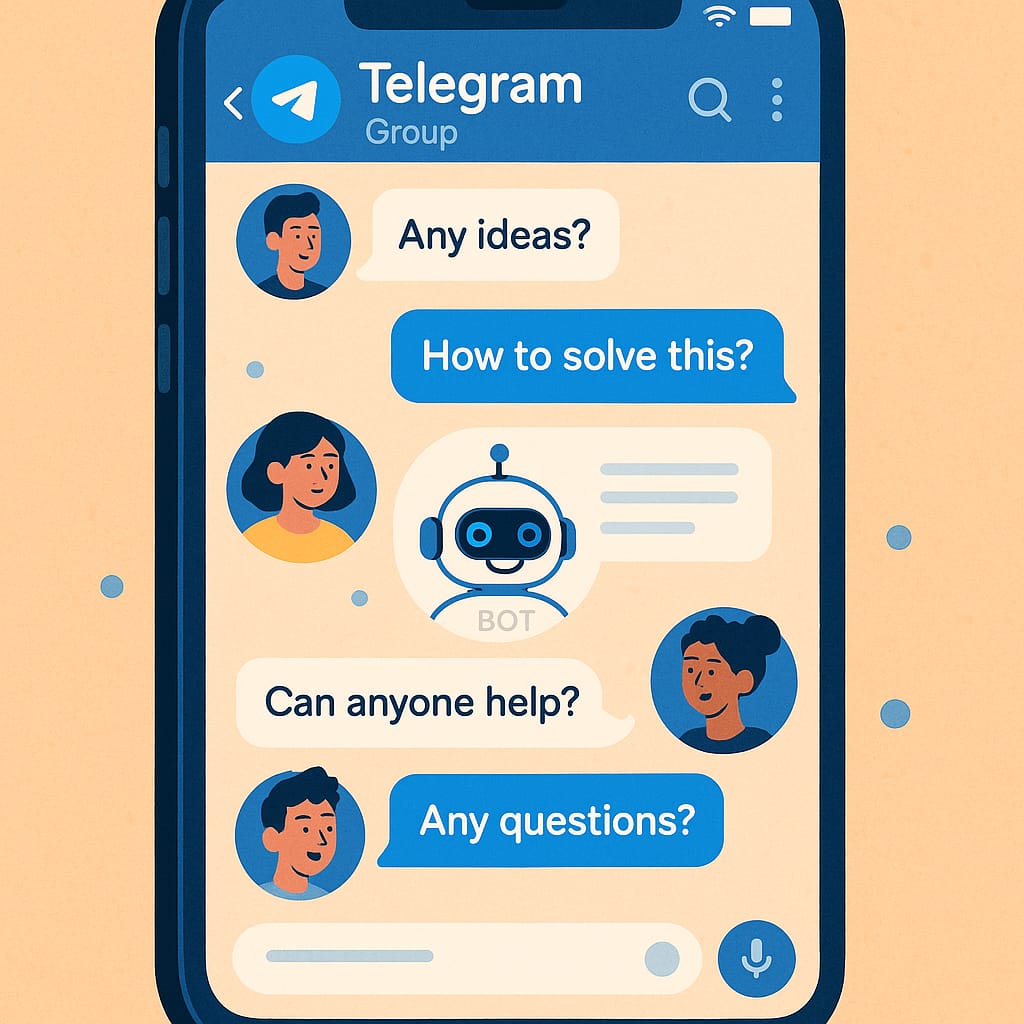
Real Use Cases People Are Building Right Now
Based on what's trending in the Telegram bot community on X and Reddit: